
Deploy SiYuan
Knowledge workspace & note-taking app that stores your notes as Markdown
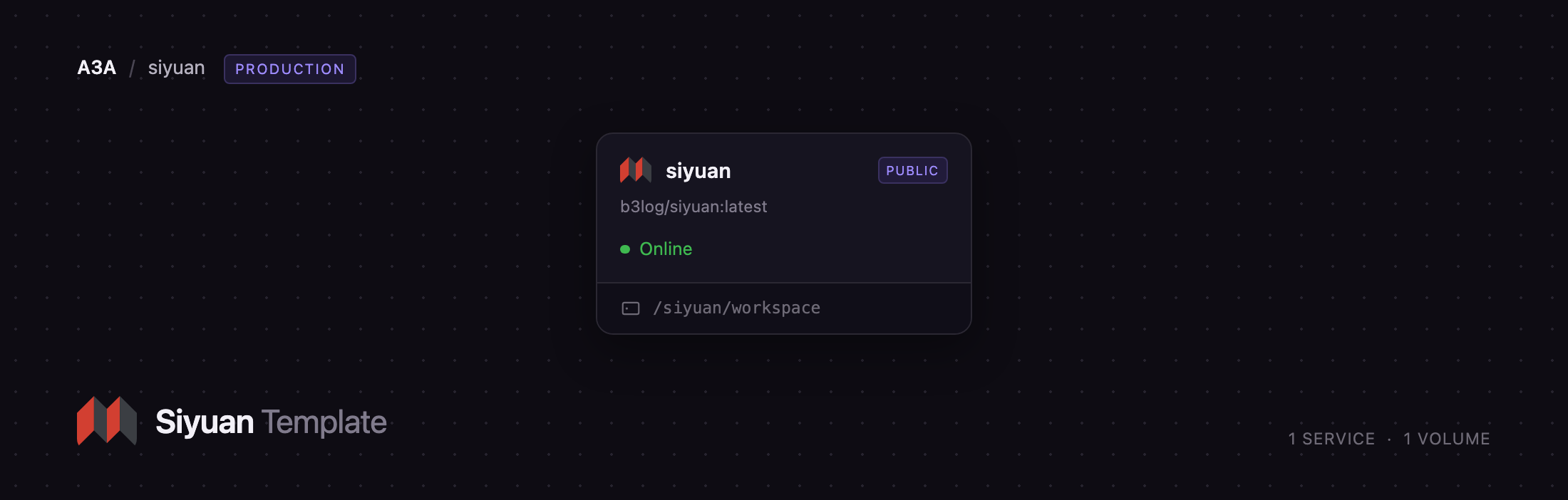
siyuan
Just deployed
/siyuan/workspace
Deploy and Host SiYuan on Railway
SiYuan is a privacy-first, open-source knowledge workspace built around content blocks. Every paragraph, list item, table and heading is an addressable block you can reference, embed, zoom into or query with SQL, and the notebook is stored as plain Markdown files on disk rather than in a proprietary format. Writers, researchers and engineering teams use it for long-form notes, project wikis and flashcards. Self-host SiYuan when you want Obsidian-style ownership of your files with a real server behind them, reachable from any browser instead of one desktop machine.
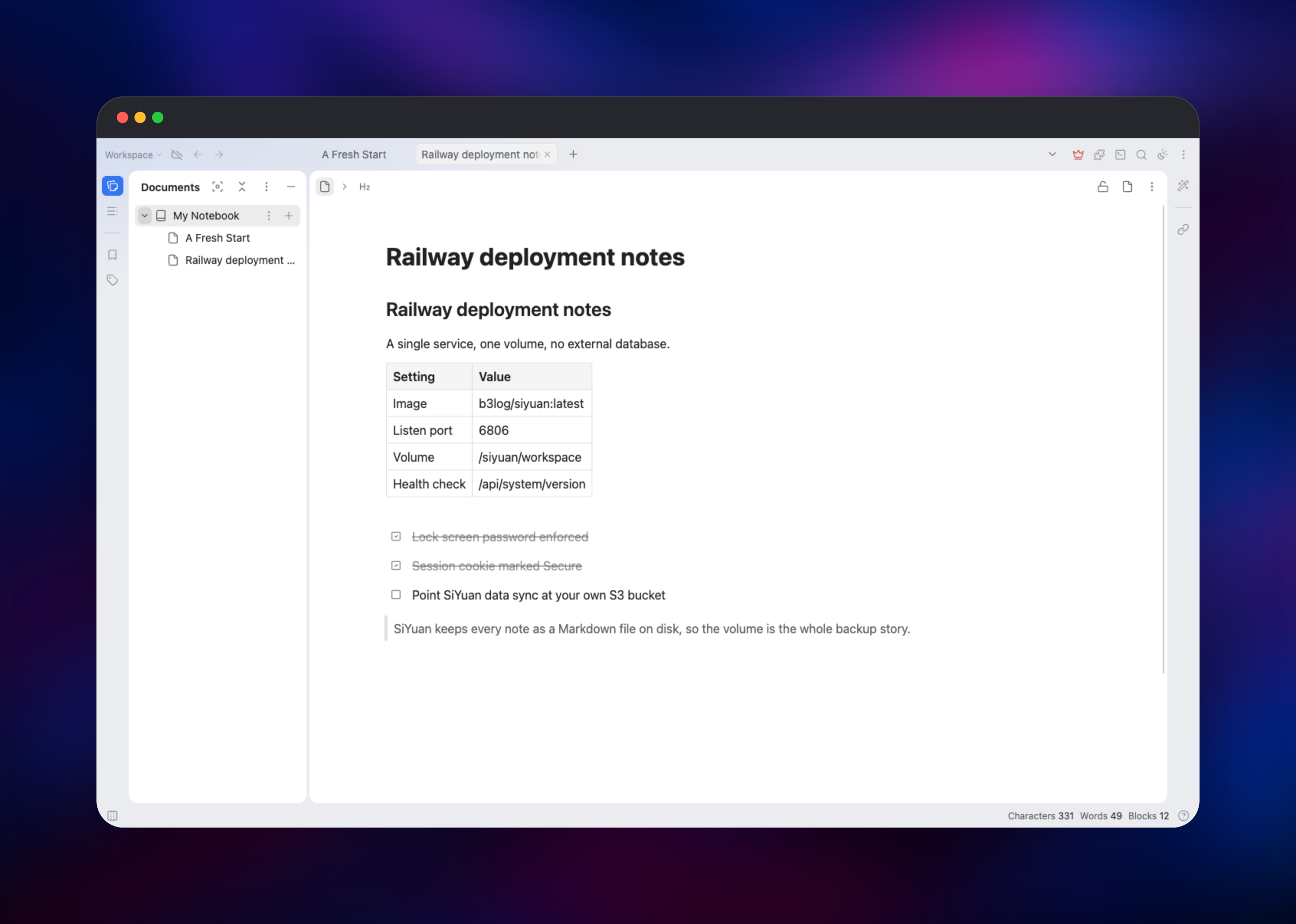
Deploy SiYuan on Railway and you get the official b3log/siyuan kernel as a single service on port 6806, with a persistent volume at /siyuan/workspace holding notes, assets, configuration and search index. There is no database to provision: the Go kernel writes Markdown to the volume and rebuilds its SQLite index from those files, so the volume is the entire state of the deployment. A lock screen password guards every route, the session cookie carries the Secure flag, and the kernel's WebSocket channel runs over the same domain so the editor stays live.
Getting Started with SiYuan on Railway
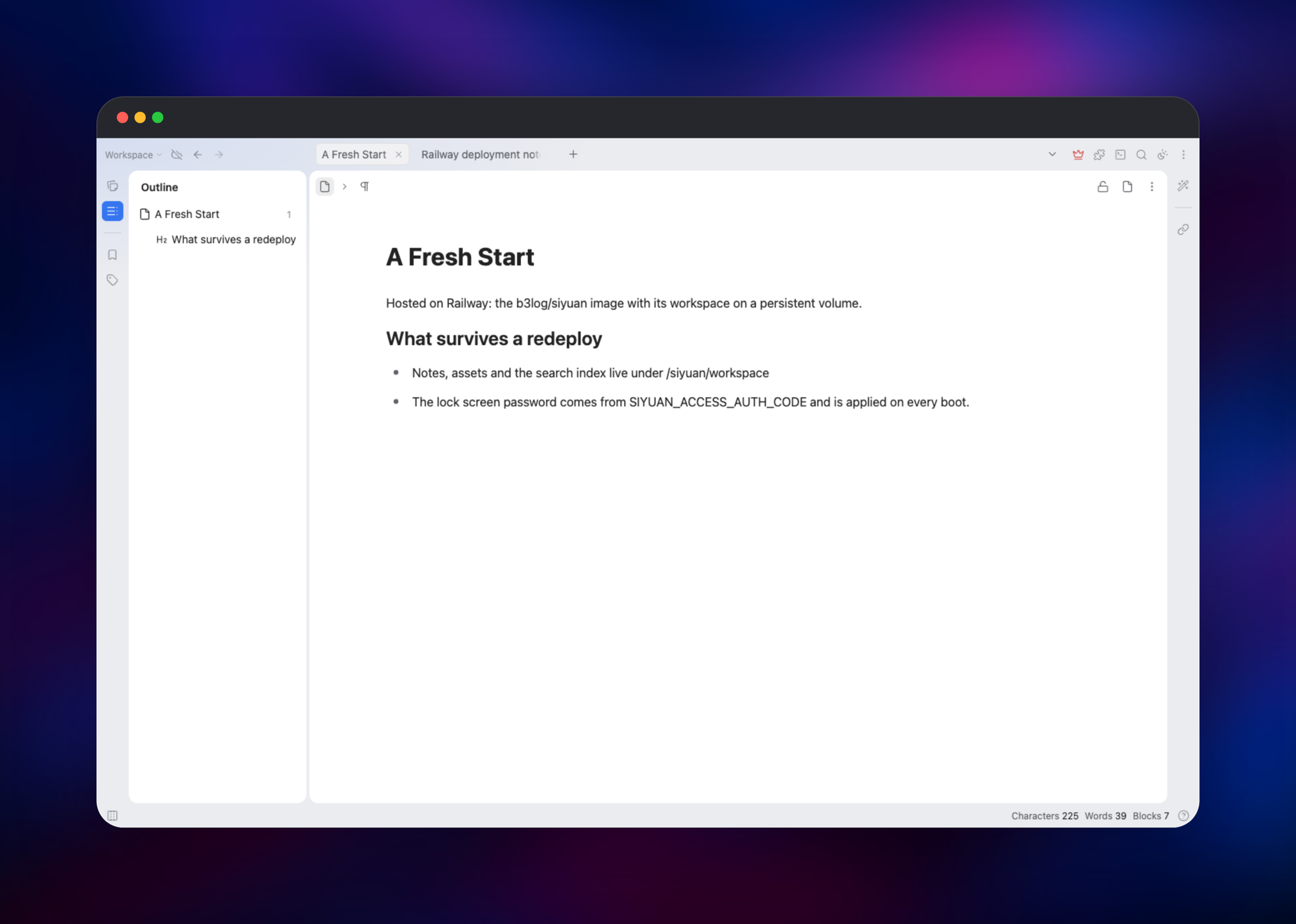
Open the generated Railway domain and you land on the access authorization screen. There is no username and no registration step — SiYuan is single-user, and the only credential is the lock screen password held in the SIYUAN_ACCESS_AUTH_CODE variable, which you can read or change from the service's Variables tab. Paste it in and the workspace opens with a notebook called My Notebook and a starter document. Click into the body and type: Markdown shortcuts are live, so ## becomes a heading and * a list.
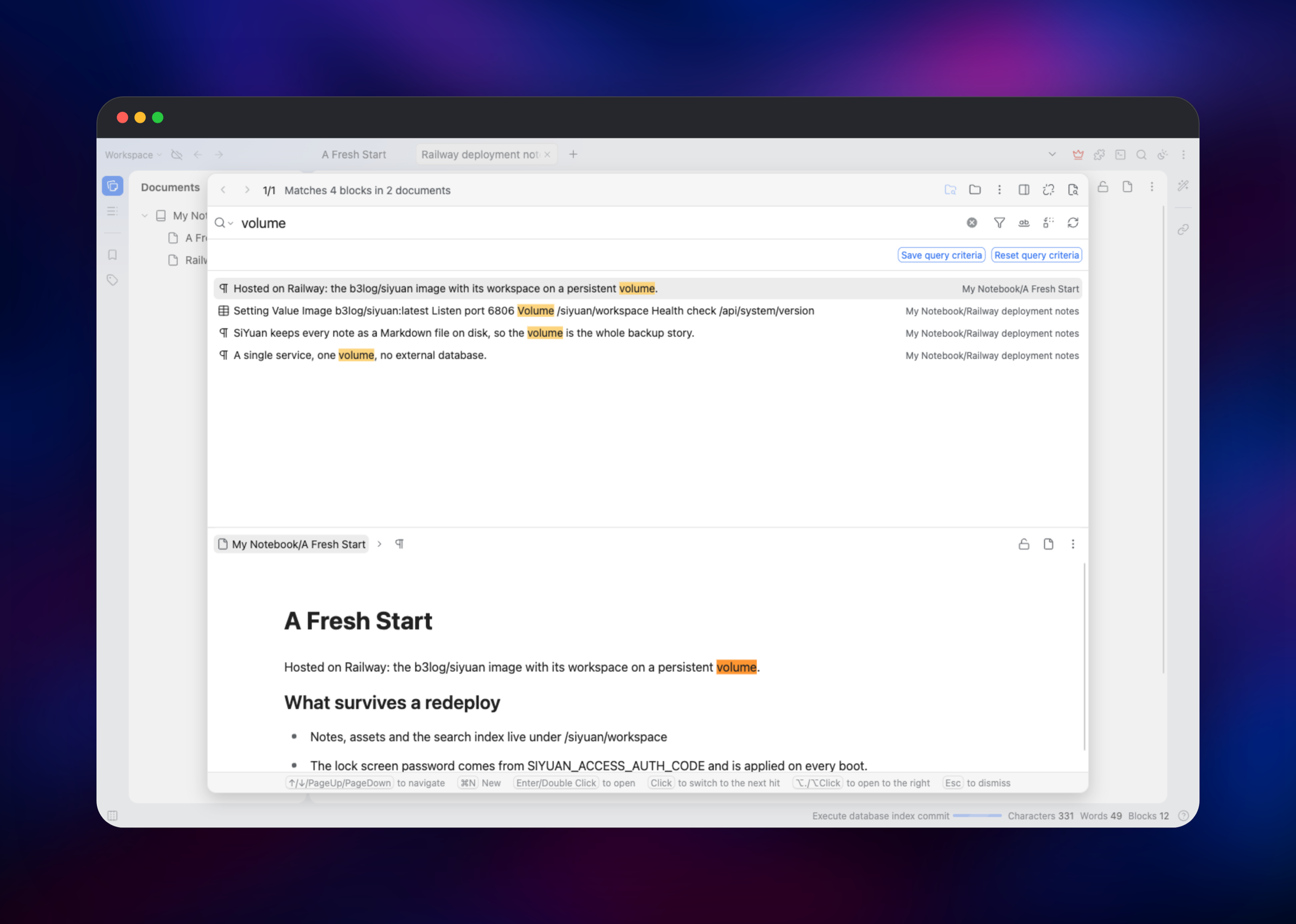
To confirm it works end to end, create a second document from the + beside the notebook name, write a few lines, then press the search icon in the top-right toolbar and search a word you typed — matches come back highlighted with the document path beside them, proving the kernel indexed your writing and is using the volume. Redeploy once and reopen the page: documents and session both survive. Then set TZ to your own timezone so daily notes carry the right date.
About Hosting SiYuan
SiYuan solves the problem most note apps create: your writing ends up locked inside someone else's sync service. It keeps every document as a Markdown file in a directory you control, adds a block layer so ideas can be linked and reused, and ships as one small Go binary with an embedded web UI. Teams self-host it for a searchable knowledge base without running a database cluster; individuals, to reach the same notes from any browser.
Key features:
- Block-level references, two-way links and backlinks between any two blocks
- Markdown WYSIWYG editing with tables, task lists, math, diagrams and code
- Full-text search across every block, plus embedded SQL queries over your own notes
- Database (table view) blocks, flashcards with spaced repetition, templates
- Web clipping, PDF annotation links and a marketplace of themes and plugins
- A documented HTTP API for scripting note creation, search and export
The architecture is deliberately flat. One service runs the kernel, serving the browser UI, the REST API and the WebSocket push channel on a single port. One volume holds data/ (Markdown and assets), conf/ (settings) and temp/ (the SQLite index, rebuilt on boot). Because the kernel takes an exclusive lock on the workspace, the service runs at exactly one replica — a property of the application, not the platform.
Why Deploy SiYuan on Railway
Railway removes the server work around a self-hosted notebook:
- One-click deploy of the official image, with HTTPS on a generated domain
- A persistent volume for notes, assets and index, mounted automatically
- Variables for the password and timezone, editable without a rebuild
- Health checks and restarts if the kernel stops responding
- Logs, metrics and one-click redeploys when a new SiYuan release ships
Common Use Cases
- A personal knowledge base reachable from any browser, with no third-party sync service holding files
- An engineering or research wiki where runbooks, architecture notes and decisions link at block level
- A writing environment keeping drafts, outlines and clippings in one searchable workspace
- A study system pairing notes with flashcards and spaced repetition
Dependencies for SiYuan
b3log/siyuan:latest— the official kernel image, from siyuan-note/siyuan on Docker Hub- A Railway volume at
/siyuan/workspace— the only persistent state in the deployment
No database, cache or object storage is required: the index is SQLite files inside the same volume, assets are files beside the Markdown.
Environment Variables Reference
| Variable | Purpose |
|---|---|
SIYUAN_ACCESS_AUTH_CODE | Lock screen password. Required; applied on every boot |
PORT | Port the platform health-checks. Keep it at 6806 |
TZ | Timezone for daily notes and document timestamps |
RAILWAY_DEPLOYMENT_DRAINING_SECONDS | Shutdown grace period so index writes flush |
SIYUAN_LANG | Interface language. Leave unset to keep the choice made in Settings |
SIYUAN_OIDC_ENABLED | Replace the lock screen password with an OIDC provider |
SIYUAN_OPENAI_API_KEY | Enables the built-in AI assistant and semantic search |
SIYUAN_ACCESS_AUTH_CODE_BYPASS | Disables the password. Never set this on a public domain |
Deployment Dependencies
- Source repository: https://github.com/siyuan-note/siyuan (AGPL-3.0)
- Container image: https://hub.docker.com/r/b3log/siyuan
- User guide: https://siyuan-en.b3log.org
- HTTP API reference: https://github.com/siyuan-note/siyuan/blob/master/docs/API.md
Hardware Requirements for Self-Hosting SiYuan
| Resource | Minimum | Recommended |
|---|---|---|
| CPU | 0.5 vCPU | 1–2 vCPU |
| RAM | 512 MB | 1–2 GB |
| Storage | 1 GB volume | 5 GB+, sized to your assets |
| Runtime | Go kernel in a container | Same, one replica only |
Self-Hosting SiYuan with Docker
The image expects the serve subcommand and a workspace path. The minimal Docker command:
docker run -d --name siyuan \
  -p 6806:6806 \
  -v /srv/siyuan:/siyuan/workspace \
  -e SIYUAN_ACCESS_AUTH_CODE=change-me \
  b3log/siyuan:latest \
  serve --workspace=/siyuan/workspace --port=6806
Behind a TLS-terminating proxy add --ssl, so session cookies are marked Secure, and proxy /ws for WebSockets. The equivalent Compose service:
services:
  siyuan:
    image: b3log/siyuan:latest
    command: ["serve", "--workspace=/siyuan/workspace", "--port=6806", "--ssl"]
    ports: ["6806:6806"]
    volumes: ["./workspace:/siyuan/workspace"]
    environment:
      SIYUAN_ACCESS_AUTH_CODE: change-me
    restart: unless-stopped
How Much Does SiYuan Cost to Self-Host?
SiYuan is open source under AGPL-3.0 and the self-hosted server is free, including for commercial use. No licence key, seat count or feature flag gates the editor, search, database blocks or flashcards. The vendor sells optional tiers for its own cloud — a one-time PRO purchase unlocking third-party S3 and WebDAV sync, and a subscription bundling cloud storage. Neither is needed here; your only cost is the compute and volume this service uses.
FAQ
What is SiYuan?
A privacy-first, self-hosted knowledge management application with block-level references, two-way links and Markdown WYSIWYG editing, storing notes as Markdown files you own.
What does this Railway template deploy?
One service running the official b3log/siyuan kernel on port 6806, with a persistent volume at /siyuan/workspace and an HTTPS domain. No database or cache is provisioned.
Why is there no Postgres or Redis in this template?
SiYuan keeps documents as Markdown files and builds its SQLite index beside them, both inside the volume. An external database would have nothing to store, and keeping all state in one directory makes backups a file copy.
How do I log in to self-hosted SiYuan, and are there default credentials?
There are none. SiYuan is single-user: the only credential is the lock screen password from SIYUAN_ACCESS_AUTH_CODE, entered with no username. Change the variable to change it — editing the password inside the app is overwritten on the next deploy.
Can I connect the SiYuan desktop or mobile app to a self-hosted server?
The containerised kernel serves browsers. Desktop and mobile clients use a workspace of their own, and PDF/Word/HTML export plus Markdown import are unavailable in the server build.
How do I back up a self-hosted SiYuan workspace?
Everything lives under /siyuan/workspace, so copying that directory is a complete backup. For off-server copies, SiYuan's data repository syncs encrypted snapshots to an S3 or WebDAV endpoint, configured inside the app along with its passphrase.
Can I run more than one replica of SiYuan?
No. The kernel locks the workspace at startup and exits if another process holds it, so scale vertically with more CPU and RAM.
Template Content
siyuan
b3log/siyuan:latest

