
Deploy Stirling PDF
Private PDF editor. AI processing, OCR, classification, compression,...
Stirling PDF
Just deployed
/stirling-data
Deploy and Host Stirling PDF on Railway
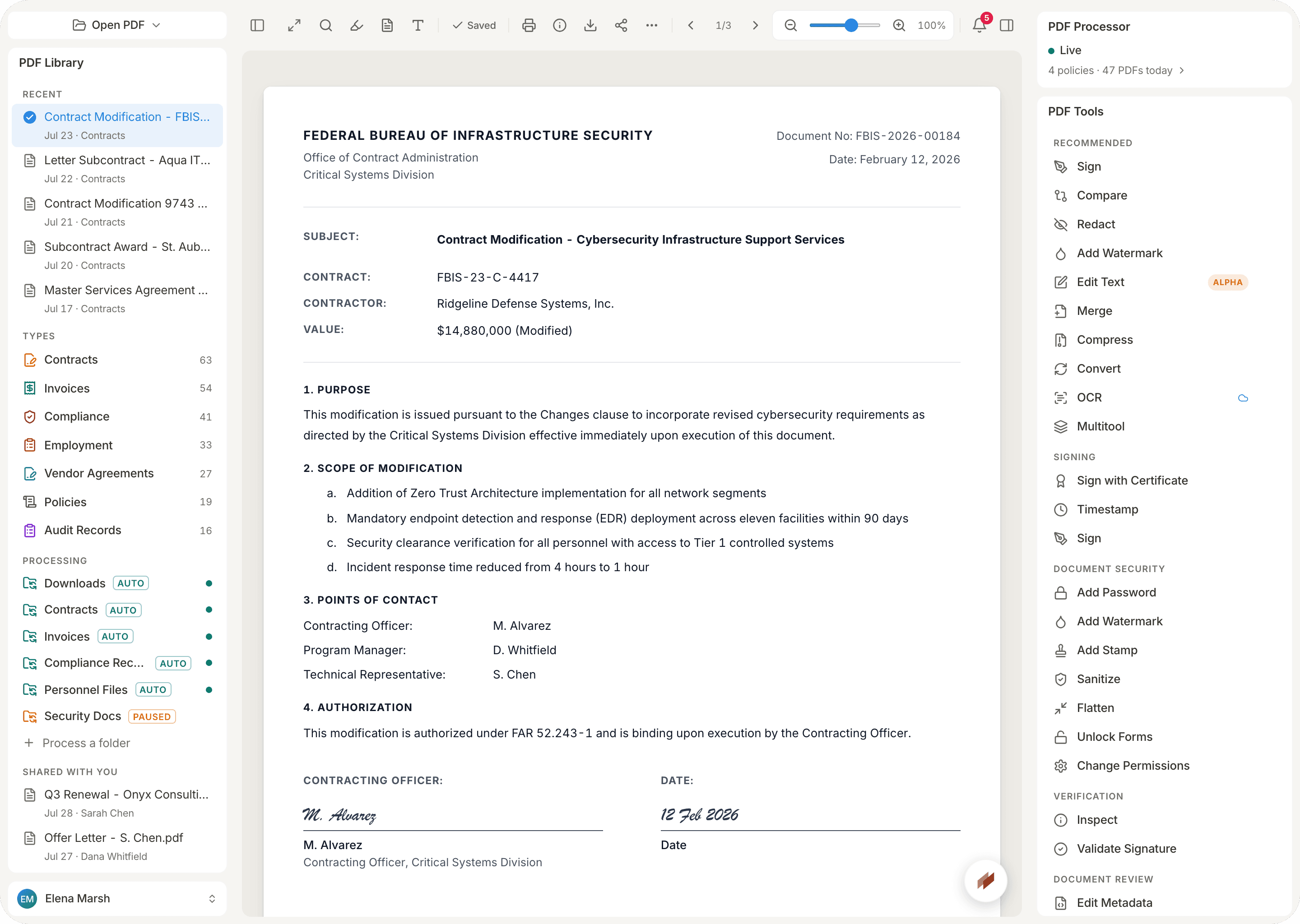
Stirling PDF is a self-hosted, web-based PDF toolkit. Merge, split, convert, OCR, compress, rotate, and edit PDFs in the browser without sending files to a third-party cloud. Everything runs on your own Railway service with optional login and persistent storage.
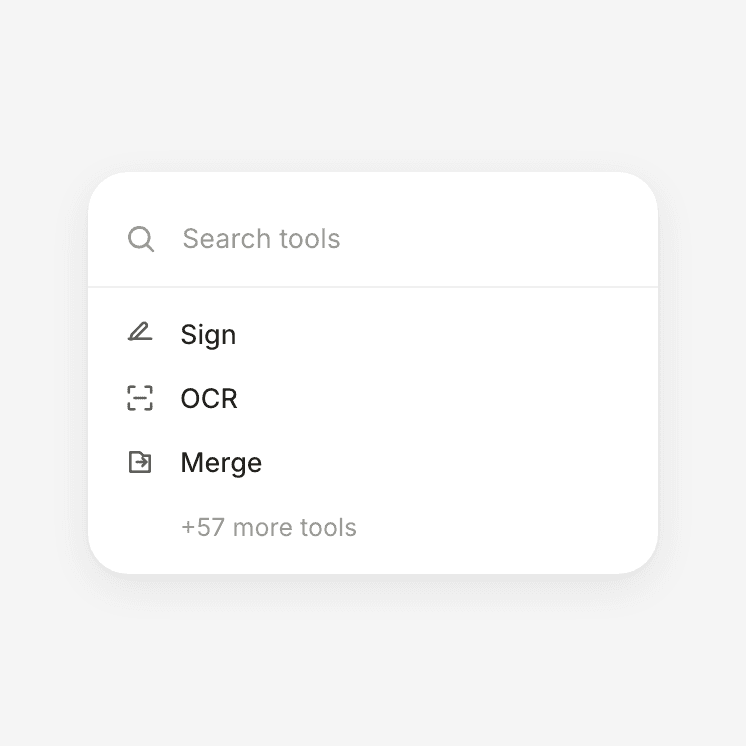
About Hosting Stirling PDF
This template runs the official Docker Hub image (stirlingtools/stirling-pdf) as a single Railway service with a public HTTP domain. A volume mounted at /stirling-data keeps configs, logs, custom files, pipelines, and storage across redeploys. Login is enabled by default with an auto-generated admin password. Frontend and backend URLs are wired to your Railway public domain. A healthcheck on /api/v1/info/status keeps the service healthy.
How to log in after deploy: open your service’s public URL, then use the credentials from the Stirling PDF service → Variables tab in Railway:
- Username:
SECURITY_INITIALLOGIN_USERNAME(defaultadmin) - Password:
SECURITY_INITIALLOGIN_PASSWORD(auto-generated via${{secret()}}on each new deploy)
Copy those values from Variables, sign in, and change the password in Stirling if you want a custom one.
Common Use Cases
- Private PDF editing for a team or client so documents never leave your infrastructure
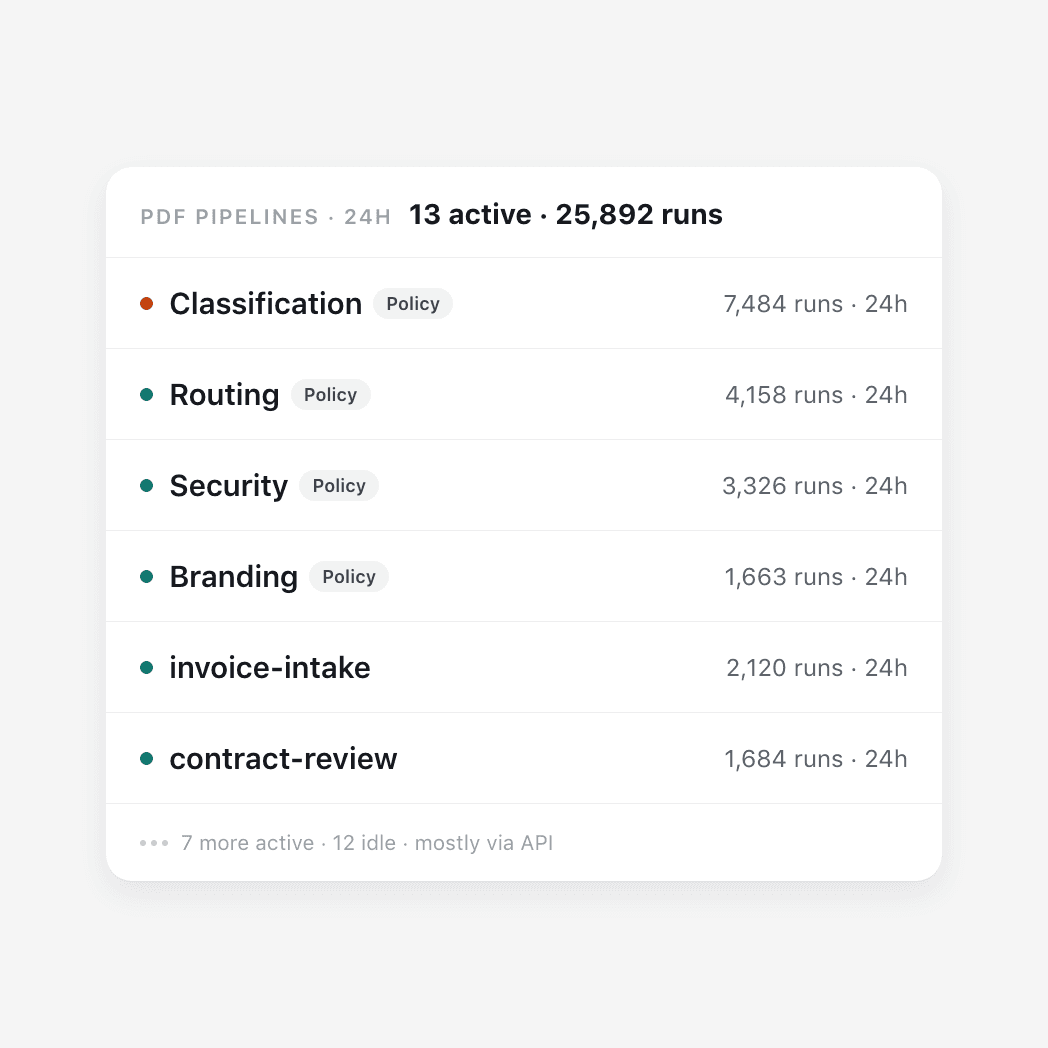
- OCR and conversion pipelines (scan to searchable PDF, PDF to images, merge/split batches)
- A always-on self-hosted alternative to SaaS PDF tools for indie projects and small agencies
Dependencies for Stirling PDF Hosting
- Docker image:
stirlingtools/stirling-pdf:latest(Docker Hub) - One Railway volume mounted at
/stirling-data(required for persistence)
Implementation Details
Environment highlights set by this template:
SECURITY_ENABLELOGIN=truewithSECURITY_INITIALLOGIN_USERNAME=adminandSECURITY_INITIALLOGIN_PASSWORD=${{secret()}}STIRLING_BASE_PATH=/stirling-dataaligned with the volume mountSYSTEM_FRONTENDURL/SYSTEM_BACKENDURL=https://${{RAILWAY_PUBLIC_DOMAIN}}- Healthcheck path:
/api/v1/info/status
Start command creates the expected subdirectories under /stirling-data before launching Stirling PDF.
Login credentials are never shown in the deploy UI after the fact — always read them from the service Variables tab (SECURITY_INITIALLOGIN_USERNAME / SECURITY_INITIALLOGIN_PASSWORD).
Why Deploy Stirling PDF on Railway?
Railway is a singular platform to deploy your infrastructure stack. Railway will host your infrastructure so you don't have to deal with configuration, while allowing you to vertically and horizontally scale it.
By deploying Stirling PDF on Railway, you are one step closer to supporting a complete full-stack application with minimal burden. Host your servers, databases, AI agents, and more on Railway.
Template Content
Stirling PDF
stirlingtools/stirling-pdf:latest

