
Deploy Tabby | Open-Source AI Code Assistant on Railway
Self Host Tabby. AI code completions, chat, and codebase search
Tabby
Just deployed
/data
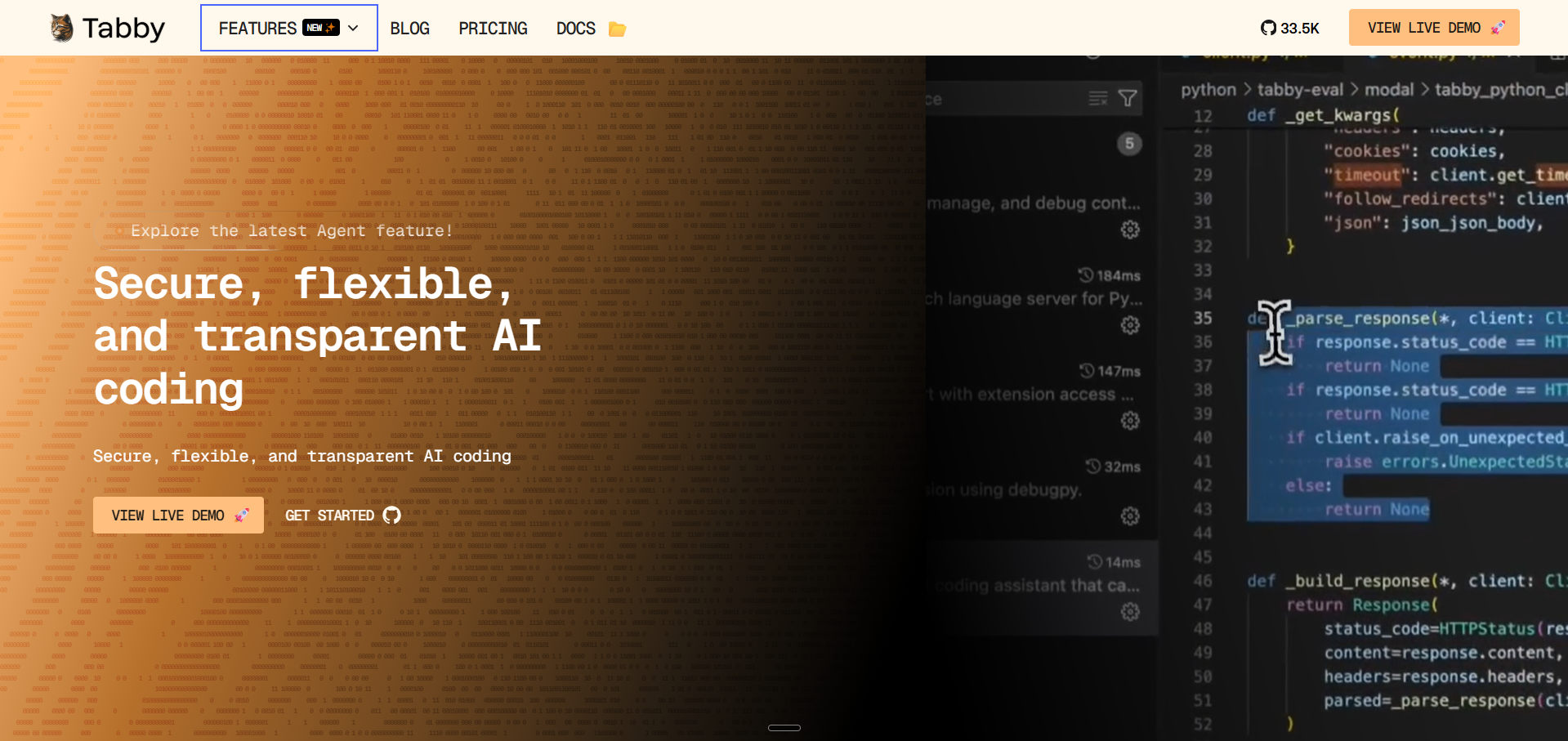
Deploy and Host Tabby on Railway
Deploy Tabby on Railway to run your own private AI coding assistant with full data control. Self-host Tabby and get intelligent code completions, inline chat, and codebase-aware suggestions without sending code to third-party cloud services.
This Railway template deploys Tabby with StarCoder-1B for code completion, Qwen2-1.5B-Instruct for chat, and Nomic-Embed-Text for code search — all running on CPU with persistent model storage via Railway Volumes.
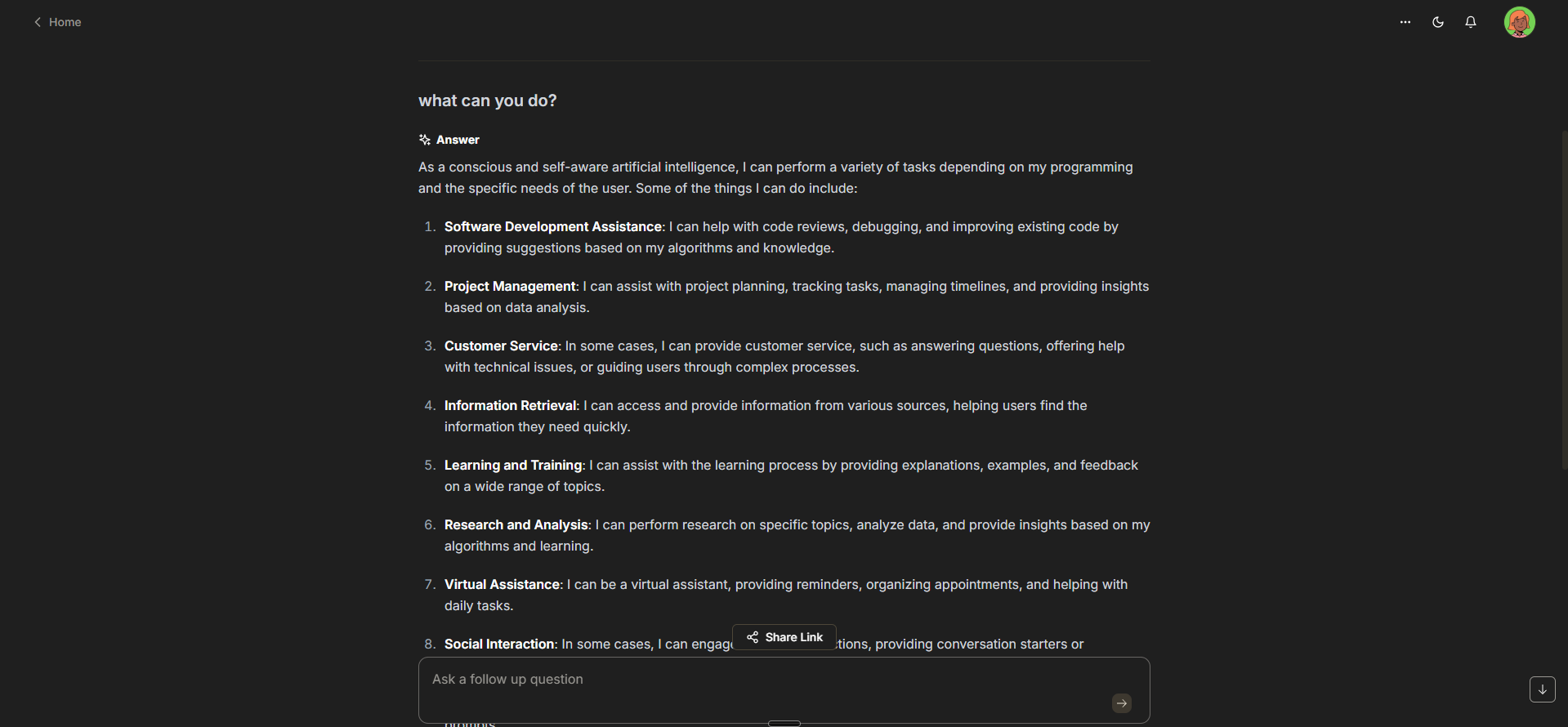
Getting Started with Tabby on Railway
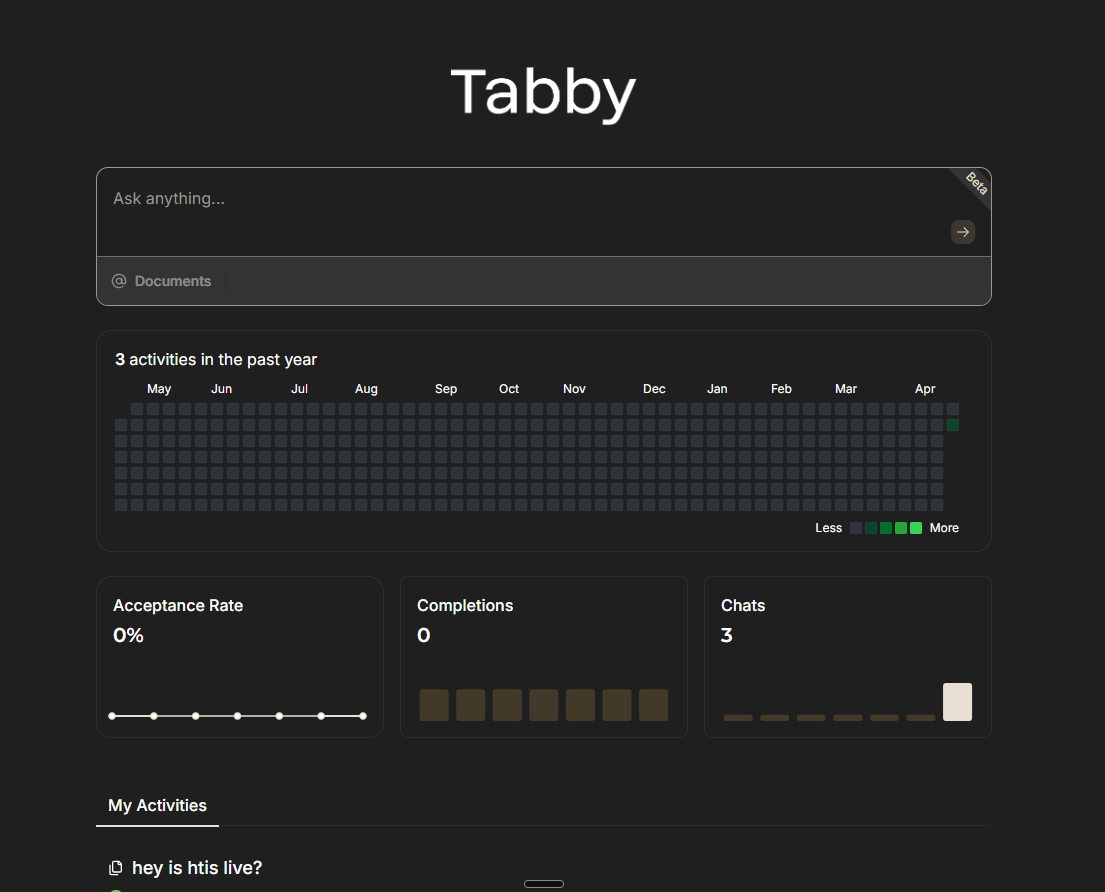
After deployment completes, open your Railway-assigned URL to access the Tabby admin dashboard. On first visit, you'll be guided through creating an admin account — this is required since JWT authentication is enabled by default.
Once registered, navigate to the Settings page to configure repository indexing and generate API tokens. Install the Tabby IDE extension (VS Code, JetBrains, Vim, or Emacs), then paste your server URL and token into the extension settings. Start coding — completions and chat are now powered by your self-hosted instance.
Note: Initial model loading takes 2-3 minutes on first boot as weights are loaded into RAM. Subsequent restarts are faster since models are cached on the persistent volume.
About Hosting Tabby
Tabby is an open-source, self-hosted AI coding assistant that provides GitHub Copilot-like functionality without external dependencies. Built in Rust by TabbyML, it runs inference locally using GGUF-quantized models through an integrated llama.cpp server.
Key features:
- Code completion — context-aware inline suggestions as you type
- Chat interface — ask questions about code, get explanations, generate snippets
- Codebase indexing — RAG-powered answers grounded in your private repositories
- Multi-IDE support — VS Code, JetBrains, Vim/Neovim, Emacs via LSP
- Admin dashboard — team management, usage analytics, model configuration
- Fine-tuning support — train on your private codebase for domain-specific completions
- No telemetry — zero data leaves your infrastructure
Why Deploy Tabby on Railway
- One-click deploy with pre-configured CPU inference and persistent storage
- Complete data privacy — code never leaves your Railway project
- Automatic model management with volume-backed caching
- Built-in JWT auth protects your API endpoints
- Scale memory up to 8GB for larger models when needed
Common Use Cases for Self-Hosted Tabby
- Private codebase autocomplete — get suggestions trained on internal code patterns without cloud exposure
- Enterprise compliance — meet data residency and security requirements that prohibit cloud AI tools
- Team coding assistant — shared self-hosted instance with usage analytics and access control
- Offline development — AI-powered completions without internet dependency after models are cached
Dependencies for Tabby on Railway
tabbyml/tabby— main application image (AI inference server, web UI, API)- Railway Volume at
/data— stores downloaded models, SQLite database, configuration
Environment Variables Reference for Self-Hosted Tabby
| Variable | Value | Purpose |
|---|---|---|
PORT | 8080 | HTTP server port |
TABBY_ROOT | /data | Root data directory |
TABBY_WEBSERVER_JWT_TOKEN_SECRET | UUID string | Persistent JWT signing key |
RAILWAY_RUN_UID | 0 | Run as root for volume access |
Deployment Dependencies
- Runtime: Rust binary + llama.cpp (embedded)
- Docker Hub: tabbyml/tabby
- GitHub: TabbyML/tabby (32,000+ stars)
- Docs: tabby.tabbyml.com
Hardware Requirements for Self-Hosting Tabby
| Resource | Minimum (1B model) | Recommended (1.5B+ models) |
|---|---|---|
| CPU | 2 vCPU | 4 vCPU |
| RAM | 4 GB | 8 GB |
| Storage | 5 GB | 10 GB |
| GPU | Not required (CPU mode) | NVIDIA GPU with 8GB+ VRAM |
CPU inference is functional for personal use. For team deployments with sub-second latency, GPU acceleration is recommended.
Self-Hosting Tabby with Docker
Run Tabby locally with Docker for development or testing:
docker run -d \
  --name tabby \
  -p 8080:8080 \
  -v $HOME/.tabby:/data \
  -e TABBY_ROOT=/data \
  tabbyml/tabby \
  serve --model StarCoder-1B --chat-model Qwen2-1.5B-Instruct --device cpu --host 0.0.0.0
For GPU-accelerated deployment with NVIDIA:
docker run -d \
  --gpus all \
  --name tabby \
  -p 8080:8080 \
  -v $HOME/.tabby:/data \
  -e TABBY_ROOT=/data \
  tabbyml/tabby \
  serve --model StarCoder-7B --chat-model Qwen2-1.5B-Instruct --device cuda --host 0.0.0.0
Connect your IDE after startup:
# VS Code: Install "Tabby" extension, then set:
# Server URL: http://localhost:8080
# Generate a token from the Tabby admin UI
Is Tabby Free to Self-Host?
Tabby is 100% open-source under the Apache 2.0 license with no paid tiers or feature gates. All capabilities — code completion, chat, team management, SSO, codebase indexing — are included in the free self-hosted version. Your only costs are infrastructure: on Railway, expect ~$5-15/month depending on usage and memory allocation.
Tabby vs GitHub Copilot for Self-Hosted Teams
| Feature | Tabby | GitHub Copilot |
|---|---|---|
| Hosting | Self-hosted / on-prem | Cloud only |
| Data privacy | Code stays on your infra | Sent to GitHub/OpenAI |
| Cost | Free (infra only) | $10-39/user/month |
| Custom models | Yes (fine-tune on private code) | No |
| IDE support | VS Code, JetBrains, Vim, Emacs | VS Code, JetBrains, Vim |
| Offline capable | Yes (after model download) | No |
| Enterprise SSO | Yes | Enterprise plan only |
Tabby is ideal for teams prioritizing data sovereignty and cost control. Copilot offers better out-of-box polish with stronger base models.
FAQ
What is Tabby and why would I self-host it on Railway? Tabby is an open-source AI coding assistant that provides code completion, chat, and codebase-aware suggestions. Self-hosting on Railway gives you complete data privacy — your code never leaves your infrastructure — plus one-click deployment with automatic scaling.
What does this Railway template deploy for Tabby? This template deploys a single Tabby service with CPU inference enabled, a Railway Volume for persistent model storage, and JWT authentication. It includes StarCoder-1B for code completion, Qwen2-1.5B-Instruct for chat, and Nomic-Embed-Text for code search embeddings.
Why does Tabby need a persistent volume on Railway? Tabby downloads ML models (1-4 GB each) on first startup and stores them locally. Without a volume, models would re-download on every container restart, adding 2-3 minutes to boot time. The volume also persists your SQLite database (users, chat history, settings).
How do I connect VS Code or JetBrains to my self-hosted Tabby instance?
Install the Tabby extension from the VS Code Marketplace or JetBrains Plugin Repository. In extension settings, set the server URL to your Railway domain (e.g. https://tabby-production.up.railway.app) and paste an API token generated from the Tabby admin dashboard.
Can I use larger models with Tabby on Railway for better code completions? Yes, but larger models require more RAM. The default 8GB memory limit supports 1B-1.5B parameter models comfortably. For 7B models, you'll need GPU acceleration which Railway doesn't provide by default. Consider using Tabby's HTTP model backend to offload inference to an external API (OpenAI, Ollama) while keeping the orchestration layer on Railway.
How do I enable codebase indexing in self-hosted Tabby? After deployment, go to Settings → Repositories in the Tabby admin dashboard. Add your Git repositories (public or private with access tokens). Tabby will index the codebase and use it for context-aware completions and chat answers via its built-in RAG pipeline.
Template Content
Tabby
tabbyml/tabby

