
Deploy Trilium
Notion Alternative. Hierarchical notes, canvas, mind maps & more
trilium
Just deployed
/home/node/trilium-data
Deploy and Host Trilium Notes on Railway
Trilium Notes is an open-source hierarchical knowledge base for people who outgrew flat note apps. Everything lives in one arbitrarily deep tree where a note can be cloned into several branches at once, with labels, relations and saved searches instead of rigid folders. Note types run from rich text and code to canvas, mind maps and spreadsheets, and it stays usable past 100,000 notes. Developers and second-brain builders self-host Trilium Notes instead of Notion or Evernote, for per-note encryption, revision history and an AGPL-3.0 licence.
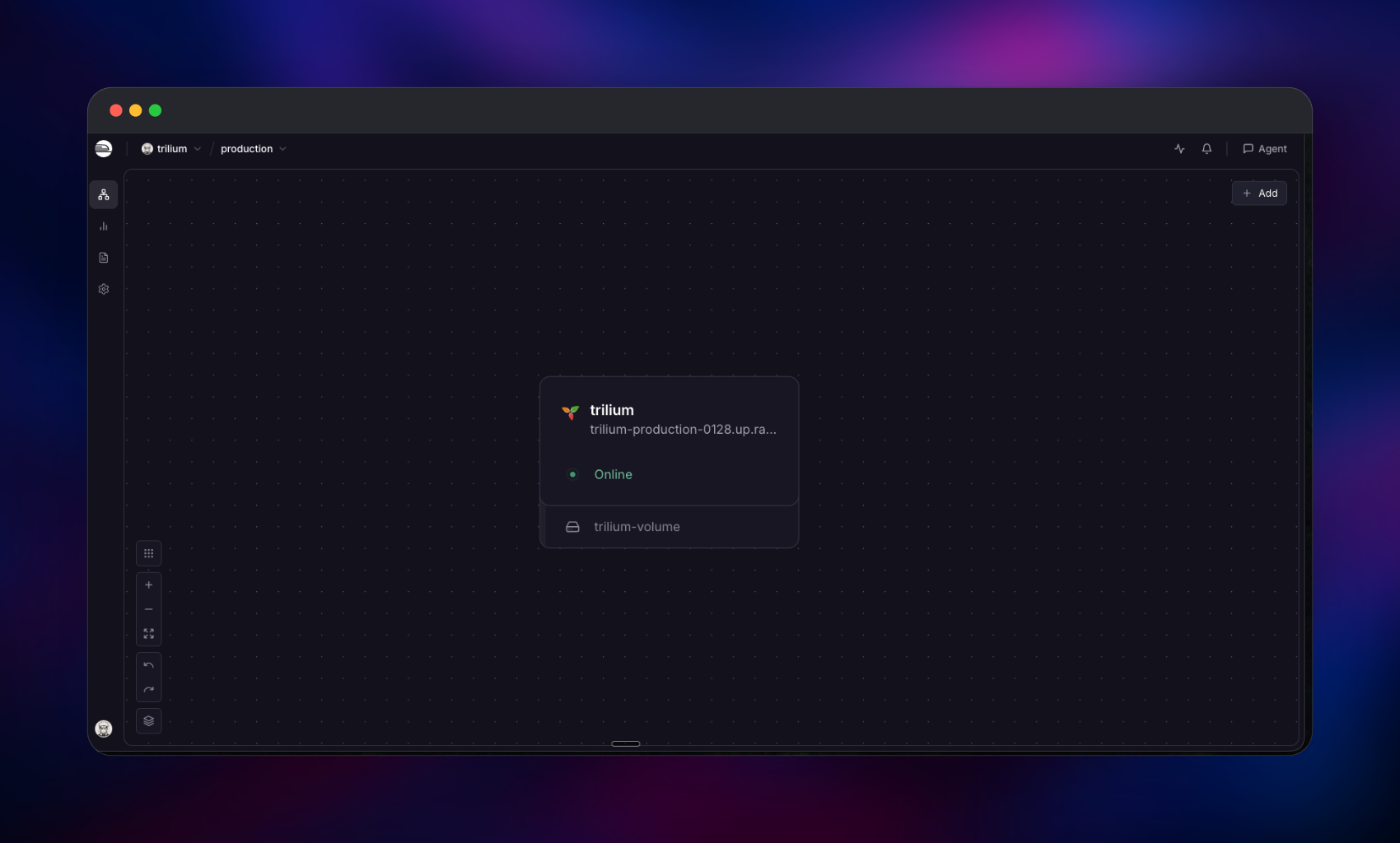
Deploy Trilium Notes on Railway as a single service running the official triliumnext/trilium image behind a managed HTTPS domain, with a persistent volume at /home/node/trilium-data. No database is provisioned — Trilium is deliberately single-file, keeping notes, attachments, revisions, backups and even login sessions in one document.db SQLite database on that volume. Railway terminates TLS and forwards to port 8080, with the proxy trusted so rate limiting sees real client IPs. Keep the service at one replica: Railway stops the old container before starting the new one, so a redeploy never puts two writers on one file.
Getting Started with Trilium Notes on Railway
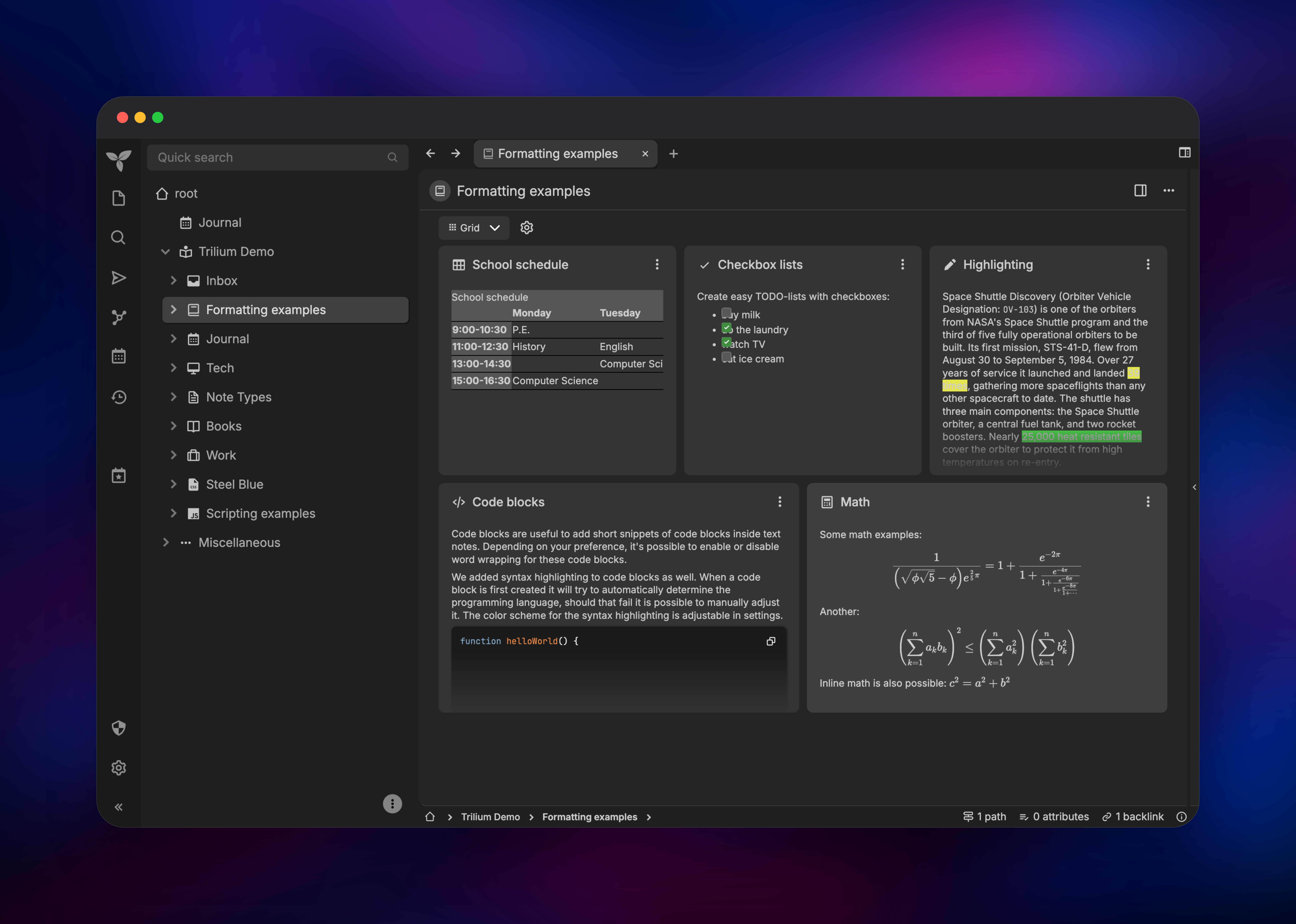
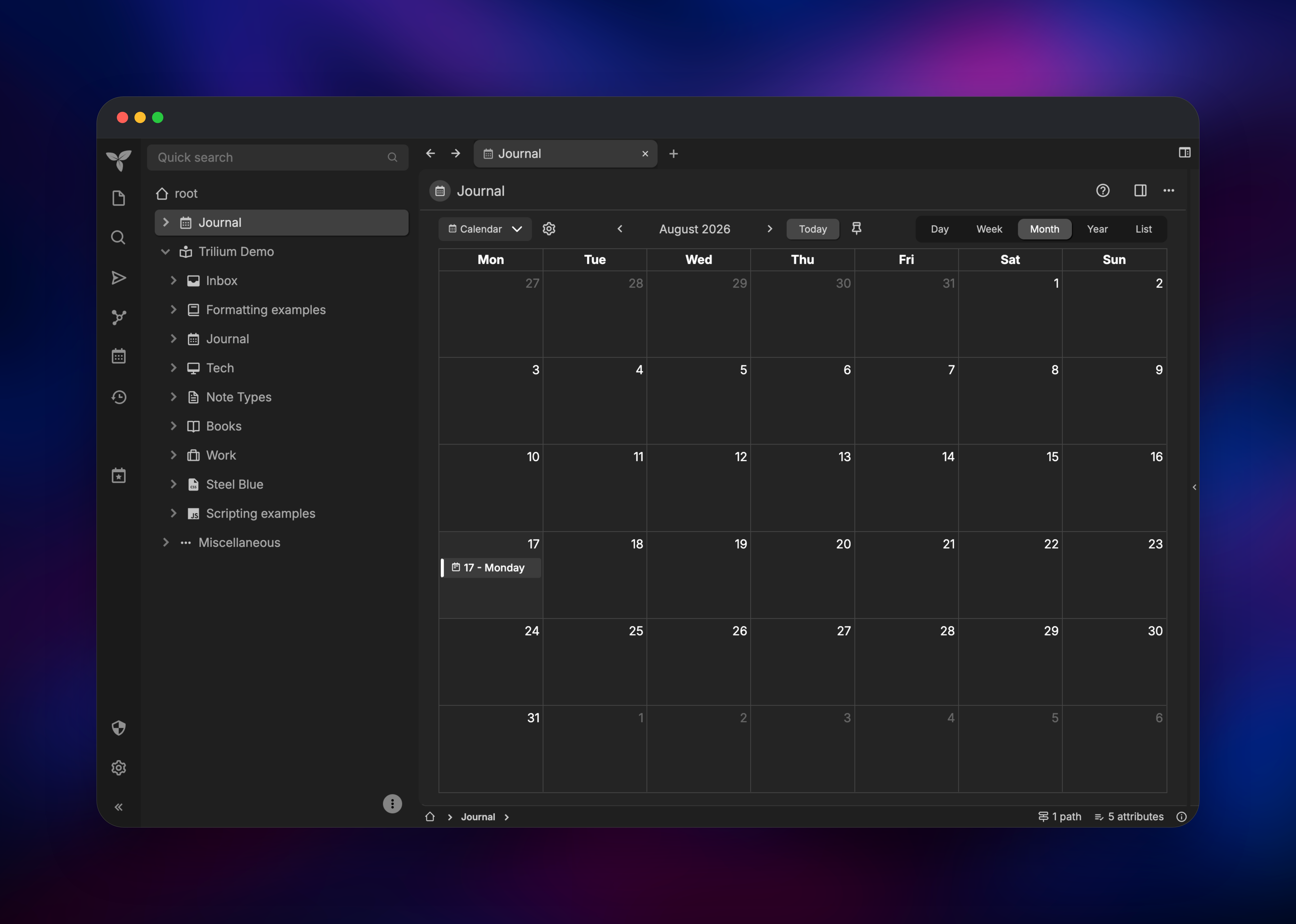
Open the generated Railway domain as soon as the deploy goes green. Trilium ships no default credentials — the first visit lands on a setup wizard, and that wizard stays open until someone finishes it, so claim the instance immediately. Pick a language, choose New knowledge base, decide whether to seed the demo content (recommended the first time), and set an owner password. Trilium is single-user: no username field, no registration route — that password plus the URL is the whole login. Once inside, open a demo formatting example to confirm tables, checklists, code highlighting and maths render, then use the calendar icon to create a day note, type into it, and search for that text to prove writes reach the database. Redeploy from Railway to confirm the volume works: notes and your login session both survive, because sessions also live in document.db. Finally, enable TOTP under Options → Multi-Factor Authentication, and create a token under Options → ETAPI for API access.
About Hosting Trilium Notes
Self-hosting Trilium Notes puts the knowledge base in a file you can copy, back up and encrypt, still reachable from any browser. Unlike Obsidian or Joplin, whose servers are only a sync layer, the Trilium server is the full application.
- Cloned notes — one note in many branches, no duplication
- Attributes and relations — labels, promoted attributes, saved searches
- Collections — notes shown as a table, board, calendar or dashboard
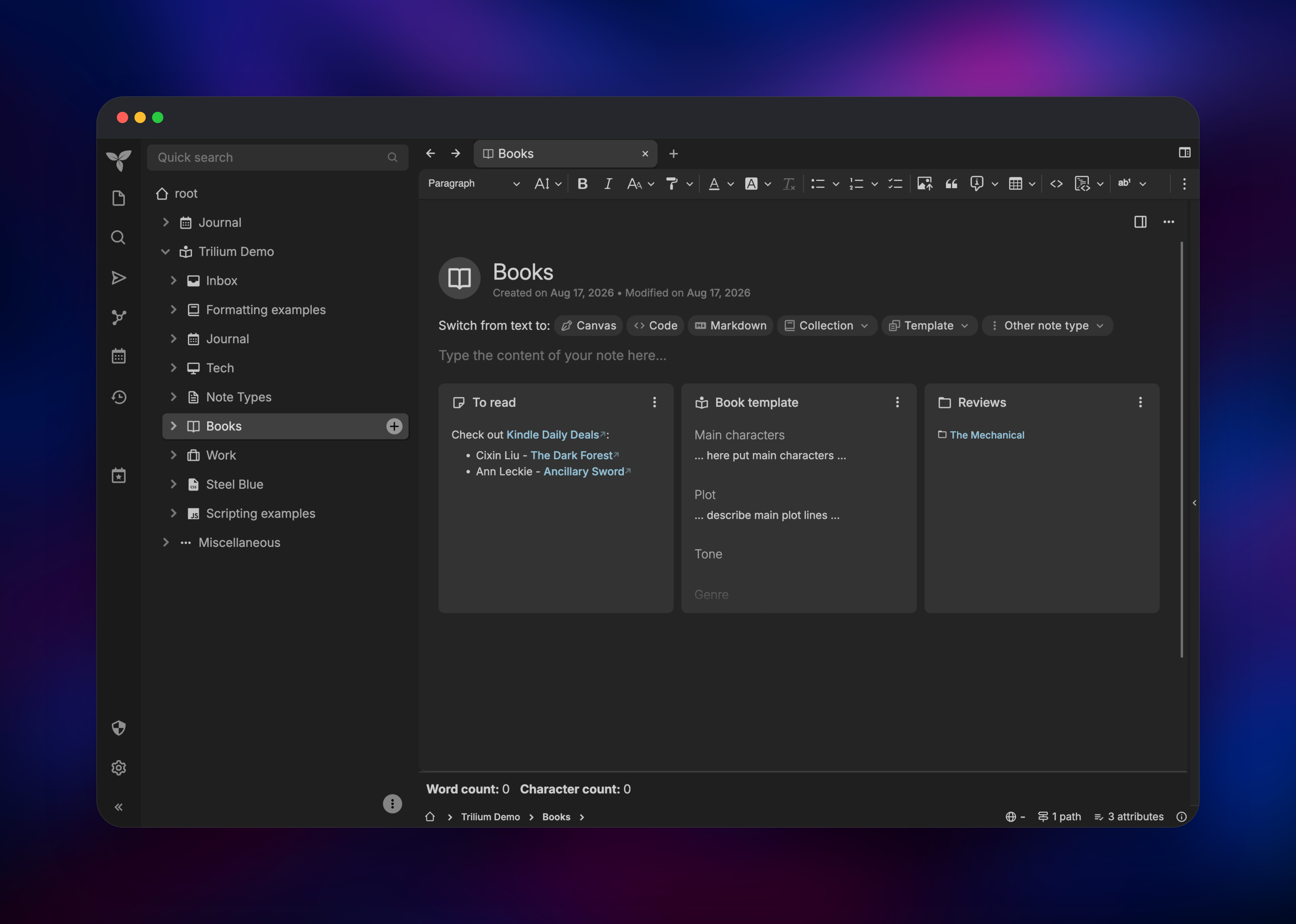
- Note types — text, Markdown, code, canvas, mind map, spreadsheet, geo map
- Encryption and revisions — per-note protection and automatic version history
- Sharing, scripting and ETAPI — read-only public subtrees; automation over REST
- Import — Evernote, OneNote, Notion, Obsidian, Google Keep and Markdown
The Railway architecture is intentionally one service: the trilium container holds the Node.js server, the web UI and the SQLite database, with the volume supplying durable storage. Attachments land in that same directory, so the volume is what to size and back up.
Why Deploy Trilium Notes on Railway
Railway removes the server work from self-hosting Trilium Notes:
- HTTPS domain and certificates provisioned automatically
- Persistent volume attached and mounted before first boot
- One-click redeploys onto newer Trilium releases
- Usage-based pricing with no idle server to babysit
- Environment variables editable without touching
config.ini
Common Use Cases
- Personal knowledge base — research notes, book summaries and reading lists organised by relations, not folders
- Developer notebook — snippets, architecture sketches on canvas, scripts beside the notes they automate
- Daily journal — calendar-driven day notes with multi-state to-do lists and templates
- Published docs — share one subtree as a read-only site while the rest stays private
Dependencies for Trilium Notes
- Trilium —
triliumnext/trilium:lateston Docker Hub, listening on port 8080, with a volume at/home/node/trilium-dataholdingdocument.db, attachments, automatic backups, logs andconfig.ini. Trilium migrates its own schema on startup after taking a pre-migration backup.
Environment Variables Reference
| Variable | Value | Purpose |
|---|---|---|
TRILIUM_DATA_DIR | /home/node/trilium-data | Data directory; must match the volume mount |
TRILIUM_NETWORK_PORT | 8080 | Port the application listens on |
PORT | 8080 | Health-check target; Trilium ignores it, so keep both identical |
TRILIUM_NETWORK_TRUSTEDREVERSEPROXY | 0.0.0.0/1,128.0.0.0/1,::/1,8000::/1 | Trusts Railway's proxy so client IPs are real |
NODE_OPTIONS | --max-old-space-size=4096 | Caps the Node heap below the container limit |
RAILWAY_DEPLOYMENT_DRAINING_SECONDS | 30 | Lets in-flight SQLite writes finish on shutdown |
TRILIUM_GENERAL_INSTANCENAME | railway | Instance label in the title bar and sync |
Any config.ini option maps to TRILIUM_<section>_. Backend scripting, the SQL console and TRILIUM_GENERAL_NOAUTHENTICATION are left off — each removes a safety boundary on a public domain.
Deployment Dependencies
- Docker image: triliumnext/trilium
- Source repository: github.com/TriliumNext/Trilium
- Documentation: docs.triliumnotes.org
- Runtime: Node.js with better-sqlite3, bundled in the image
Hardware Requirements for Self-Hosting Trilium Notes
| Resource | Minimum | Recommended |
|---|---|---|
| CPU | 1 vCPU | 2 vCPU |
| RAM | 512 MB | 2–4 GB |
| Storage | 1 GB volume | 10 GB+ with image or PDF attachments |
| Runtime | Node.js (in image) | Node.js (in image) |
Raise RAM before importing a large Evernote or Notion archive, and keep storage above the database size — attachments and backups share the volume.
Self-Hosting Trilium Notes with Docker
Trilium ships as a single container image. The minimal docker run command from the official docs:
docker run -d --name trilium \
  -p 8080:8080 \
  -v ~/trilium-data:/home/node/trilium-data \
  triliumnext/trilium:latest
The equivalent Docker Compose service:
services:
  trilium:
    image: triliumnext/trilium:latest
    restart: unless-stopped
    ports:
      - "8080:8080"
    environment:
      TRILIUM_DATA_DIR: /home/node/trilium-data
      TRILIUM_NETWORK_PORT: "8080"
    volumes:
      - trilium-data:/home/node/trilium-data
volumes:
  trilium-data:
Behind your own reverse proxy, forward WebSocket upgrades and set the trusted-proxy option, or every request appears to come from the proxy. In config.ini that is trustedReverseProxy=true; as an environment variable it must be a CIDR list instead.
How Much Does Trilium Notes Cost to Self-Host?
Trilium Notes is completely free and open source under AGPL-3.0 — no paid tiers, seat limits or feature paywalls, and every note type, encryption, sharing and the REST API ship in the same build. On Railway you pay only for infrastructure: one small container plus the volume holding your notes, billed by usage, which for a personal knowledge base lands in the low single-digit dollars per month.
FAQ
What is Trilium Notes?
A free, open-source hierarchical note-taking app for large personal knowledge bases. Notes form a deep tree, one note can appear in several branches at once, and types include rich text, code, canvas and mind maps.
What does this Railway template deploy?
One service running the official triliumnext/trilium image with a persistent volume at /home/node/trilium-data, a public HTTPS domain, a health check and the variables Trilium needs behind Railway's proxy.
Why is there no database service in this template?
Trilium keeps notes, attachments, revisions, backups and sessions in one SQLite file and supports no external database. The volume makes that file durable, replacing the Postgres service other note apps need.
What are the default login credentials for self-hosted Trilium Notes?
There are none. The first visit shows a setup wizard where you pick a language and set the owner password. It stays open until completed, so finish setup right after deploying.
Can multiple users share one Trilium Notes instance?
No — Trilium is single-user, with one password and no registration route. Run one instance per person, or publish read-only subtrees for sharing.
How do I use the self-hosted Trilium Notes API with scripts or an AI assistant?
Create a token under Options → ETAPI and call the REST API with an Authorization: Bearer header. Trilium also exposes an /mcp endpoint using the same kind of token.
Template Content
trilium
triliumnext/trilium:latest
