
Deploy Typebot: Chatbot builder, Typeform alternative
Visual chatbot builder; sign-in, uploads and email work on first deploy
Just deployed

Redis
Just deployed
/data
Just deployed

Just deployed
/var/lib/postgresql/data

Media
Just deployed

Mailpit
Just deployed
Storage
Bucket
Just deployed
Deploy and Host Typebot on Railway
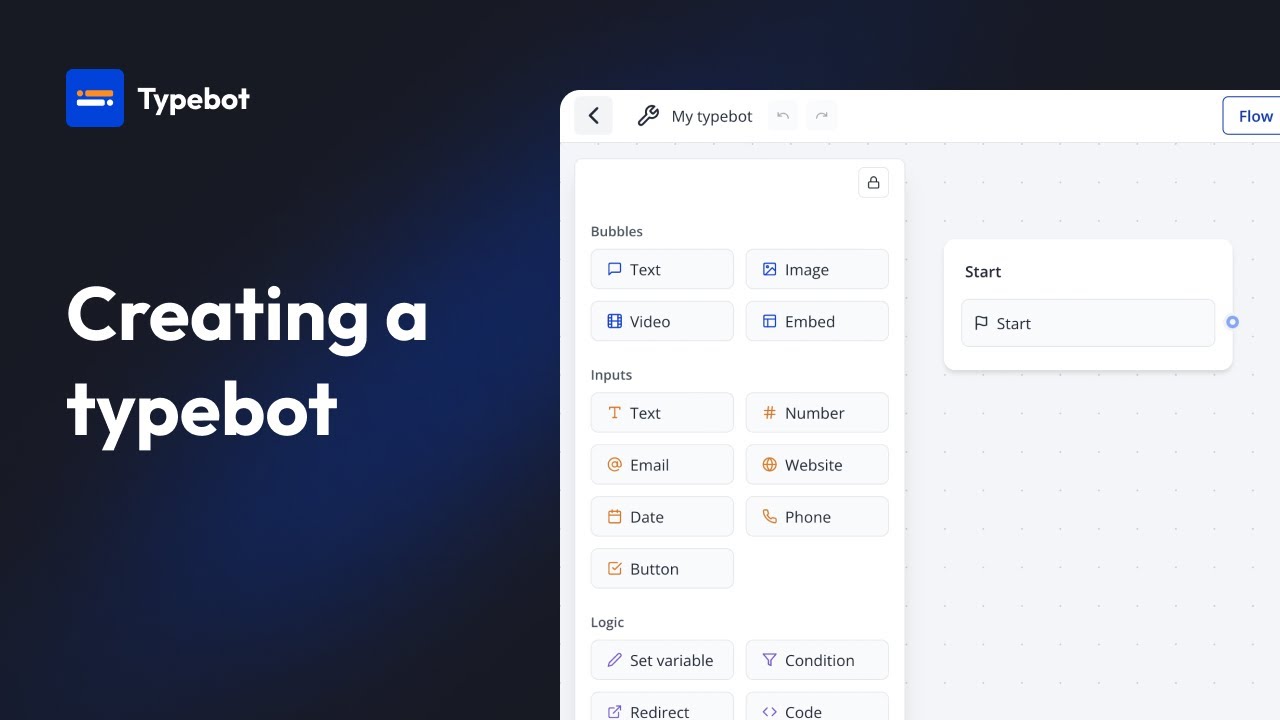
▶ Watch: Creating a typebot (video by Typebot)
Typebot is an open-source visual chatbot builder, a self-hosted Typeform and Landbot alternative: you drag blocks for messages, questions, file uploads, conditions and integrations, publish the bot, and embed it on any website. This template gives you a working instance on the first deploy, without setting up an email provider or object storage yourself: sign-in codes arrive in a built-in inbox, and file and image uploads go to a Railway bucket. Every image is pinned to an exact version tested together.
About Hosting Typebot
Typebot runs as two web apps: the builder, where you and your team design bots and read results, and the viewer, where visitors chat with published bots. Both share one Postgres database. Sign-in is passwordless: Typebot emails a six-digit code. Here those codes land in a private Mailpit inbox behind its own password, so sign-in works on any Railway plan. Sign-up is closed: only the email you enter at deploy time, and people you invite, can create accounts. Your workspace gets the unlimited plan, so no chat caps apply.
Common Use Cases
- Lead capture and qualification: replace a static contact form with a conversation that asks follow-up questions and stores every answer as a result.
- Website chat widget: embed a bot as a full page, a popup or a chat bubble on your own site.
- Collecting files: let visitors upload documents or images inside the conversation.
- Calling your own backend: send answers to any HTTP endpoint mid-conversation and show the response, for order lookups, bookings or CRM entries.
- Email notifications: send yourself or the visitor an email from inside the flow.
How to Use Typebot After Deployment
- Open the Builder service and click its public URL.
- Enter the email you gave at deploy time and click Submit.
- Open the Mailpit service's public URL in another tab. Log in with the
MAILPIT_USERandMAILPIT_PASSWORDvalues from the Mailpit service's Variables tab. - Open the "Sign in to Typebot" message, copy the code, and paste it into the builder.
- Click Create a typebot, start from a template or from scratch, then click Publish.
- Share the link or copy the embed code from the Share tab. Visitors use the Viewer service's URL.
- To add a teammate, open Settings & Members in the builder and invite their email. Their sign-in code also arrives in Mailpit; forward it to them, or set up a real email provider (FAQ below).
FAQ
How do I send sign-in codes to real inboxes instead of Mailpit?
On the Railway Pro plan, which allows outbound SMTP, set SMTP_HOST, SMTP_PORT, SMTP_USERNAME, SMTP_PASSWORD and NEXT_PUBLIC_SMTP_FROM on the Builder service to your provider's values, set SMTP_IGNORE_TLS to false (and SMTP_SECURE to true for port 465), and redeploy. The Viewer picks the values up from the Builder. You can then delete the Mailpit service.
Can I sign in with Google or GitHub instead? Yes. Create an OAuth app with the provider and add its client ID and secret to the Builder service, following Typebot's configuration guide.
Why doesn't the "Wait for webhook" block work? That block needs a relay that Typebot runs on Cloudflare (PartyKit). It is not part of this template; the configuration guide covers deploying your own. The regular HTTP request block works without it.
Where do OpenAI, Google Sheets and WhatsApp blocks get their credentials? From you: add your own OpenAI key in the block, and for Google Sheets or WhatsApp create the Google or Meta app described in Typebot's configuration guide.
Can I offer Typebot to my clients? Typebot is fair source under the Functional Source License. You may build bots for your own business or for clients, but you may not sell access to your instance or sell Typebot hosting. Each release becomes Apache 2.0 two years after it ships. See the licence FAQ.
Dependencies for Typebot Hosting
- Builder: the editor, results and settings
- Viewer: serves published bots to visitors
- Postgres: bots, results, users and workspaces
- Redis: rate limiting for sign-in attempts
- Mailpit: private inbox for sign-in codes and notification emails
- Media: read-only server for images used in your bots
- Storage: Railway bucket holding uploaded files
Deployment Dependencies
- Typebot website
- Typebot self-hosting documentation
- Typebot source on GitHub (FSL-1.1-Apache-2.0)
- Mailpit
- rclone
Implementation Details
Storage: uploads go through the builder and viewer into the Railway bucket. Images used in bot messages are served to visitors by the Media service from the bucket's public folder only, with directory listing off.
Secrets: ENCRYPTION_SECRET on the Builder encrypts sessions and saved credentials. Changing it signs everyone out and makes saved credentials unreadable, so leave it as generated.
Custom domain: if you put your own domain on the Builder or Viewer, update NEXTAUTH_URL or NEXT_PUBLIC_VIEWER_URL on the Builder to match and redeploy. The two must stay on different hostnames.
How to Upgrade: Typebot releases about once a month. The builder and viewer must stay on the same version: change both image tags together in each service's Settings, under Source, and redeploy. Database migrations run automatically when the builder starts. Back up Postgres first.
Why Deploy Typebot on Railway?
Railway is a singular platform to deploy your infrastructure stack. Railway will host your infrastructure so you don't have to deal with configuration, while allowing you to vertically and horizontally scale it.
By deploying Typebot on Railway, you are one step closer to supporting a complete full-stack application with minimal burden. Host your servers, databases, AI agents, and more on Railway.
Template Content
ADMIN_EMAIL
Your email. It signs in as administrator with the unlimited plan.
Redis
redis:8.2.11Media
rclone/rclone:1.76.0Mailpit
axllent/mailpit:v1.33.1Storage
Bucket