
Deploy Umbraco
.NET content management system for building and editing websites
umbraco
Just deployed
/data
Deploy and Host Umbraco CMS on Railway
Umbraco CMS is an open-source .NET content management system used by marketing teams, agencies and product companies to run editorial websites on infrastructure they control. Editors work in a backoffice built around a content tree, document types and reusable blocks; developers build the front end in Razor, or consume the built-in Delivery API from Next.js, Astro or a mobile app. Self-host Umbraco when you want a mature CMS without a per-seat licence and without your content in someone else's database.
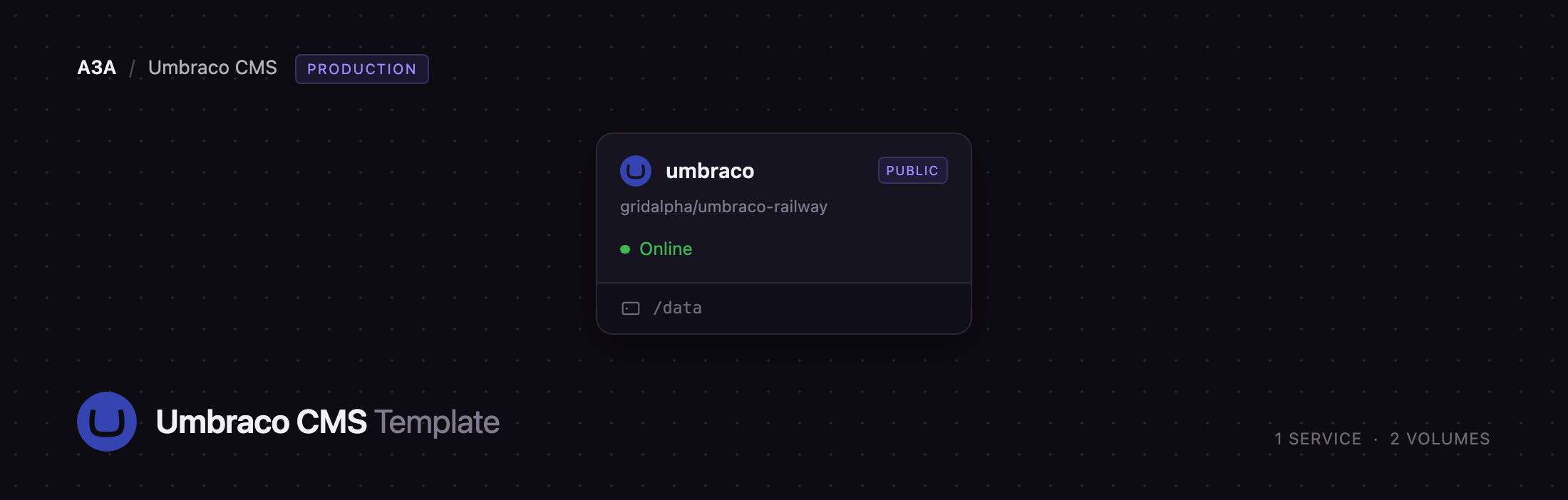
Deploy Umbraco on Railway and you get one service, named umbraco, built from a public GitHub repository and backed by a persistent volume. The volume holds the content database, media, search indexes, encryption keys and the templates the backoffice writes to disk, so everything survives a redeploy. Umbraco installs itself on first boot from the administrator email and password you supply — no setup wizard, and no public sign-up to lock down afterwards. Traffic goes from Railway's edge straight to the app on port 8080.
Getting Started with Umbraco CMS on Railway
Set Umbraco__CMS__Unattended__UnattendedUserEmail and Umbraco__CMS__Unattended__UnattendedUserPassword before you deploy — those become your administrator account, created automatically on first start. There are no default credentials to change afterwards, and the first boot takes a minute or two while the schema is created.
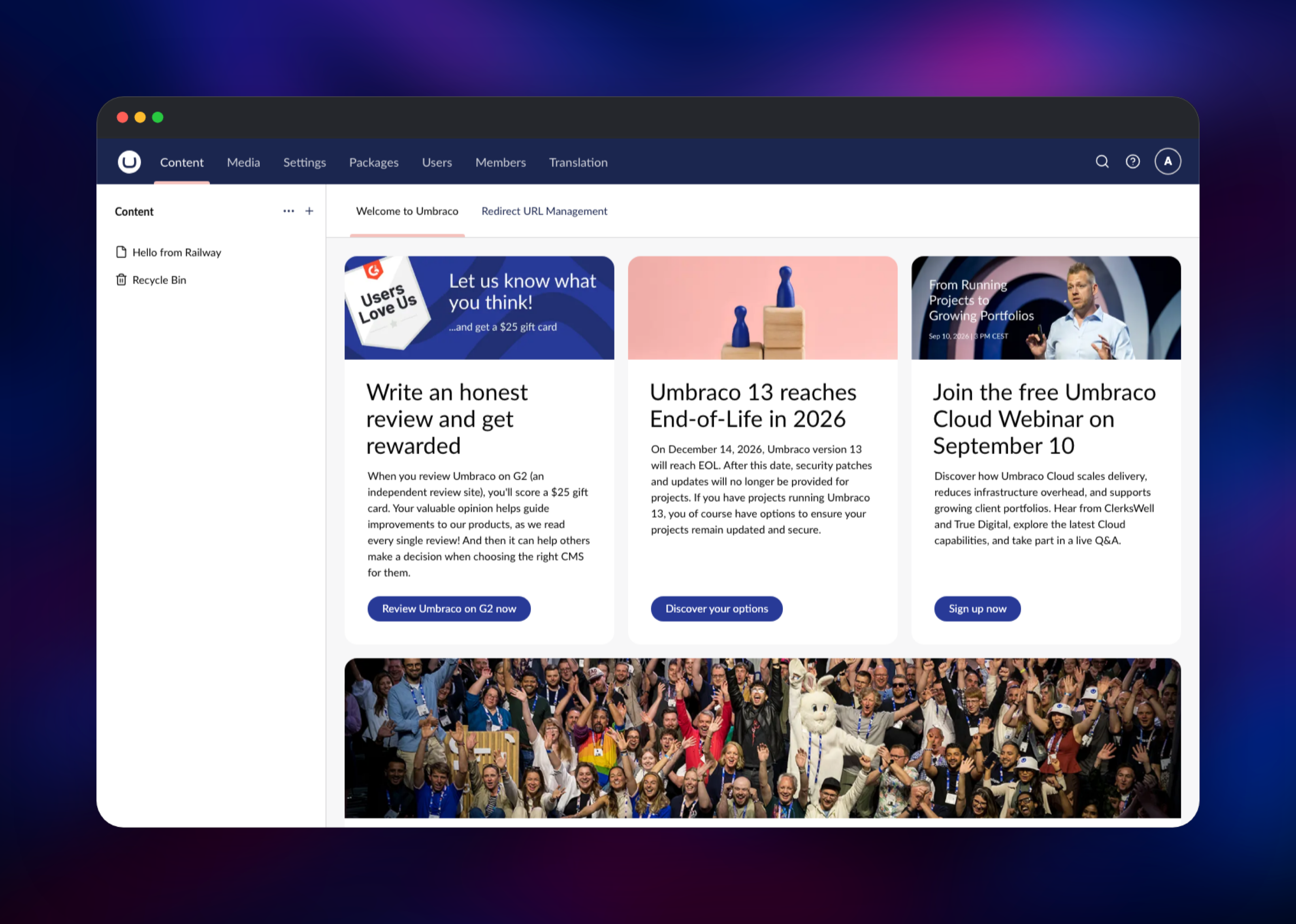
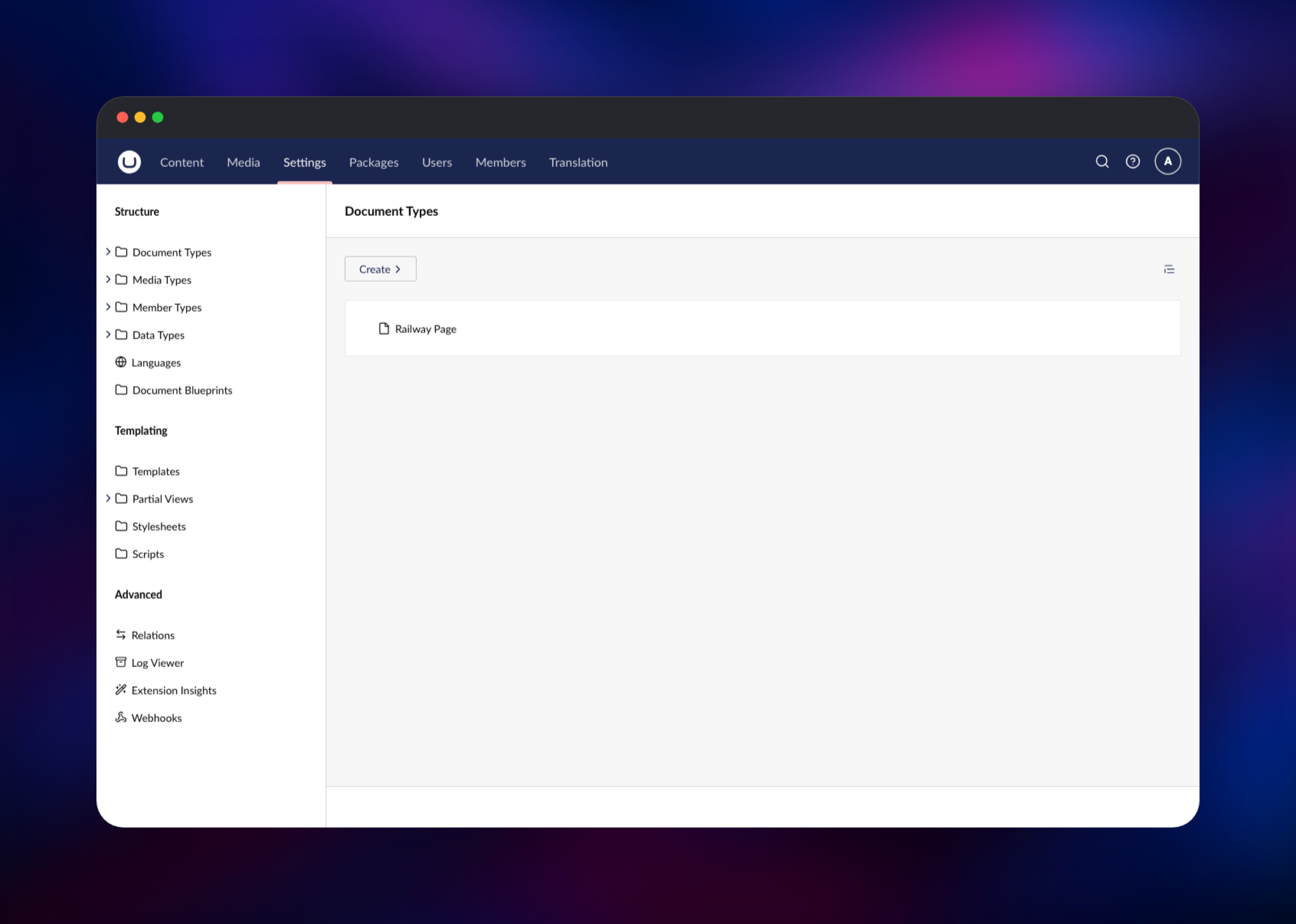
When the deployment is live, open https:///umbraco and sign in. You land in the Content section, with nothing published yet, so go to Settings → Document Types, create a document type and tick Allow as root. Give it a template if you want Umbraco to render a page for it — a document type without one publishes fine but returns 404 on the front end, which is expected rather than a broken deployment.
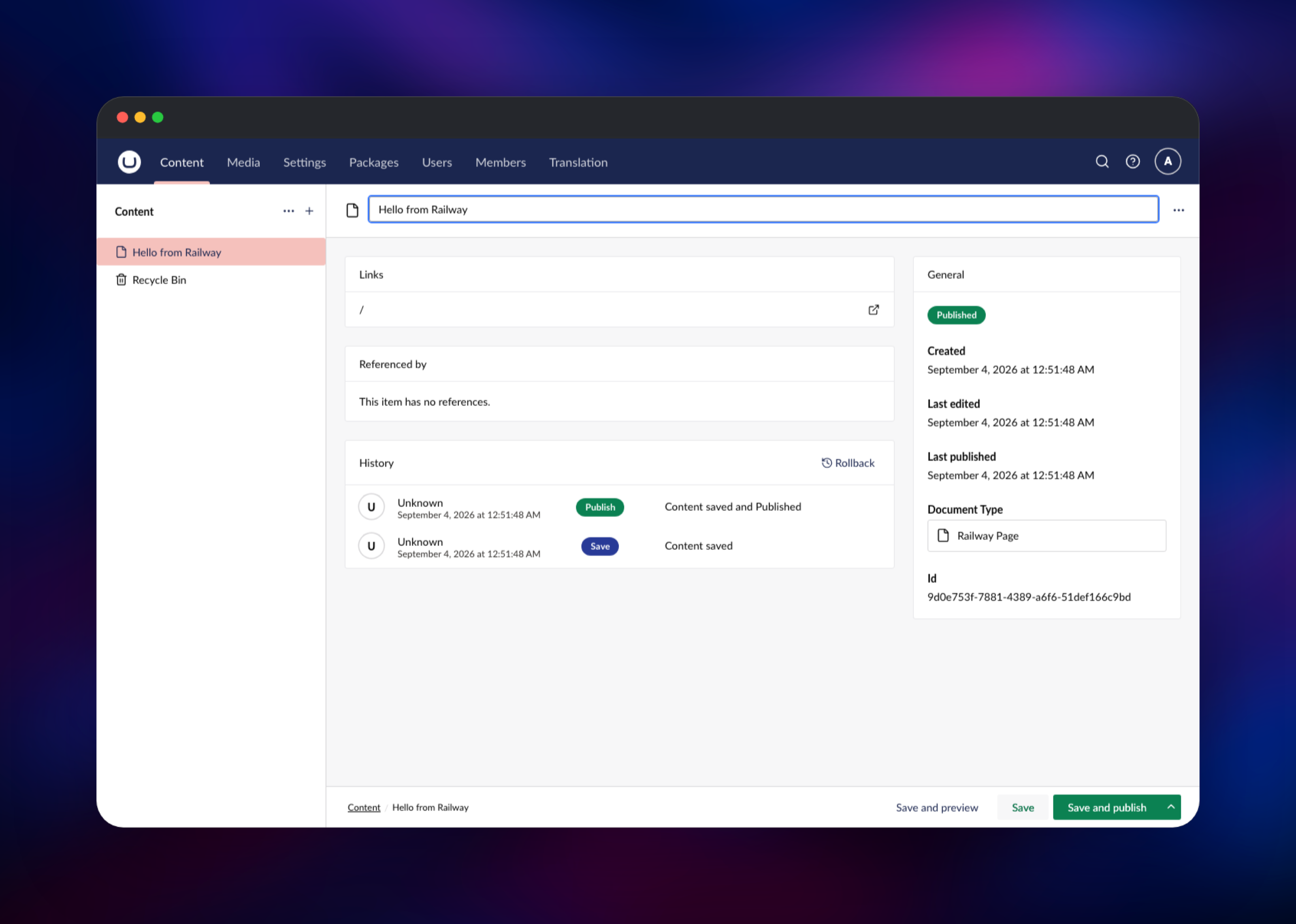
Back in Content, click the + beside the Content root, pick your document type, name the node and choose Save and publish. Its Info panel then shows a Published badge with the save history. Upload a file in Media to confirm the volume is writable, and visit /healthz, which returns 200 only once Umbraco has connected to its database and finished installing.
About Hosting Umbraco CMS
Umbraco is a CMS you build on rather than a finished website. You model content as document types with strongly typed properties, compose pages from block lists and grids, and render them with Razor views you control. It has been developed in the open since 2004 and is MIT licensed, with a large package ecosystem.
Key features:
- A content tree with drafts, scheduled publishing, versioning and rollback
- Document types, compositions and block-based editors
- A media library with image cropping and focal points
- A read-only Delivery API for headless and hybrid front ends
- Backoffice editing of templates, partial views, stylesheets and scripts
- Users, groups and granular permissions, plus a members system
- Multilingual content through cultures and per-property variance
The Railway deployment is deliberately a single service: Umbraco's database, media, search indexes and editable templates all live on one attached volume, so a redeploy replaces the container without touching your content.
Why Deploy Umbraco CMS on Railway
Railway removes the .NET hosting work from a self-hosted CMS:
- The container is built from a public repository — push a change, it redeploys
- A persistent volume is attached and mounted for you, so content and media survive
- HTTPS and a public domain are provisioned automatically
- The health check watches the app's real database connection, not just the port
- Vertical scaling is a slider, and logs and metrics are built in
Common Use Cases
- Marketing and campaign sites where non-technical editors publish daily
- A headless content backend for a Next.js, Astro or Nuxt front end, consumed through the Delivery API
- Multi-language product sites using Umbraco's culture variants for regional content
Dependencies for Umbraco CMS
- Runtime: ASP.NET Core 10 —
mcr.microsoft.com/dotnet/aspnet:10.0, built withmcr.microsoft.com/dotnet/sdk:10.0 - Umbraco: the
Umbraco.CmsNuGet package on the17.*long-term-support line - Database: SQLite, stored on the volume. Umbraco supports SQL Server as well; point
ConnectionStrings__umbracoDbDSNat one if you need it - Volume: mounted at
/data, holding the database, media, logs, Examine indexes, Data Protection keys and the backoffice-editable Views, css and scripts folders
Environment Variables Reference
| Variable | Purpose |
|---|---|
Umbraco__CMS__Unattended__UnattendedUserEmail | Administrator email created on first boot |
Umbraco__CMS__Unattended__UnattendedUserPassword | Administrator password created on first boot |
Umbraco__CMS__Unattended__UnattendedUserName | Display name for that account |
Umbraco__CMS__WebRouting__UmbracoApplicationUrl | Public base URL; required in production mode |
Umbraco__CMS__Imaging__HMACSecretKey | Signs generated image URLs; changing it invalidates existing ones |
Umbraco__CMS__Hosting__MachineIdentifier | Stable instance name so search indexes are not rebuilt each deploy |
ConnectionStrings__umbracoDbDSN | Optional: full connection string for an external SQL Server |
DB_PASSWORD | Optional: switches to SQL Server and composes the connection string |
Deployment Dependencies
- Source repository:
- Umbraco CMS source:
- Documentation:
- Base images:
Hardware Requirements for Self-Hosting Umbraco CMS
| Resource | Minimum | Recommended |
|---|---|---|
| CPU | 1 vCPU | 2 vCPU |
| RAM | 1 GB | 2 GB |
| Storage | 5 GB volume | 10 GB+ if the media library grows |
| Runtime | .NET 10 | .NET 10 |
Self-Hosting Umbraco CMS
Umbraco ships as a NuGet package rather than a prebuilt container image, so a self-hosted install starts by scaffolding a project. With the .NET 10 SDK installed, this creates and runs a site on the long-term-support line:
dotnet new install Umbraco.Templates
dotnet new umbraco --UmbracoRelease LTS -n MySite
cd MySite
dotnet run
To run the same project in Docker, publish it into the ASP.NET runtime image and give it a volume for its data directory:
FROM mcr.microsoft.com/dotnet/sdk:10.0 AS build
WORKDIR /src
COPY . .
RUN dotnet publish MySite.csproj -c Release -o /app/publish

FROM mcr.microsoft.com/dotnet/aspnet:10.0
WORKDIR /app
COPY --from=build /app/publish ./
ENV ASPNETCORE_HTTP_PORTS=8080
CMD ["dotnet", "MySite.dll"]
Wherever you run it, keep umbraco/Data, umbraco/Logs and wwwroot/media on durable storage, and set the administrator credentials through the unattended-install settings so no installer is ever exposed publicly.
Is Umbraco CMS Free?
Umbraco CMS is free and open source under the MIT licence, with no seat limits, feature gating or licence key. Umbraco HQ sells Umbraco Cloud hosting and commercial add-ons such as Umbraco Commerce and Engage, but none are needed to run the CMS. Self-hosting costs only the infrastructure it runs on — on Railway, usage-based billing for the container and volume.
FAQ
What is Umbraco CMS?
An open-source content management system built on ASP.NET Core. It gives editors a backoffice for structured content, and developers Razor templates and a Delivery API for rendering it.
What does this Railway template deploy?
A single umbraco service built from a public GitHub repository, running Umbraco on the 17 long-term-support line, with a volume mounted at /data and a public HTTPS domain.
Why does the template need a volume instead of just a database?
Uploaded media, Examine search indexes, encryption keys and the templates the backoffice edits are all files. Without a volume every redeploy would discard them.
Which database does self-hosted Umbraco use?
Umbraco supports SQL Server and SQLite. This deployment uses SQLite on the volume, which suits a single instance. For a large editorial team or a write-heavy site, set ConnectionStrings__umbracoDbDSN to a managed SQL Server connection string.
How do I log in to the Umbraco backoffice after deploying?
Go to /umbraco and sign in with the email and password from the unattended-install variables. Umbraco creates that account on first boot, so there are no shipped default credentials.
Can I use Umbraco headlessly on Railway?
Yes. The Delivery API is enabled, so a front end can read published content from /umbraco/delivery/api/v2/content while the backoffice stays the editing interface.
Can I run more than one replica?
Not without changes. Umbraco load balancing expects shared file storage across instances for media and indexes, which one attached volume cannot provide. Scale vertically instead.
Template Content
umbraco
gridalpha/umbraco-railway
