
Deploy Wiki.js
Confluence alternative. HAOpen-source wiki and documentation platform
wikijs
Just deployed

Just deployed
/var/lib/postgresql/data
Deploy and Host Wiki.js on Railway
Wiki.js is an open-source wiki and documentation platform built on Node.js, used by engineering teams, IT departments and open-source projects as a self-hosted Confluence alternative. It solves the problem every growing team hits: knowledge scattered across chat threads, README files and personal notes, with no searchable place that has permissions, version history and a real editor. Wiki.js gives you a page tree, six editors, per-page access rules, revision diffs and 20+ authentication providers, under AGPL-3.0 with no seat limits.
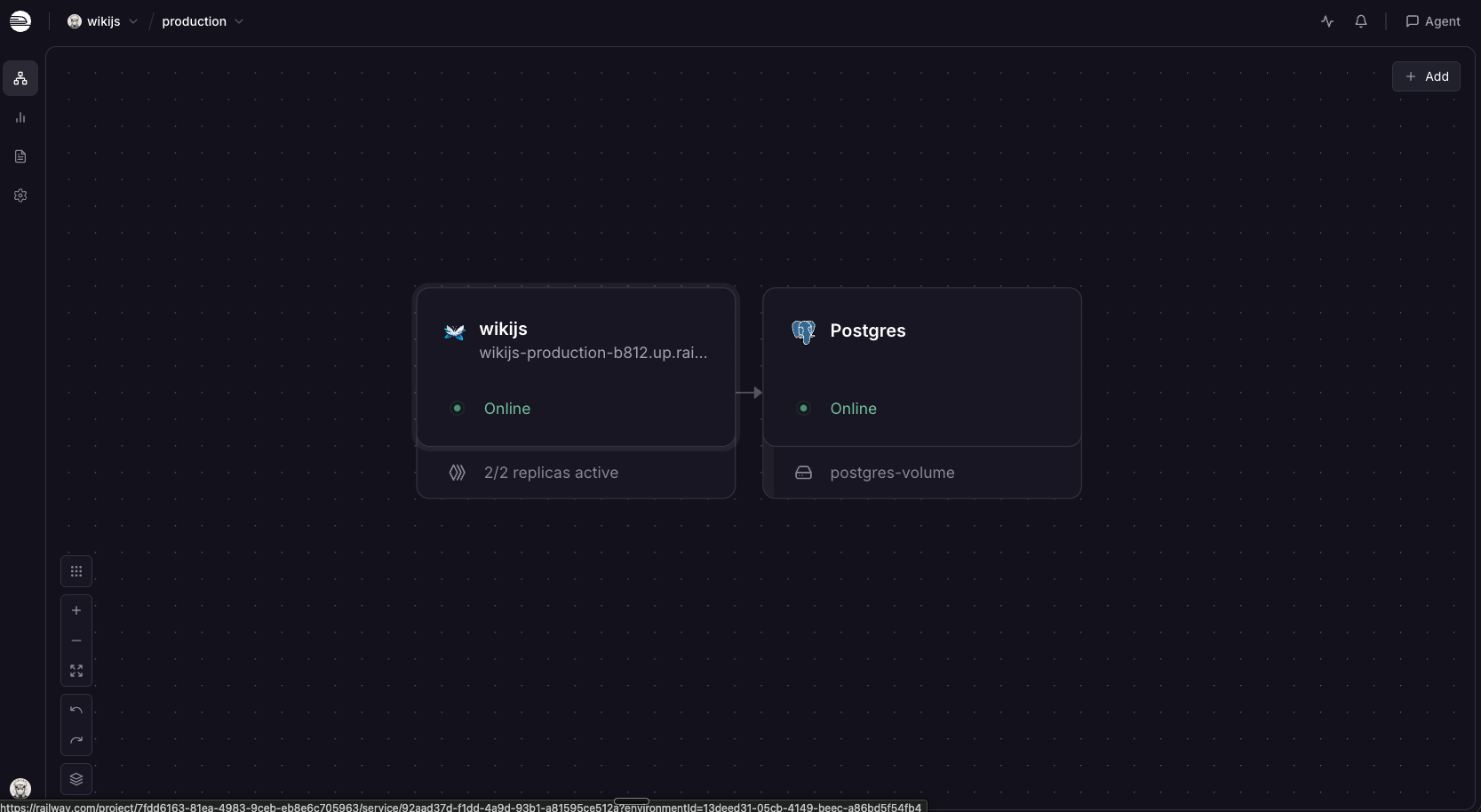
Deploy Wiki.js on Railway and this template wires up the two pieces it needs: the application container serving HTTP on port 3000 behind a Railway-managed TLS domain, and a managed PostgreSQL database holding everything durable — pages, history, users, settings, the signing keypair generated during setup, and the binary contents of every upload. Because no state lives on the container's disk, the application needs no volume and can run multiple replicas. To self-host Wiki.js here you supply nothing at deploy time; you choose an administrator email and password on first visit.
Getting Started with Wiki.js on Railway
When the deploy finishes, open the generated Railway URL. Wiki.js has no default credentials — the first page is a setup wizard that creates the administrator account. Enter an email and a password of at least eight characters, then set Site URL to your full public URL including https:// — Wiki.js builds absolute links from it and uses it to mark the session cookie secure, so it must match the domain you browse to. Telemetry is opt-in on the same screen. Click Install, then sign in.
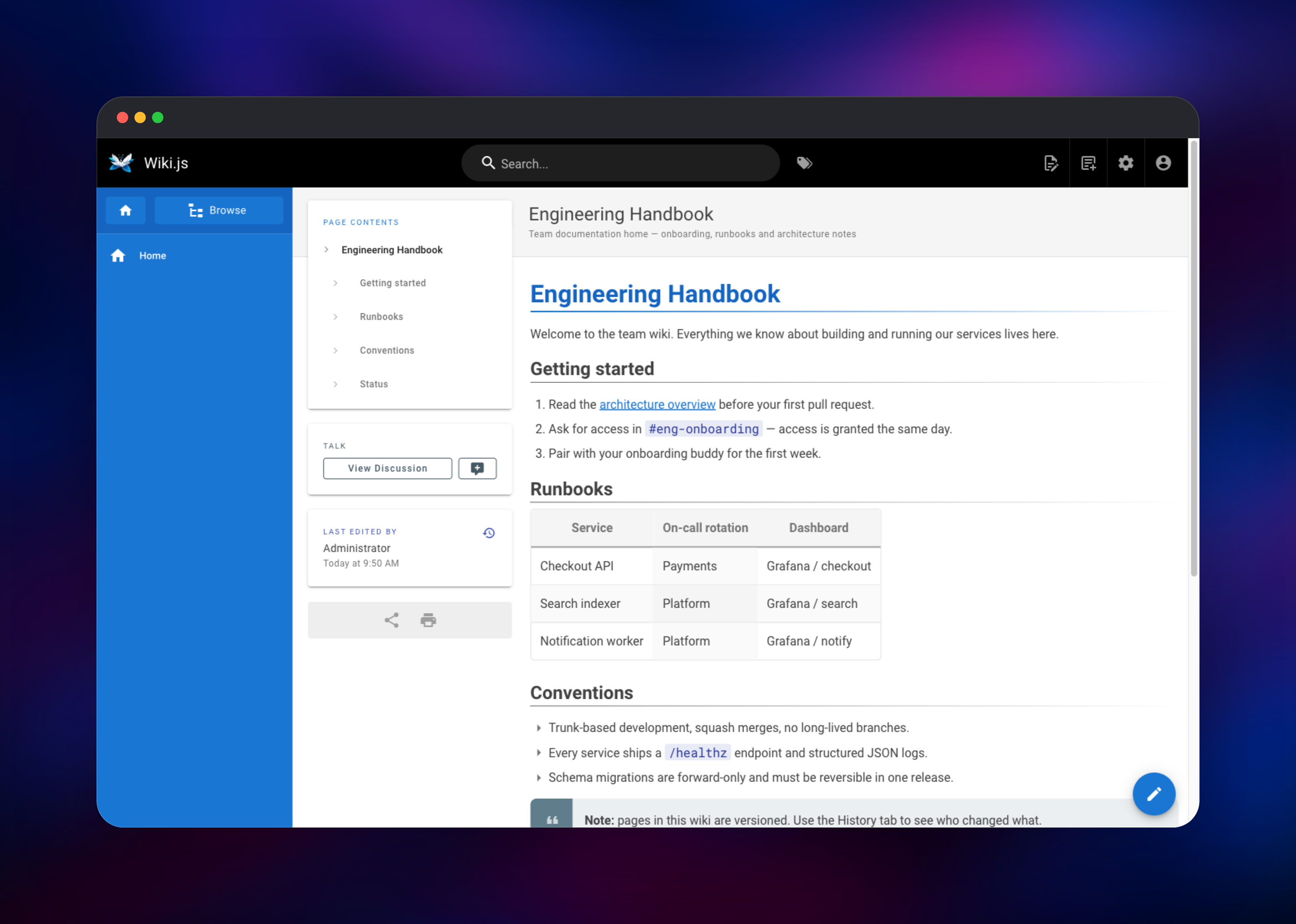
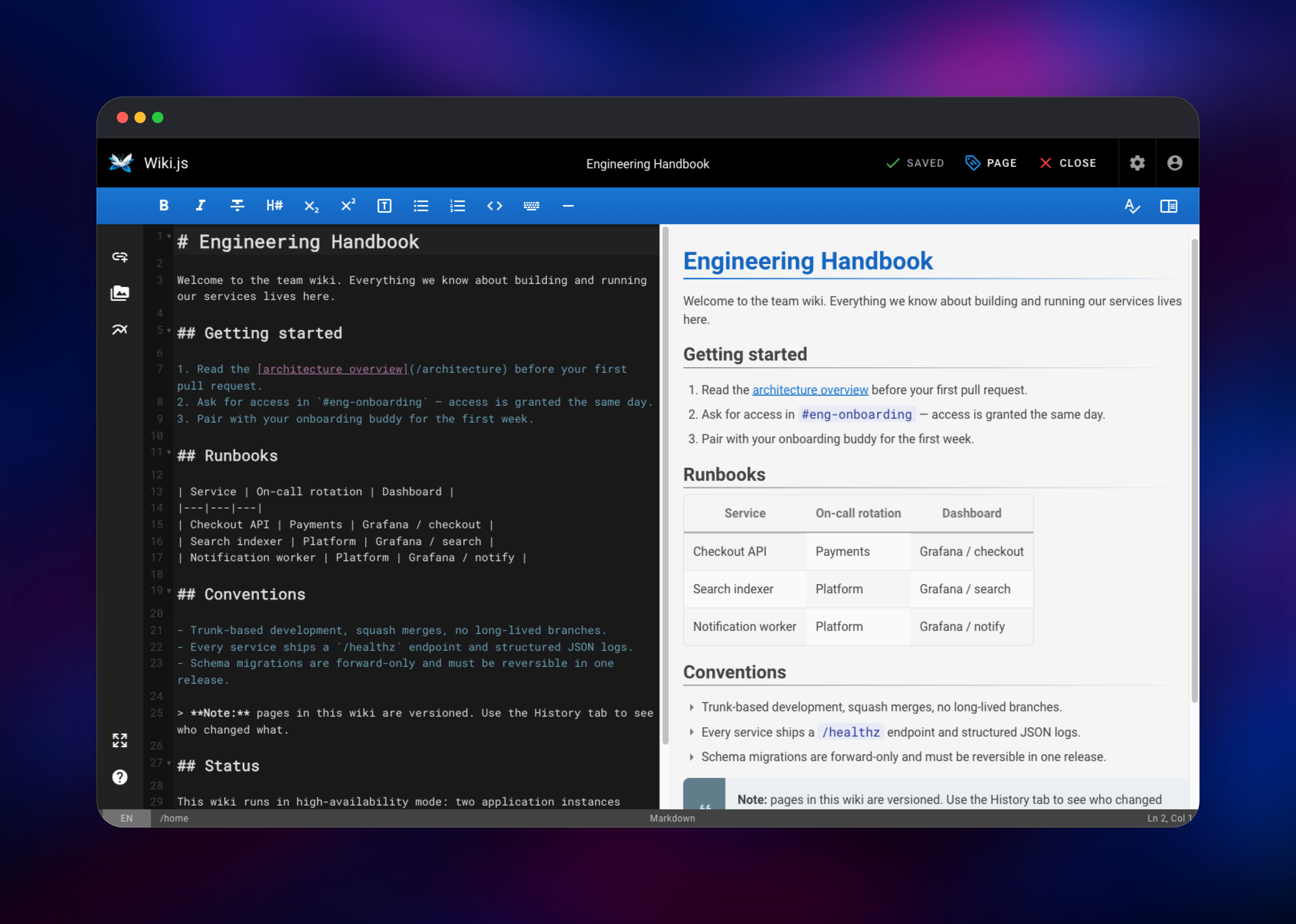
You land on a welcome screen with a Create Home Page button. Choose the Markdown editor for the split-pane live preview, title the page in the properties dialog, write something and save — it appears at /en/home with a table of contents, tags and revision history. Add a second page from New Page to see the sidebar tree fill in, then search to confirm indexing works. Two settings are worth changing immediately under Administration → Security: turn on Trust X-Forwarded-* Proxy Headers, so the login rate limiter and audit logs record real visitor addresses rather than the proxy, and enable Enforce HSTS. Self-registration is off by default; invite people from Administration → Users.
About Hosting Wiki.js
Wiki.js keeps content in a SQL database rather than on disk, which is what makes it straightforward to run as a stateless container. Teams self-host it when documentation is commercially sensitive, when a per-seat wiki bill stops making sense, or when they want it beside the systems it documents.
- Six editors — Markdown with live preview, WYSIWYG, AsciiDoc, raw HTML, template and code
- Full version history — every save is a revision with a side-by-side diff and one-click restore
- Granular permissions — rules match on path prefix, exact path, regex or tag, per group
- 20+ authentication providers — local accounts plus LDAP/Active Directory, SAML, OIDC, OAuth2, GitHub, Google, Microsoft Entra ID, Okta, Auth0 and Keycloak
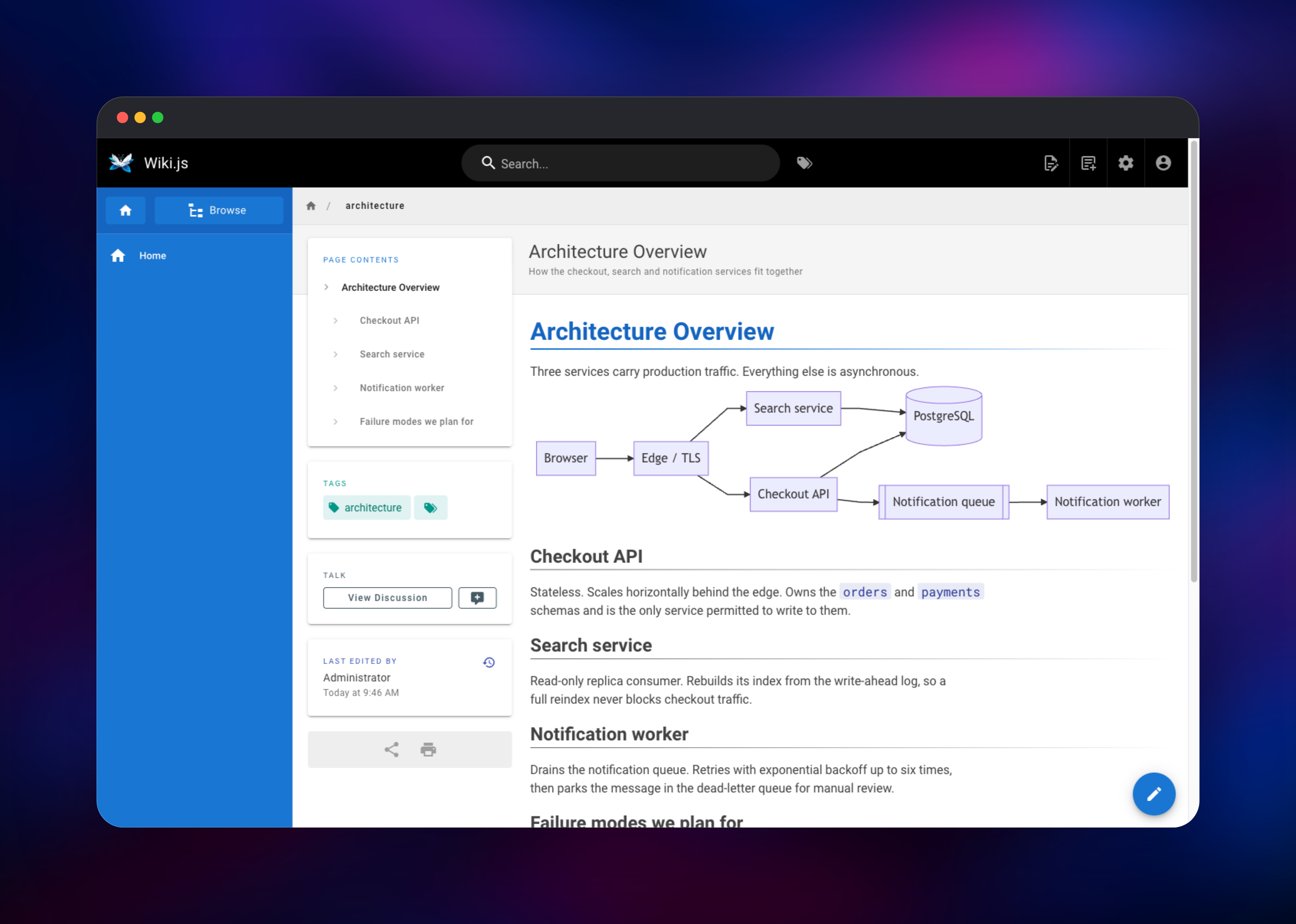
- Rich content — Mermaid and PlantUML diagrams, KaTeX math, highlighted code and attachments
- Storage targets — optional two-way Git sync, plus local file and S3 backups
- Comments, tags and a page tree, with 50+ locales and a dark theme
The Wiki.js service is the only one with a public domain, and answers a /healthz endpoint Railway probes so an unresponsive container is replaced. The PostgreSQL service is private, and Wiki.js migrates its own schema on first boot.
Why Deploy Wiki.js on Railway
Railway removes the operational work around a self-hosted wiki:
- Managed PostgreSQL with automated backups, provisioned and connected
- TLS certificates and a public domain issued automatically
- Private networking keeps the database off the public internet
- Health checks replace a container that stops responding
- Horizontal scaling and vertical resizing without a compose file
Common Use Cases
- Internal engineering handbooks — onboarding guides and runbooks, with permissions keeping production runbooks visible only to on-call groups
- Public product documentation — a guest-readable knowledge base on a custom domain, with staff editing the pages
- Docs-as-code workflows — two-way Git sync, so writers edit in the browser while engineers open pull requests against Markdown
- IT and support knowledge bases — searchable troubleshooting articles behind single sign-on
Dependencies for Wiki.js
- Wiki.js —
ghcr.io/requarks/wiki:2(alsorequarks/wiki:2on Docker Hub). HTTP server, editors, renderers, authentication and scheduled jobs, on port 3000. - PostgreSQL — Railway managed. System of record for pages, revisions, users, groups, settings and uploaded files. Wiki.js also uses
LISTEN/NOTIFYto coordinate replicas, which is why Postgres is the recommended engine.
Environment Variables Reference
| Variable | Purpose |
|---|---|
DB_TYPE | Database engine — postgres for this template |
DB_HOST / DB_PORT / DB_NAME | Private hostname, port and database name |
DB_USER / DB_PASS | Database credentials |
DB_SSL | false, since traffic stays on the private network |
PORT | Port the container serves on, and the health check target |
HA_ACTIVE | Enables cross-replica cache and config events over PostgreSQL |
NODE_OPTIONS | Caps the Node.js heap to the container, not the host |
LOG_LEVEL | error, warn, info, verbose, debug or silly |
Deployment Dependencies
- Source repository:
- Documentation:
- Runtime: Node.js 24 on Alpine; PostgreSQL 11+
Hardware Requirements for Self-Hosting Wiki.js
| Resource | Minimum | Recommended |
|---|---|---|
| CPU | 0.5 vCPU | 1–2 vCPU |
| RAM | 512 MB | 1–2 GB |
| Storage | 1 GB (database) | 5 GB+, grows with attachments |
| Runtime | Node.js 24, PostgreSQL 11+ | Node.js 24, PostgreSQL 16+ |
Wiki.js idles at roughly 200 MB. Attachments are rows in PostgreSQL, so size the database — not a disk — to the files you expect.
Self-Hosting Wiki.js
To run Wiki.js outside Railway, this docker-compose.yml starts the application alongside its database:
services:
  db:
    image: postgres:16-alpine
    environment:
      POSTGRES_DB: wiki
      POSTGRES_USER: wikijs
      POSTGRES_PASSWORD: change-me
    volumes: ["db-data:/var/lib/postgresql/data"]
  wiki:
    image: ghcr.io/requarks/wiki:2
    depends_on: [db]
    environment:
      DB_TYPE: postgres
      DB_HOST: db
      DB_PORT: 5432
      DB_USER: wikijs
      DB_PASS: change-me
      DB_NAME: wiki
    ports: ["3000:3000"]
volumes:
  db-data:
Bring it up and open http://localhost:3000 for the same setup wizard. To use a database you already have, skip Compose:
docker run -d -p 3000:3000 \
  -e DB_TYPE=postgres -e DB_HOST=postgres.example.com \
  -e DB_PORT=5432 -e DB_USER=wikijs \
  -e DB_PASS=change-me -e DB_NAME=wiki \
  ghcr.io/requarks/wiki:2
Is Wiki.js Free?
Wiki.js is free and open source under AGPL-3.0. There is no paid edition and no per-user pricing — every authentication provider, storage target and editor ships in the same build. The only cost on Railway is infrastructure: the container, the PostgreSQL instance and bandwidth. A small team wiki fits in the lowest resource tier.
FAQ
What is Wiki.js?
Wiki.js is an open-source, self-hosted wiki and documentation platform written in JavaScript on Node.js. It stores content in a SQL database and offers Markdown and WYSIWYG editing, version history, tags, granular permissions and many authentication integrations.
What does this Railway template deploy?
Two services: the Wiki.js application on a public HTTPS domain, and a private managed PostgreSQL database. Wiki.js migrates its schema on first boot, then walks you through creating the administrator account.
Why does Wiki.js need PostgreSQL?
Everything durable lives in the database, including page content, revision history and the binary data of uploaded files. PostgreSQL is also what lets several instances coordinate: with HA_ACTIVE enabled they exchange cache and configuration events through LISTEN/NOTIFY, which the other supported engines cannot do.
How do I run self-hosted Wiki.js with multiple replicas for high availability?
Finish the setup wizard first, on a single replica — a second instance still showing the wizard can overwrite a completed installation. Then raise the replica count in the service settings. HA_ACTIVE is already true, so the instances coordinate automatically.
How do I connect Wiki.js to my company's SSO?
Under Administration → Auth, add a strategy such as SAML, OIDC, LDAP or Microsoft Entra ID and paste in your provider's details. Set the callback URL it displays in your provider, then use Auto-enroll to place new users into a group with the right permissions.
Template Content

