
Deploy Writefreely
Medium alternative. Markdown blog platform that federates over ActivityPub

mailpit
Just deployed
/data
writefreely
Just deployed
/data

MySQL
Just deployed
/var/lib/mysql
Deploy and Host WriteFreely on Railway
WriteFreely is an open-source, Markdown-first publishing platform for people who want to write rather than administer a website. There are no themes to pick and no plugin marketplace — you open a page, type, and publish. Each blog is also an ActivityPub actor, so readers on Mastodon can follow it like a person, and every post carries an RSS feed. Writers' collectives, teams keeping a changelog, and people leaving Medium or Substack all use it because it is a small, quiet tool that outlives the company behind it.
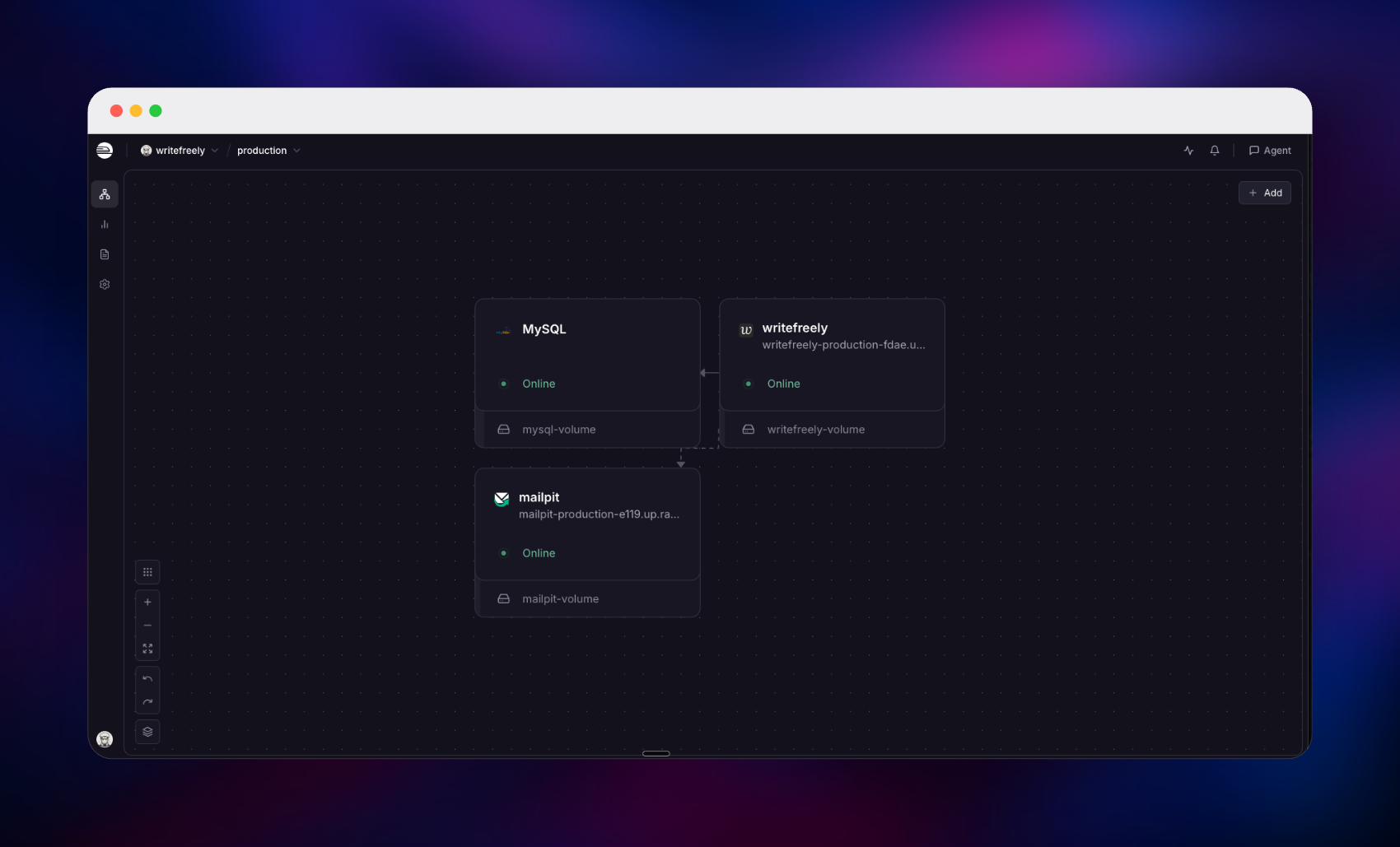
Self-host WriteFreely on Railway and this template wires up the whole instance: the WriteFreely application built from the pinned upstream release, a managed MySQL database holding every account, blog and post, and a Mailpit service catching outgoing mail, so email subscriptions and password resets work from the first minute. Public traffic arrives over the Railway domain, the app reaches MySQL and Mailpit privately, and a volume keeps settings and keys across redeploys. Nothing needs editing by hand — the container writes its own configuration, derives its keys, creates the schema and creates your administrator account on first boot.
Getting Started with WriteFreely on Railway
Set WRITEFREELY_ADMIN_USER and WRITEFREELY_ADMIN_PASS when you deploy — those become your administrator account, and there are no default credentials to change afterwards. Choose the username carefully: WriteFreely reserves about seventy-five route-like names, so admin, api, me, read and user are rejected, the password must not contain a colon, and the username becomes the blog's URL.
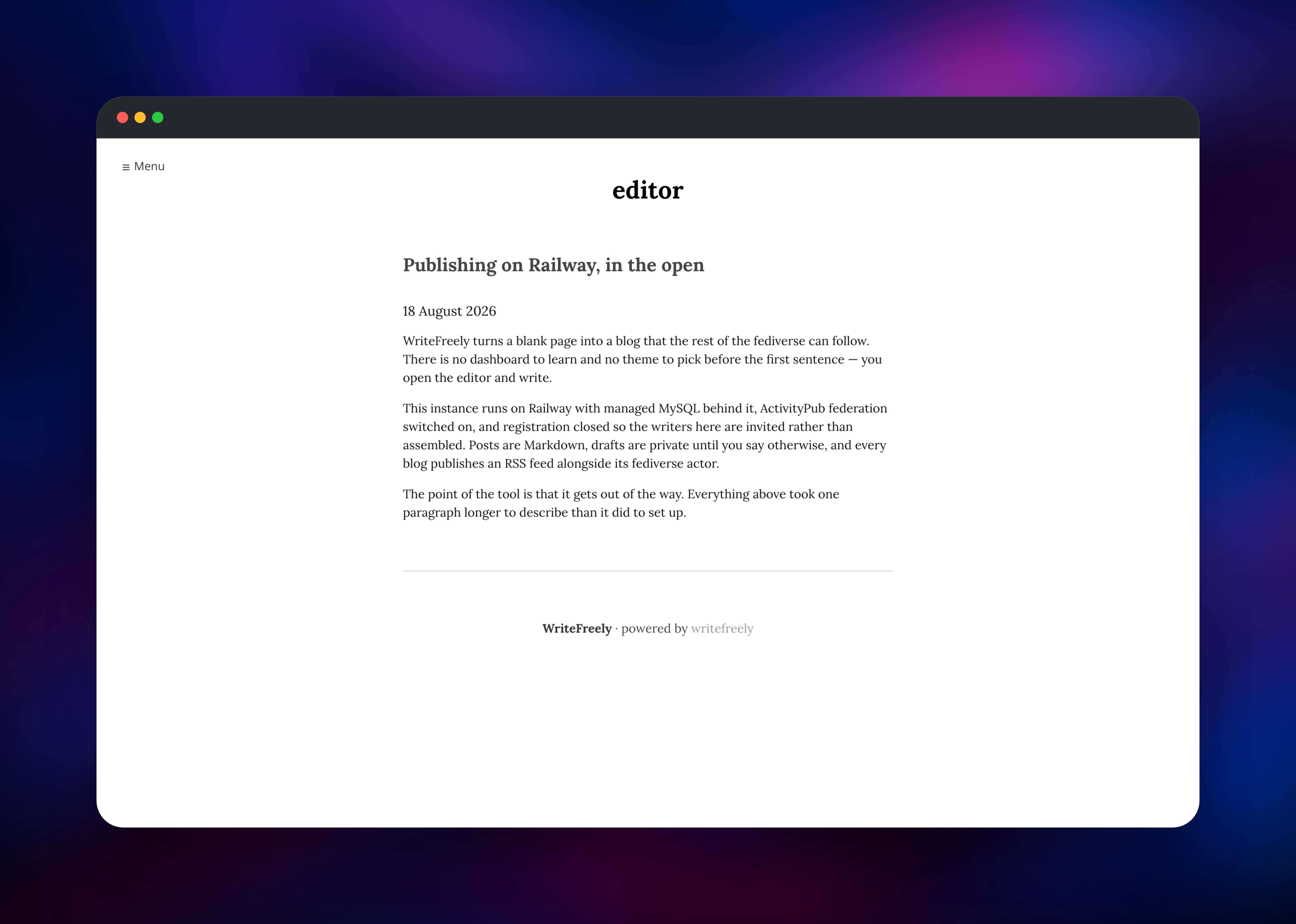
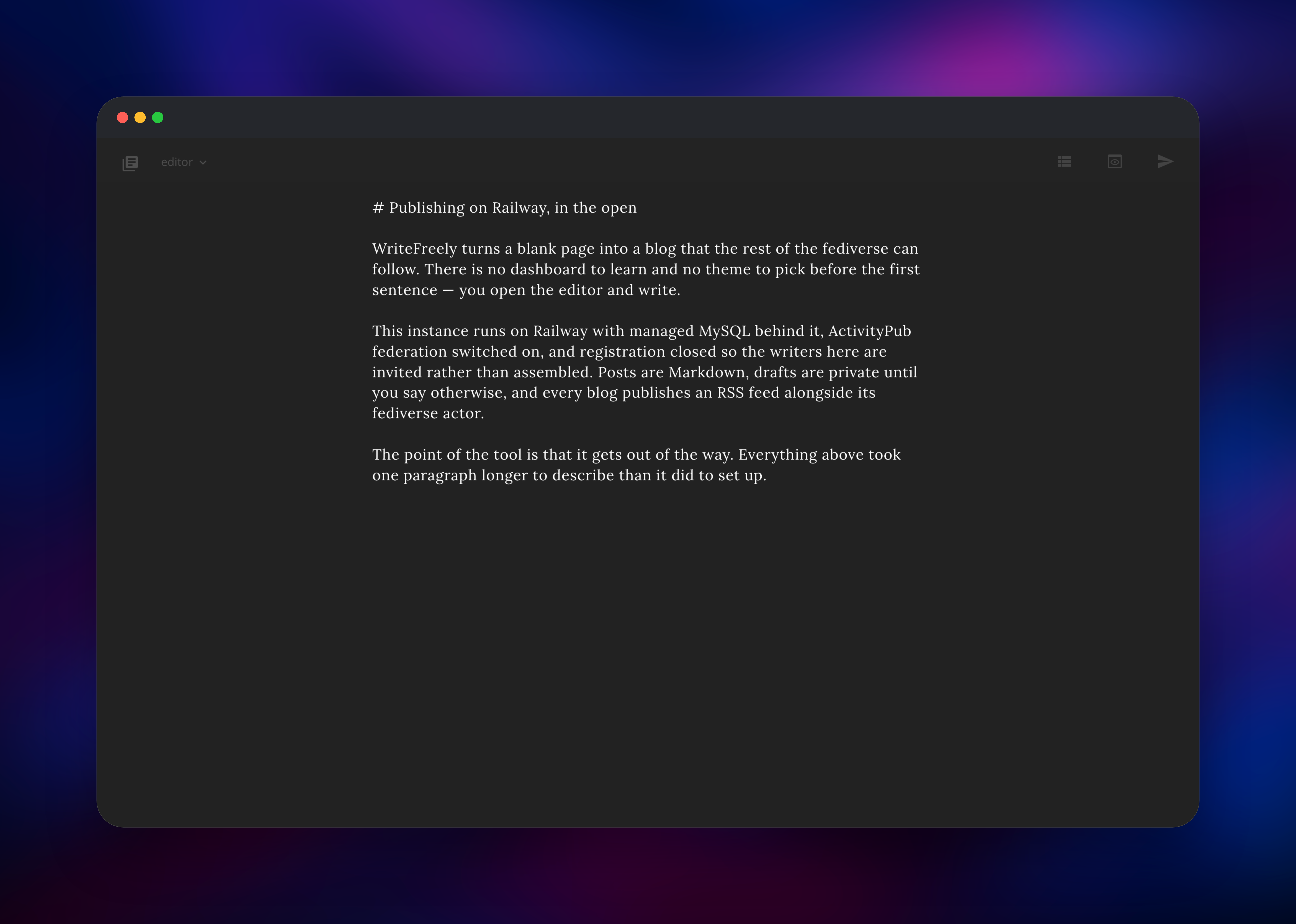
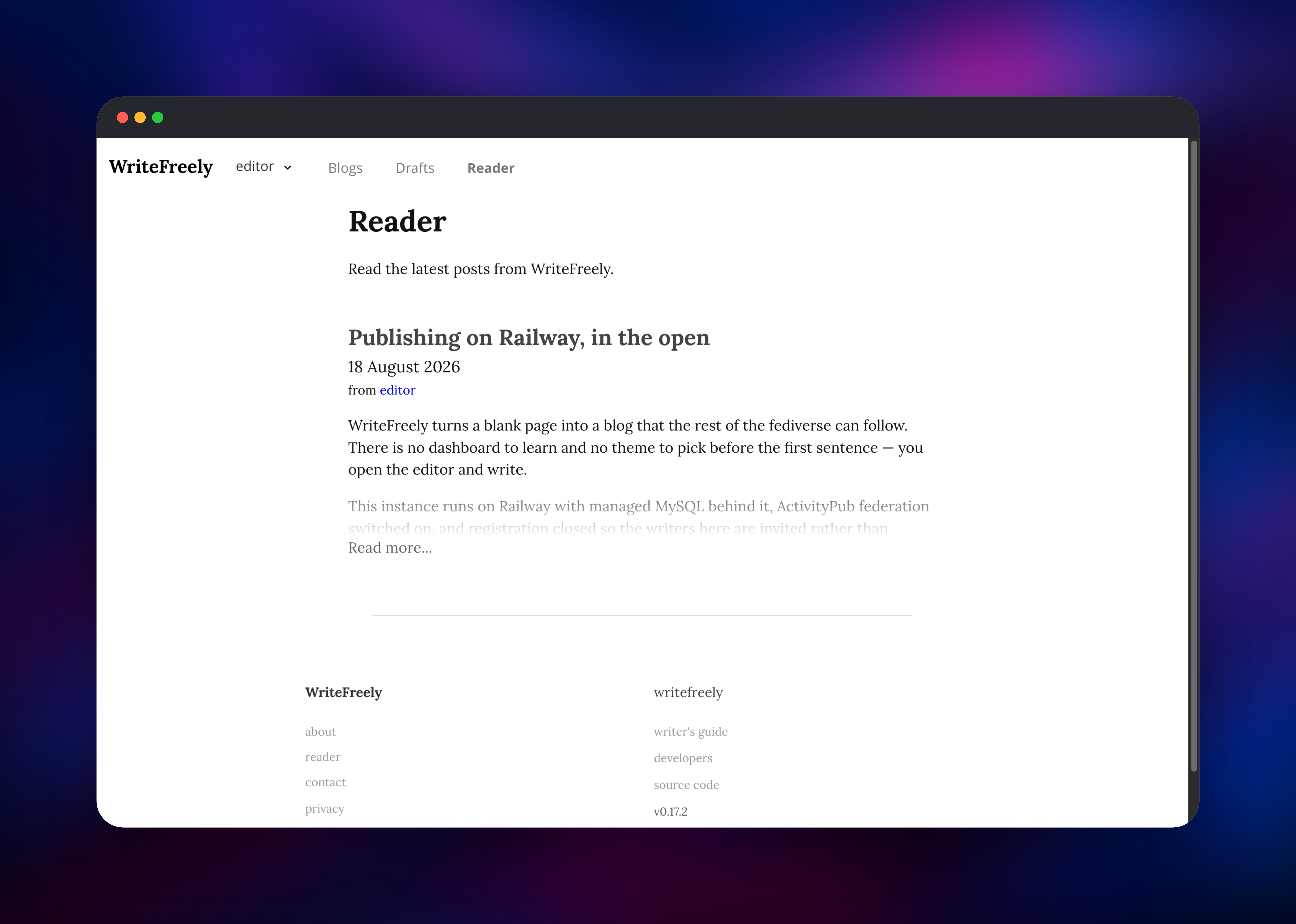
When the deployment turns green, open the Railway domain and click Log in. You land straight in the editor — a blank dark page with a cursor. Start a line with # to set the title, write Markdown below it, then press Publish; the post appears on your blog at once and the Reader tab lists it on the instance timeline. Use /admin/settings to set the site title, decide whether registrations are open, and mint invite links under Users. Requesting /.well-known/webfinger?resource=acct:@ confirms federation. Mail lands in Mailpit, behind the MP_UI_AUTH credentials.
About Hosting WriteFreely
WriteFreely is a single Go binary serving blogs, an editor and a federation endpoint on top of a SQL database. It solves a narrow problem well: a durable place to publish that you control, without the weight of a general-purpose CMS. Teams self-host it for an engineering journal or a community of authors on one instance; individuals self-host it to own their archive.
Key features:
- Distraction-free Markdown editor with a draft-first workflow
- ActivityPub federation, so each blog is followable from Mastodon
- Multi-user instances with invite links and an instance-wide Reader
- Email subscriptions, RSS feeds and full post export
- Custom CSS, themes, password-protected blogs, and unlisted or private posts
The deployment is three services. WriteFreely serves reading and writing and runs its email queue in-process. MySQL stores everything durable — users, blogs, posts, followers, subscriptions — since post bodies live in the database, not on disk. Mailpit captures outgoing mail in a web inbox, and becomes a real relay once MP_SMTP_RELAY_HOST points at a provider. A small volume holds the config file and derived keys.
Why Deploy WriteFreely on Railway
Railway removes the parts of self-hosting unrelated to writing.
- MySQL is provisioned, backed up and networked privately
- TLS and a public domain are issued for you
- Configuration and keys persist on a volume
- Email features work on day one, with no provider account
- Scaling memory or CPU is a slider, not a migration
Common Use Cases
- A personal blog you own outright, followable from Mastodon
- A writers' collective running one invite-only instance with a shared Reader
- An engineering team's changelog or research journal, in Markdown
- A newsletter replacement, with readers subscribing by email
Dependencies for WriteFreely
- WriteFreely — built from github.com/writefreely/writefreely at a pinned release tag via github.com/gridalpha/writefreely-railway. The image
ghcr.io/writefreely/writefreely:latestfollows thedevelopbranch, so this template builds the stable release instead. - MySQL — Railway's managed MySQL, holding all application state. WriteFreely supports MySQL and SQLite only.
- Mailpit —
axllent/mailpit:latest, accepting SMTP privately and showing captured mail in a browser inbox.
Environment Variables Reference
| Variable | Purpose |
|---|---|
WRITEFREELY_HOST | Public URL of the instance; every federation actor URL is built from it |
WRITEFREELY_KEYS_SECRET | Seeds every encryption key; changing it signs everyone out |
WRITEFREELY_ADMIN_USER | First administrator, and the alias of their blog |
WRITEFREELY_SINGLE_USER | true serves one blog at the root domain |
WRITEFREELY_OPEN_REGISTRATION | Whether strangers may create accounts |
WRITEFREELY_FEDERATION | Turns ActivityPub on or off |
Deployment Dependencies
- Source: github.com/writefreely/writefreely
- Docs: writefreely.org/docs
- Mailpit: github.com/axllent/mailpit
- Runtime: Go binary on Alpine Linux; MySQL 8 or newer
Hardware Requirements for Self-Hosting WriteFreely
| Resource | Minimum | Recommended |
|---|---|---|
| CPU | 0.5 vCPU | 1–2 vCPU |
| RAM | 512 MB app + 512 MB MySQL | 1 GB each |
| Storage | 1 GB volume + database | 5 GB as the archive grows |
| Runtime | Go 1.25, MySQL 8+ | Same |
WriteFreely is unusually light: the binary idles in tens of megabytes, and growth is database rows rather than files, since posts are text and it hosts no uploaded media.
Self-Hosting WriteFreely
Outside Railway, Docker Compose is quickest. A minimal docker-compose.yml:
services:
  writefreely:
    image: ghcr.io/writefreely/writefreely:v0.17.2
    ports: ["8080:8080"]
    volumes: ["./config.ini:/go/config.ini", "keys:/go/keys"]
    depends_on: [db]
  db:
    image: mysql:8
    environment:
      MYSQL_DATABASE: writefreely
      MYSQL_ROOT_PASSWORD: change-me
    volumes: ["db:/var/lib/mysql"]
volumes: {keys: {}, db: {}}
WriteFreely is configured by config.ini, not environment variables, and its schema, keys and first account come from the command line:
writefreely config start
writefreely keys generate
writefreely db init
writefreely user create --admin yourname:your-password
writefreely
Upgrading means replacing the binary and running writefreely db migrate. Never delete the keys directory — sessions and stored subscriber addresses become unreadable without it.
Is WriteFreely Free to Self-Host?
WriteFreely is free and open source under AGPL-3.0, with no paid tier, seat limits or feature gates in the self-hosted build. Its maintainers sell a hosted service, Write.as, but the software you run here is complete. On Railway you pay only for the compute, database and storage the three services consume — modest for a personal or small-team instance.
FAQ
What is WriteFreely? An open-source, Markdown-based blogging platform with built-in ActivityPub federation. It focuses on writing rather than site administration, and is often described as a self-hosted alternative to Medium or Substack.
What does this Railway template deploy? Three services: the WriteFreely application built from a pinned upstream release, a managed MySQL database, and Mailpit as an SMTP server with a web inbox. A volume keeps the app's config and keys.
Why do MySQL and Mailpit ship with the template?
WriteFreely supports MySQL and SQLite only, and SQLite is one file on local disk; managed MySQL gives backups and a database independent of the app container. Email subscriptions and password resets stay hidden until an SMTP server exists, so Mailpit provides one — point MP_SMTP_RELAY_HOST at a real provider to deliver outside.
How do I invite other writers to my self-hosted WriteFreely instance? Registrations are closed by default. Sign in as the administrator, open Users, and generate an invite link with an optional expiry and use limit. To let strangers sign up, enable Open Registrations in admin settings.
Can people follow my WriteFreely blog from Mastodon?
Yes — federation is on by default, and each blog is an ActivityPub actor addressable as @blogname@your-domain. Keep the public URL stable: changing the domain later orphans existing followers, whose subscriptions point at the old address.
How do I run a single-user blog instead of a multi-user instance?
Set WRITEFREELY_SINGLE_USER to true before the first deployment: your blog is then served at the domain root rather than under a username, and the Reader is dropped. Decide before publishing anything.
Template Content