
Deploy Zulip
Team chat where every conversation gets its own named topic

memcached
Just deployed

Redis
Just deployed
/data

postgres
Just deployed
/var/lib/postgresql/data

rabbitmq
Just deployed
/var/lib/rabbitmq

mailpit
Just deployed
/data
Just deployed
/data
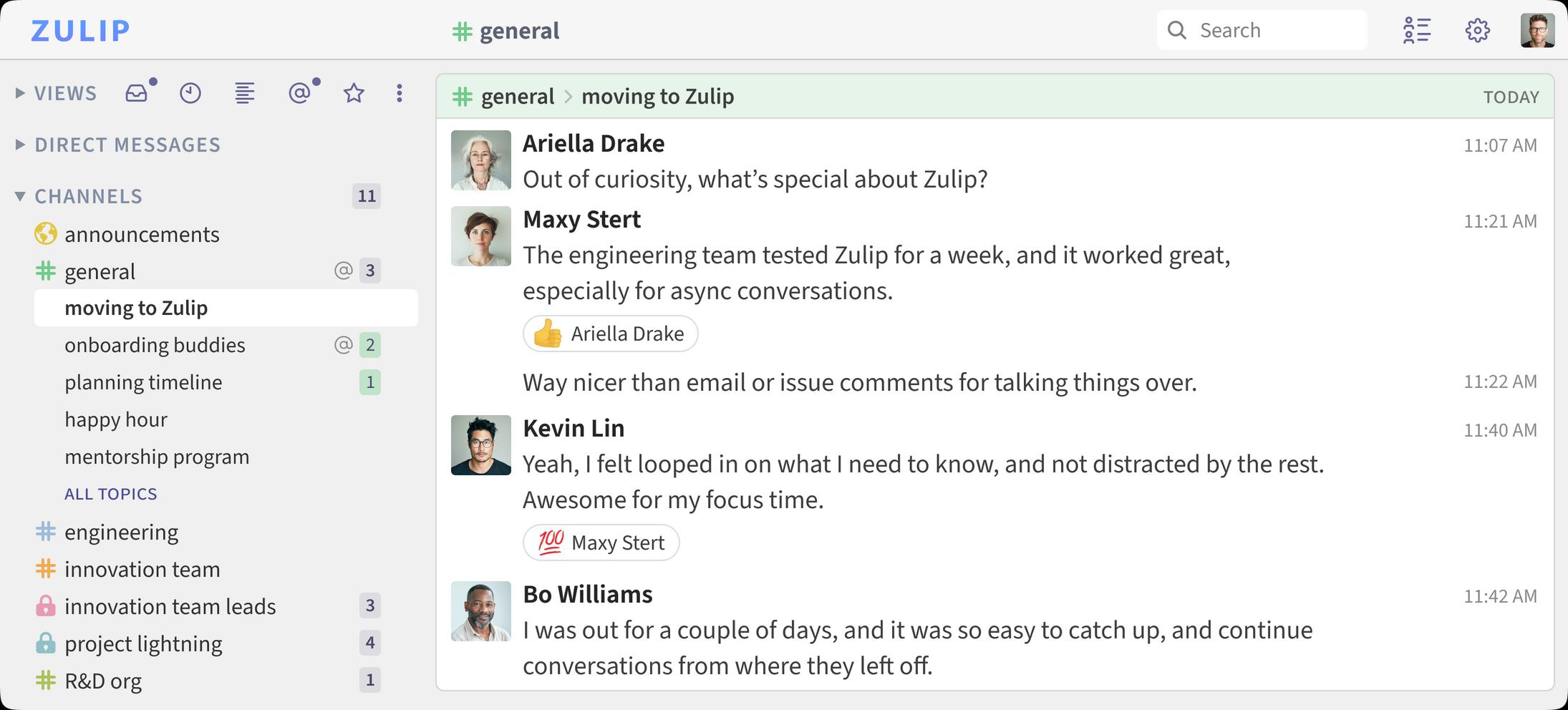
Deploy and Host Zulip on Railway
Zulip is an open-source team chat application built around a threading model no other chat tool copies well: every message belongs to a named topic inside a channel, so a busy channel reads like a set of short email threads rather than one scrolling firehose. Open-source projects, research groups and distributed engineering teams pick it over Slack for that reason — someone who was asleep for eight hours can skim topic names and read only the conversations that concern them. It ships web, desktop and mobile clients, a REST API, 100+ integrations, and history no retention paywall truncates.
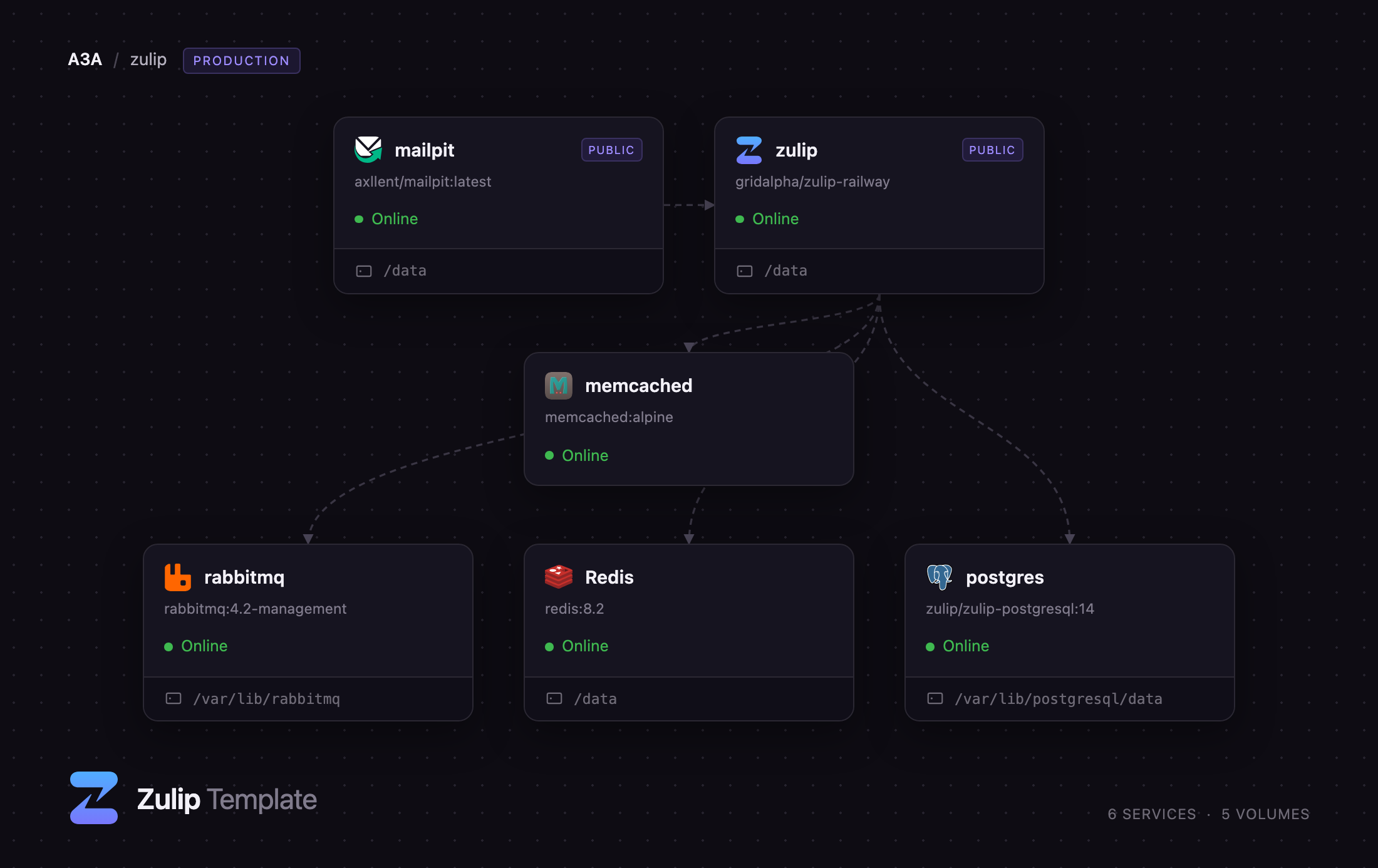
Self-host Zulip on Railway and this template gives you the whole production topology, not a single container that quietly drops half of Zulip's features. The zulip service runs the Django application, the Tornado event server, the queue worker and nginx under one supervisor tree, with a volume at /data for uploads and secrets. Behind it sit postgres (Zulip's own PostgreSQL build, carrying the pgroonga extension its search depends on), rabbitmq for event queues, memcached for the object cache, managed Redis for rate limiting and presence, and mailpit to capture outgoing mail. Only the app and the Mailpit inbox get public URLs.
Getting Started with Zulip on Railway
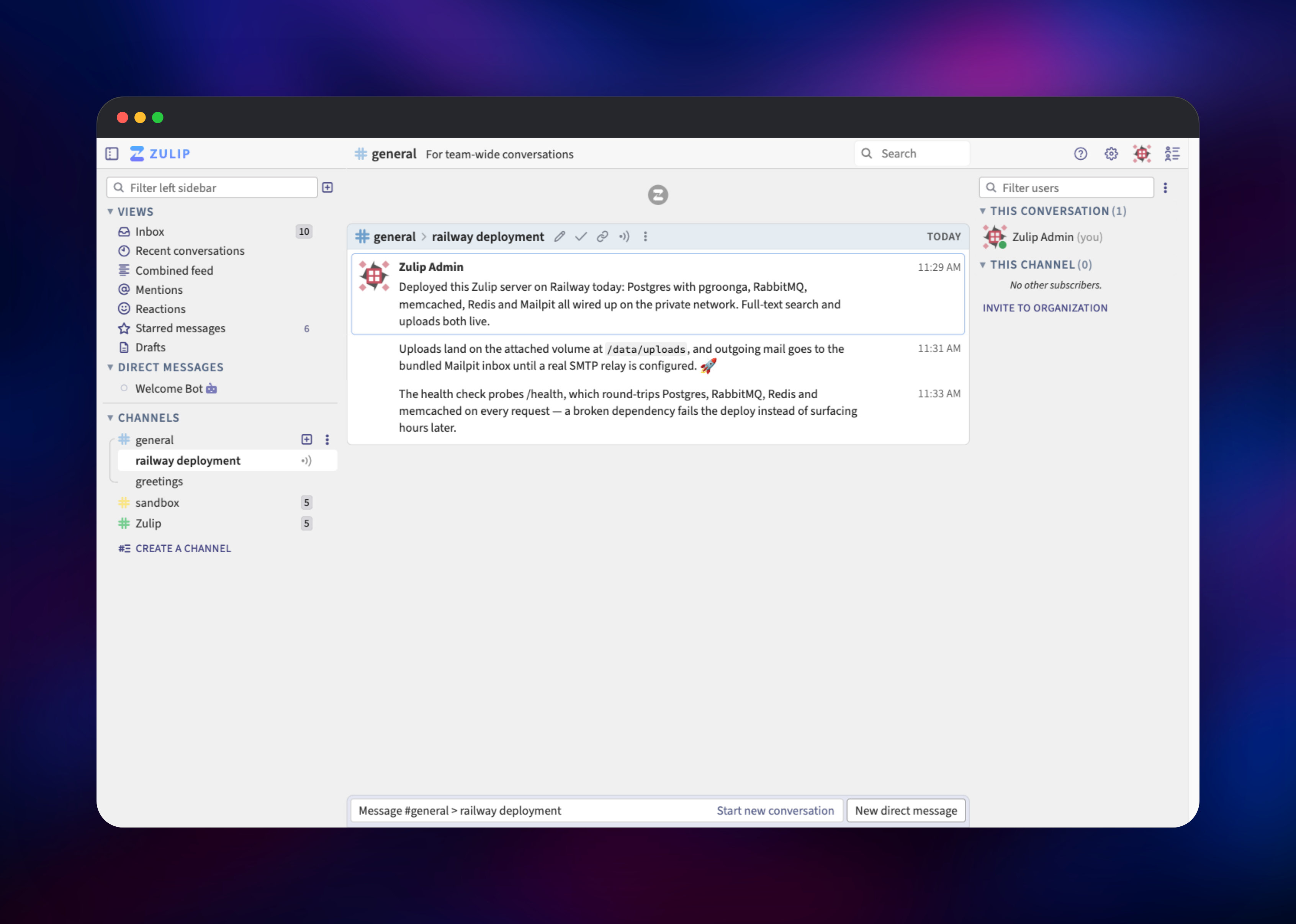
Set ZULIP_ADMIN_EMAIL and ZULIP_ADMIN_PASSWORD before deploying — those become the organization owner's credentials, and are the only two values the template needs from you. The first boot runs Zulip's migrations and then creates your organization and its owner, which takes a few minutes; the deployment goes healthy once /health can reach PostgreSQL, RabbitMQ, Redis and memcached. Open the public URL, sign in, and accept the one-time prompt about email visibility. You land in #general with a Welcome Bot conversation waiting.
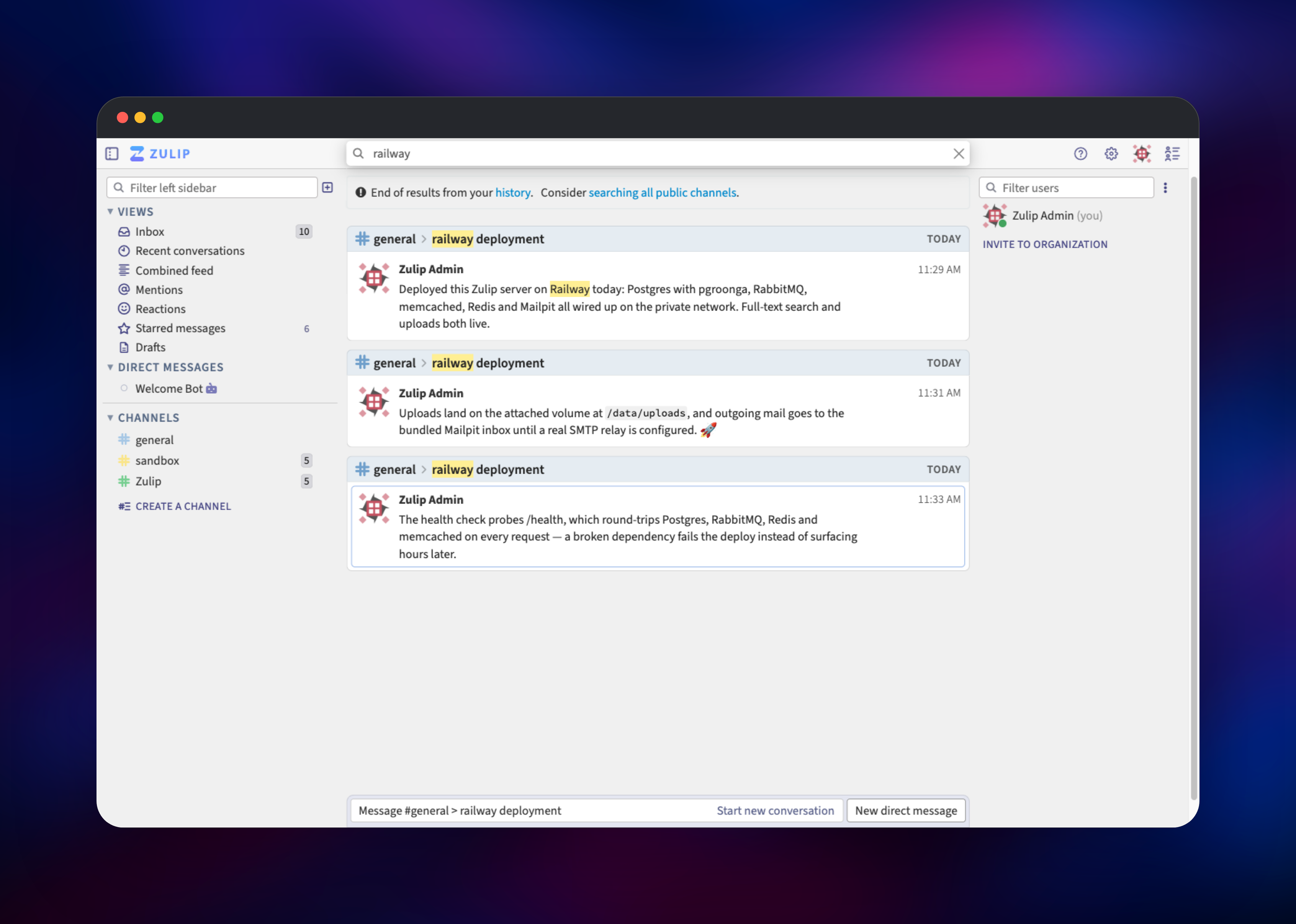
The first useful thing to do is start a conversation: pick a channel, click Start new conversation, name a topic such as deployment, and send a message. Type a word from it into the search box — matches come back highlighted, the quickest confirmation that PostgreSQL and its search extension are wired up. Invite your team from the right sidebar; the invitation lands in the bundled Mailpit inbox, which has its own URL behind the credentials in MP_UI_AUTH. Before inviting real users, point SETTING_EMAIL_HOST at a real SMTP relay.
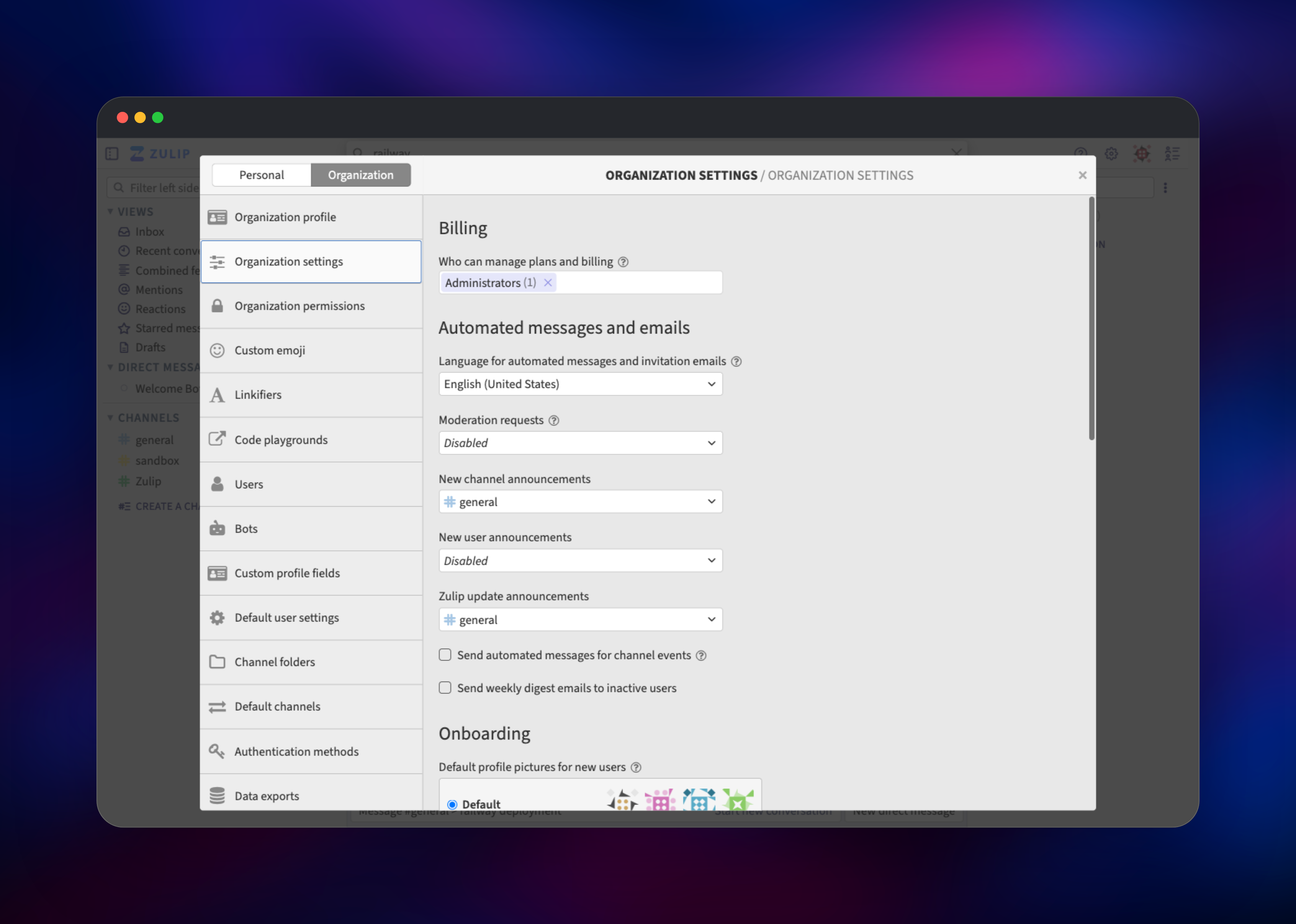
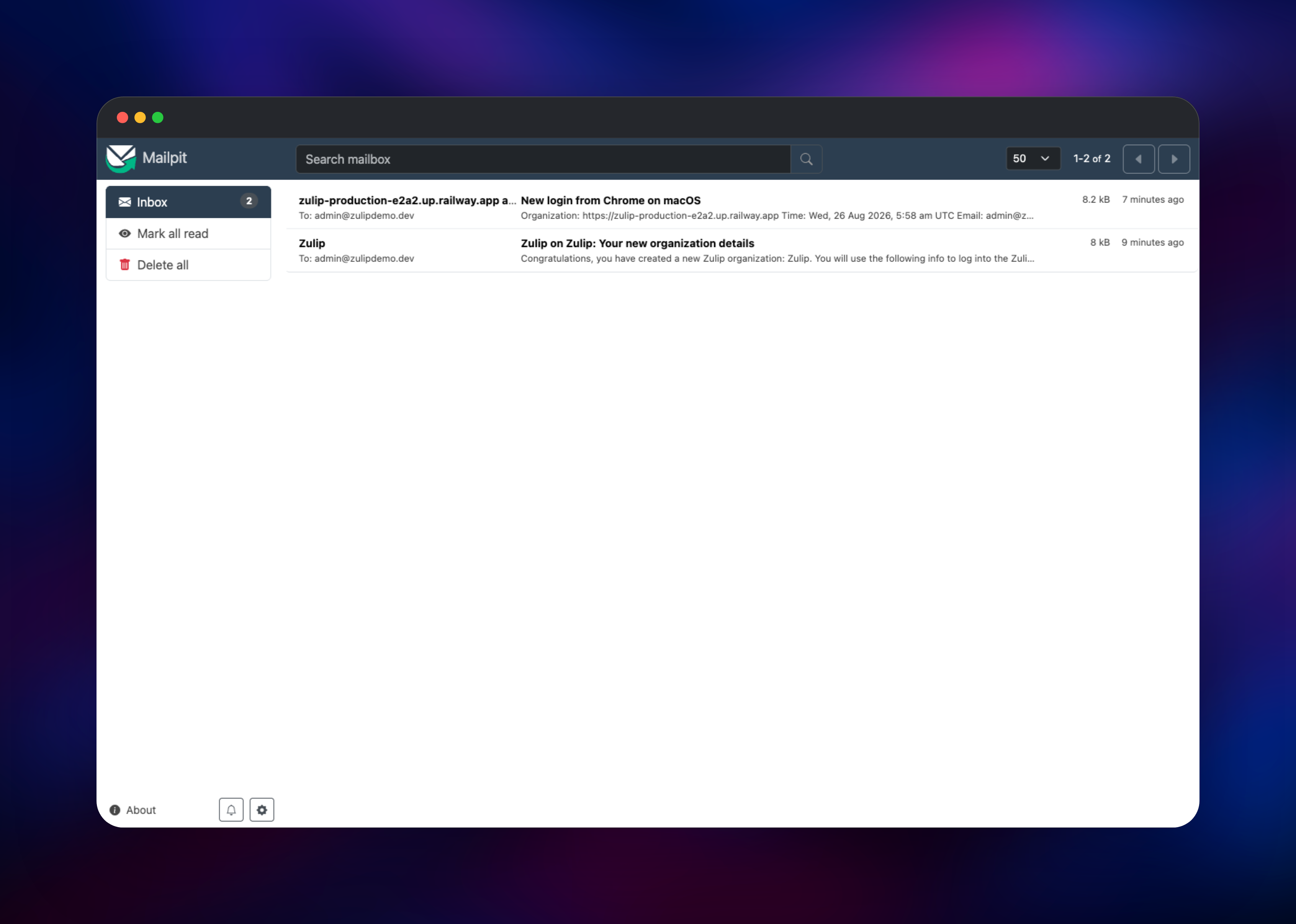
About Hosting Zulip
Channels hold topics, topics hold messages, and every view — inbox, recent conversations, combined feed — is built on that hierarchy. Teams self-host Zulip when they want history on infrastructure they control, when per-seat pricing stops making sense, or when compliance keeps conversations out of a SaaS.
- Topic-based threading in every channel, with per-topic mute, resolve and follow
- Unlimited searchable history, with operators for sender, channel, topic and attachments
- 100+ integrations, incoming and outgoing webhooks, interactive bots and a REST API
- LaTeX, syntax-highlighted code, polls and to-do lists in messages
- Email, LDAP, SAML, OpenID Connect and social authentication backends
- Importers for Slack, Mattermost, Rocket.Chat and Teams exports
PostgreSQL stores messages, users and the full-text index. RabbitMQ carries internal event queues — outgoing email, notifications, link previews, thumbnails — so slow work never blocks a request. memcached caches rendered messages and user objects, Redis backs rate limiting and presence, and Mailpit stands in for an SMTP relay so nothing is half-configured on day one.
Why Deploy Zulip on Railway
Railway removes the parts of a Zulip install that normally take an afternoon:
- The five-service topology is provisioned and wired on the private network
- TLS, a public domain and HTTP-to-HTTPS redirects are handled at the edge
- Volumes for uploads, database and queue state are attached and mounted
- The health check exercises all four backing services on every probe
- Vertical scaling is a slider, not a migration
Common Use Cases
- Open-source community chat — public channels with permanent, searchable history
- Distributed engineering teams — topics that survive timezone gaps instead of scrolling away
- Incident and on-call coordination — one topic per incident, resolved when the incident is
- Research groups and classrooms — LaTeX rendering and long-form threads
Dependencies for Zulip
gridalpha/zulip-railway— app service, built onghcr.io/zulip/zulip-server:12.2-0zulip/zulip-postgresql:14— PostgreSQL 14 withpgroongaand Zulip's search schemarabbitmq:4.2-management— event queues for email, notifications, previewsmemcached:alpine— object cache, authenticated with SASLredis:8.2— rate limiting and user presenceaxllent/mailpit:latest— outgoing mail capture with a browsable inbox
Environment Variables Reference
| Variable | Purpose |
|---|---|
ZULIP_ADMIN_EMAIL | Organization owner login, made on first boot |
ZULIP_ADMIN_PASSWORD | Password for that owner account |
SETTING_EXTERNAL_HOST | Hostname Zulip serves; matches the public domain |
LOADBALANCER_IPS | Proxy ranges trusted for forwarded headers |
SETTING_EMAIL_HOST | SMTP host; point at a real relay |
ZULIP_AUTH_BACKENDS | Comma-separated authentication backends |
CONFIG_application_server__uwsgi_processes | Web worker count; raise with more RAM |
Deployment Dependencies
- Zulip source and server docs
- Official image and Compose files
- Environment variable reference
- REST API reference
Hardware Requirements for Self-Hosting Zulip
| Resource | Minimum | Recommended |
|---|---|---|
| CPU | 2 vCPU | 4 vCPU |
| RAM | 2 GB | 4 GB and up |
| Storage | 5 GB volume | 20 GB and up, per upload volume |
| Runtime | PostgreSQL 14, RabbitMQ, memcached, Redis | Same, each on its own service |
Zulip's guidance is 2 GB of RAM for a small server and 4 GB for a busy one; here the app container settles around 1.8 GB. Raise CONFIG_application_server__uwsgi_processes and the memory limit together as the organization grows — Zulip sizes that count from total system memory, which is wrong inside a container.
Self-Hosting Zulip with Docker
Zulip publishes an official image and a Compose file. To pull the server image:
docker pull ghcr.io/zulip/zulip-server:12.2-0
Running it by hand means standing up PostgreSQL, RabbitMQ, memcached and Redis yourself, then passing each connection through SETTING_* and SECRETS_* variables. Compose is shorter:
git clone https://github.com/zulip/docker-zulip.git
cd docker-zulip
cp compose.override.yaml.example compose.override.yaml
docker compose up -d
Behind a reverse proxy, leave CERTIFICATES unset so Zulip serves plain HTTP and list the proxy's addresses in LOADBALANCER_IPS — Zulip refuses forwarded headers from an unlisted address and answers with a configuration error page.
How Much Does Zulip Cost to Self-Host?
Zulip Server is free and open source under the Apache 2.0 licence, with no seat limits, no history cap and no paid feature tier — the self-hosted build is the same software Zulip Cloud runs. Cloud charges per user per month above its free plan, so a team of twenty saves real money hosting it. On Railway you pay only for the compute, memory and storage the six services use.
FAQ
What is Zulip? An open-source team chat application whose channels are subdivided into named topics, so conversations stay separated and readable even when a channel is busy. It has web, desktop and mobile clients and unlimited searchable history.
Why does Zulip need its own PostgreSQL image?
Zulip's search uses the pgroonga extension and a schema created when the database is first initialized. A stock PostgreSQL image has neither, so search fails on a server that otherwise looks healthy.
Why are RabbitMQ, memcached and Redis included? RabbitMQ queues background work — outgoing email, notifications, link previews — so it never blocks a web request. memcached caches rendered messages and user objects, and Redis backs rate limiting and presence. Zulip expects all three.
How do I send real email from self-hosted Zulip?
Point SETTING_EMAIL_HOST, SETTING_EMAIL_PORT, SETTING_EMAIL_HOST_USER and SECRETS_email_password at your SMTP provider and set SETTING_EMAIL_USE_TLS to True. Until then Mailpit captures it.
How do I add users to my Zulip organization? Signup is invite-only by default. Use Invite users in the right sidebar to email an invitation or generate a reusable link — a link works even before a real SMTP relay is configured.
Template Content
memcached
memcached:alpineRedis
redis:8.2postgres
zulip/zulip-postgresql:14rabbitmq
rabbitmq:4.2-managementmailpit
axllent/mailpit:latest

