
Deploy AList
File browser and WebDAV server for local disks and cloud drives

meilisearch
Just deployed
/meili_data
Just deployed
/opt/alist/data

Just deployed
/var/lib/postgresql/data
Deploy and Host AList on Railway
AList is an open-source file list and WebDAV server written in Go. It puts one browsable web interface in front of storage that would otherwise live in thirty different places: local disk, S3 buckets, SFTP and SMB shares, Google Drive, OneDrive, Dropbox, Mega, Proton Drive and a long list of Chinese cloud drives. Each backend is mounted at a path you choose, so /Media can be a bucket and /Team a Dropbox folder while readers just see folders. It previews Markdown, code, PDFs, Office documents, images and video in the browser, hands out signed download links, and re-exposes everything over WebDAV.
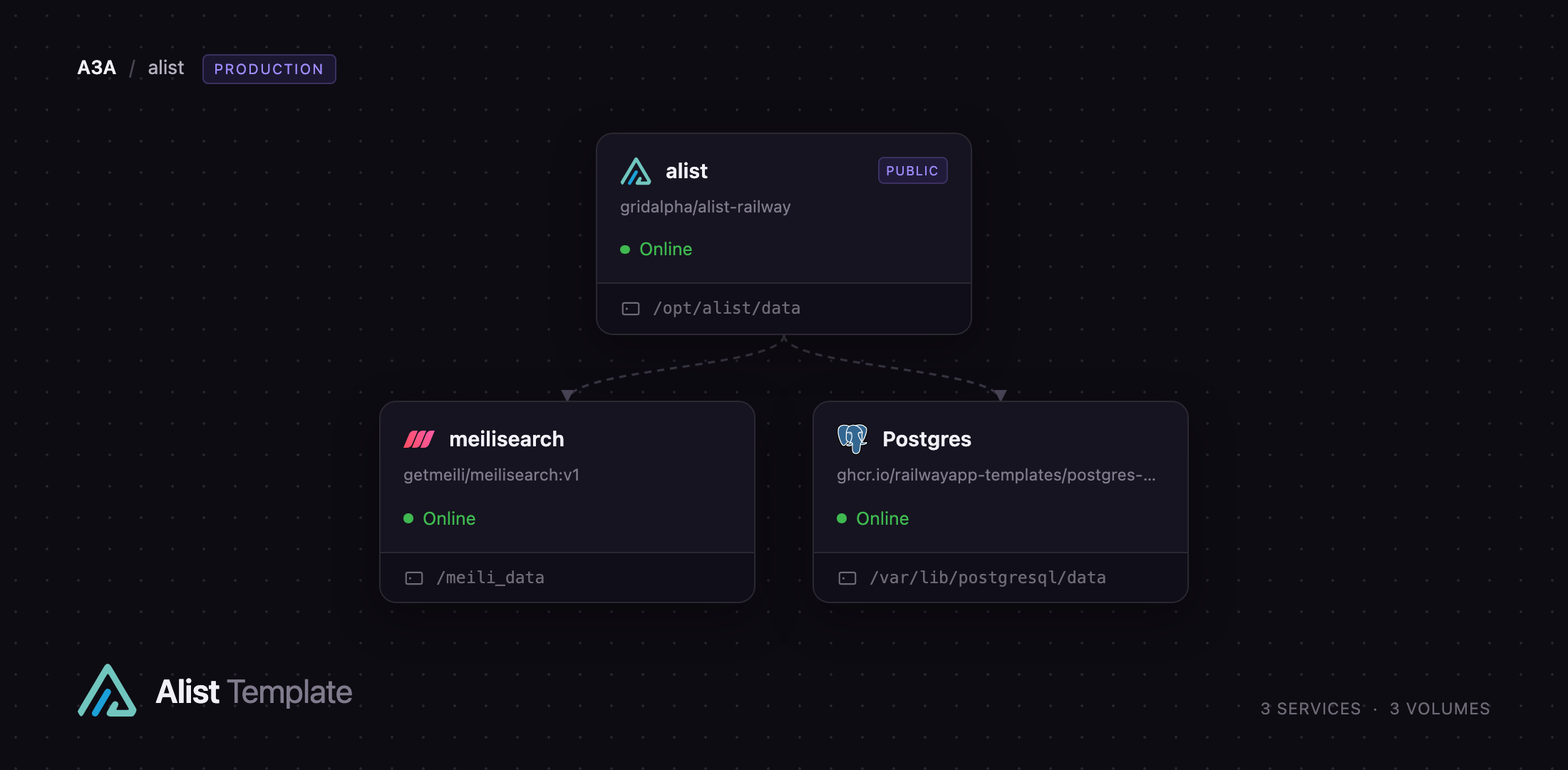
Self-host AList on Railway and this template gives you the production shape rather than the single-container demo. Three services are wired together before you open the URL: alist serves the web UI and API on a public domain with a persistent volume, Postgres stores users, storages, settings and shares, and meilisearch provides full-text search — switched on and pointed at Meilisearch during the first boot, so nothing is connected by hand.
Getting Started with AList on Railway
Set ALIST_ADMIN_PASSWORD before deploying, or accept the generated value — it is read once, on the first boot, to create the admin account, and ignored afterwards. Open the public URL and you land on a login page: the built-in guest account ships disabled and registration is closed, so nothing is readable anonymously. Sign in as admin and tick "Remember me", or the session is held in memory and a page reload signs you out.
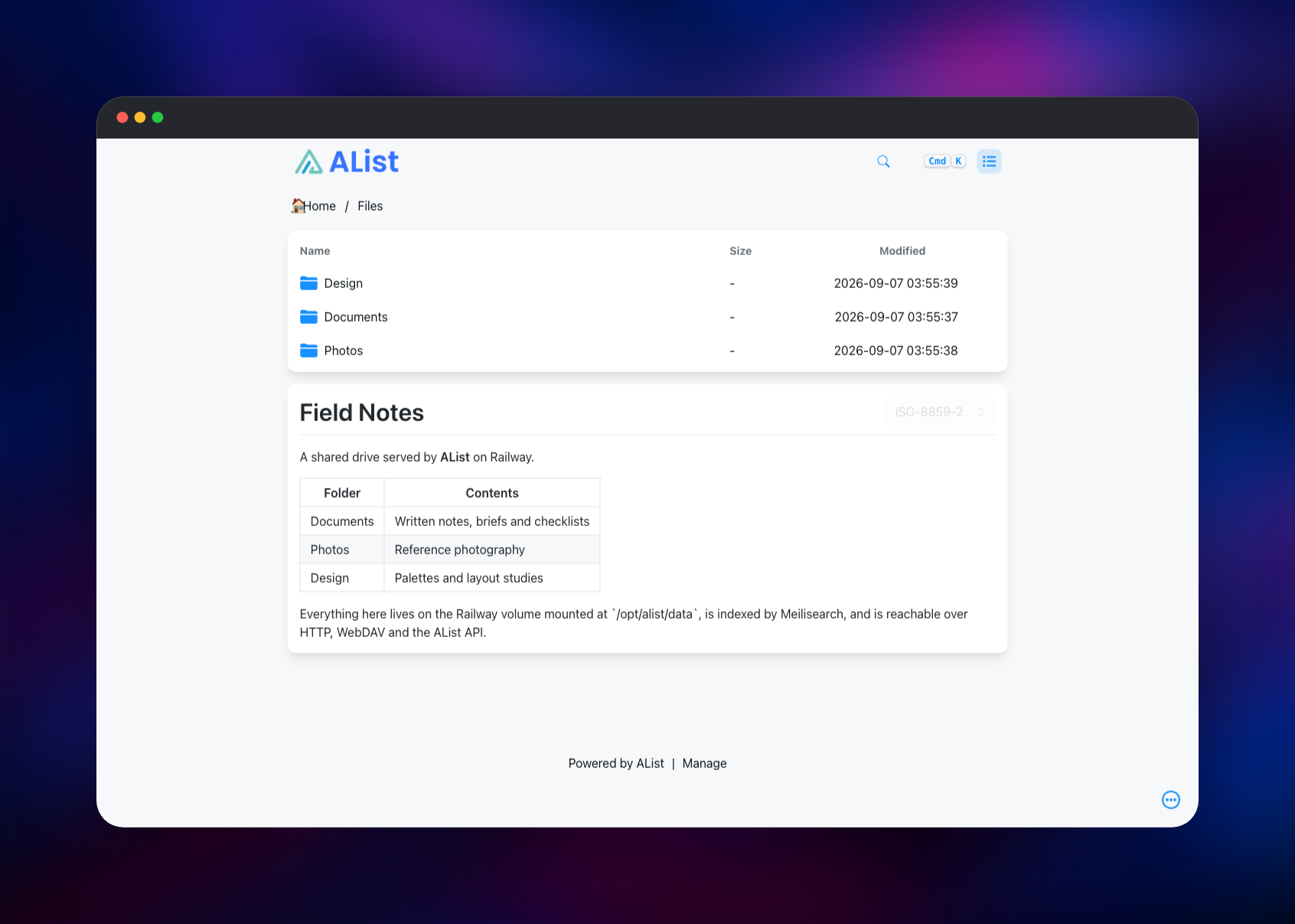
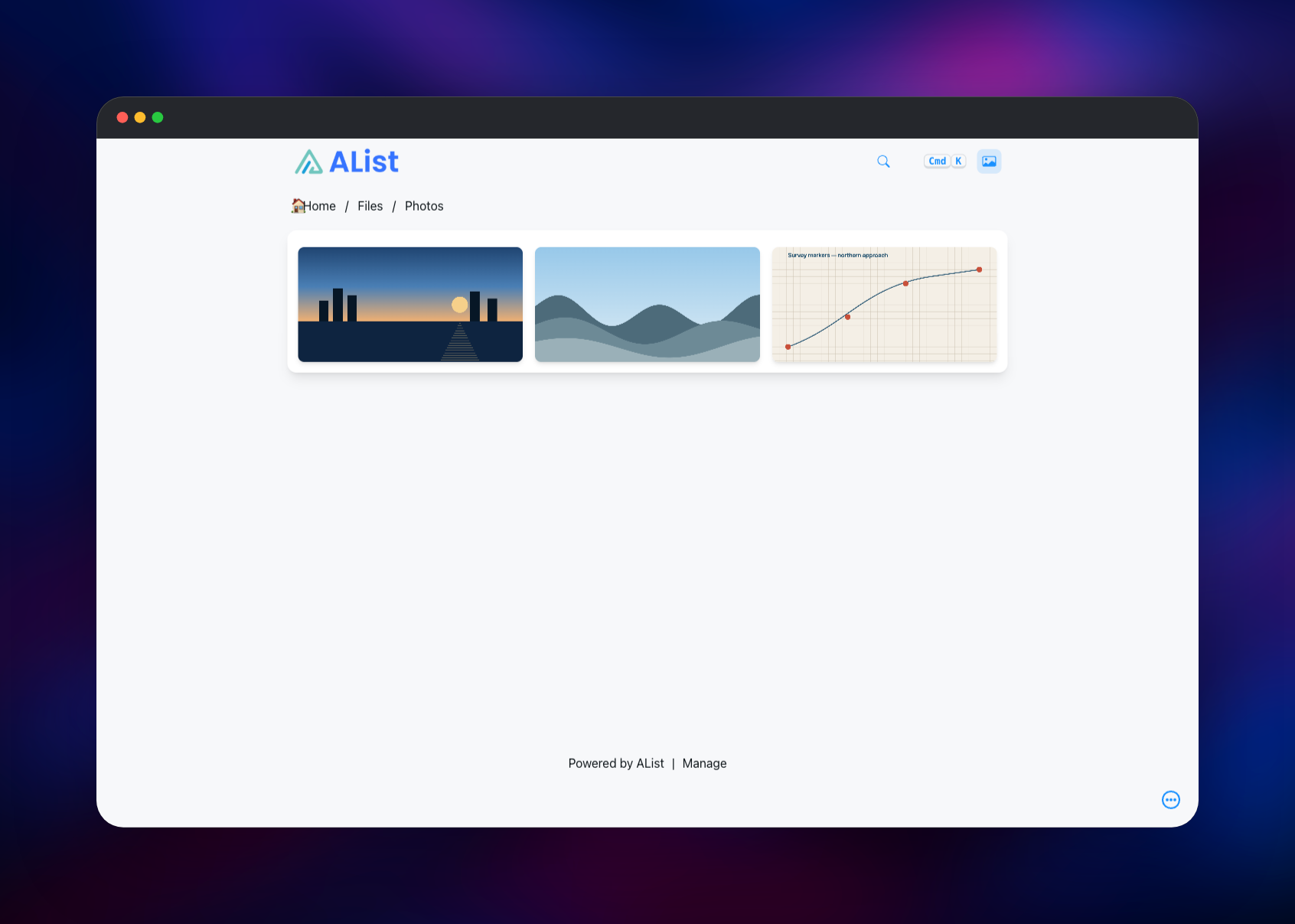
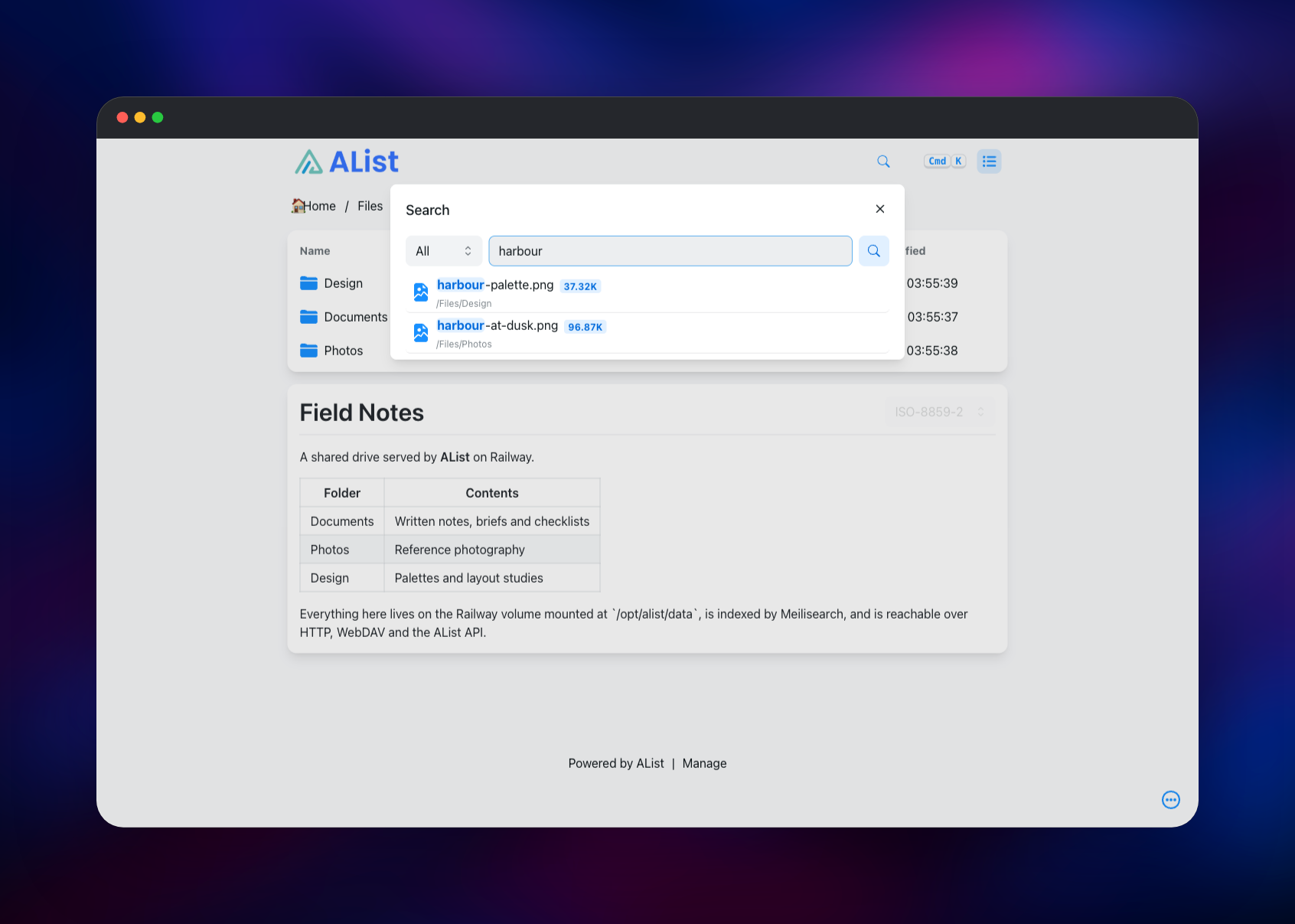
You will see "please add a storage first". Go to Manage → Storages → Add, choose the Local driver, set Mount Path to /Files and Root folder path to /opt/alist/data/local — created for you on the volume — then save. Back on the home page the mount appears as a folder. Upload a file, drop a README.md in a folder to have it rendered under the listing, and open an image to check previews and signed links. Then visit Manage → Indexes, confirm the index reads Meilisearch and press "Rebuild indexes"; the search box (Cmd/Ctrl-K) now matches filenames across every mounted storage. For a cloud backend, pick its driver on the same form and paste the credentials that provider issues.
About Hosting AList
AList solves a specific problem: the files that matter end up scattered across personal drives, object storage and old servers, and none of those interfaces are pleasant to share with other people. Self-hosting AList gives you one URL, one permission model and one search box over all of it without copying a byte.
Key features:
- 30+ storage drivers, each mounted at a path you choose
- Browser previews for Markdown, code, PDF, Office documents, images and video
- WebDAV server, so any mount is a drive in Finder, Explorer, Infuse or rclone
- Per-path passwords, per-user base paths, roles and expiring share links
- Signed download URLs, folder packaging and multi-threaded transfer
- Full-text search across storages, with automatic index updates
- A complete REST API, plus optional S3, FTP and SFTP front ends
The Railway architecture is three services. alist is the Go binary and the SolidJS UI, with a 5 GB volume at /opt/alist/data for configuration, upload staging and the local storage root. Postgres replaces the default SQLite file, so your users, mounts and shares live in a database you can back up on its own. meilisearch holds the search index on its own volume, with no public domain — it is reachable only over Railway's private network.
Why Deploy AList on Railway
Railway removes the setup work between you and a working file server.
- Postgres, Meilisearch and volumes provisioned and connected in one click
- HTTPS on a public domain immediately, private networking for the backends
- No compose file, no reverse proxy, no certificate renewal
- Health checks and restart policies on every service
- Vertical scaling and metrics without touching the deployment
Common Use Cases
- Publishing a media library from object storage to Infuse, Kodi or VidHub over WebDAV
- Giving a team one URL for documents held across several cloud accounts
- Handing clients password-protected folders and expiring links, with no accounts
Dependencies for AList
- alist — gridalpha/alist-railway, one layer over the official
xhofe/alist:latestimage (AlistGo/alist); the layer creates the first storage's root directory and selects Meilisearch on first boot - Postgres — managed PostgreSQL 18, holding users, storages, settings, shares and tasks
- meilisearch —
getmeili/meilisearch:v1, the private full-text index
Environment Variables Reference
| Variable | Service | Purpose |
|---|---|---|
ALIST_ADMIN_PASSWORD | alist | admin password, read only on first boot |
SITE_URL | alist | Public base URL used to build links |
JWT_SECRET | alist | Signs session tokens; keep it stable |
HTTP_PORT | alist | Port AList binds; PORT is the health-check port |
LOG_ENABLE | alist | Keep false so logs reach Railway, not the volume |
DB_* | alist | Postgres connection, including DB_SSL_MODE=require |
MEILISEARCH_HOST, MEILISEARCH_API_KEY | alist | Search backend |
MEILI_MASTER_KEY | meilisearch | Search API key, referenced by alist |
AList runs with --no-prefix, so its configuration variables carry no ALIST_ prefix; ALIST_ADMIN_PASSWORD is the single exception.
Deployment Dependencies
- Source: github.com/AlistGo/alist (AGPL-3.0), docs at alistgo.com
- Image: hub.docker.com/r/xhofe/alist
- Search: github.com/meilisearch/meilisearch
Hardware Requirements for Self-Hosting AList
| Resource | Minimum | Recommended |
|---|---|---|
| CPU | 0.5 vCPU | 2 vCPU |
| RAM | 512 MB total | 2 GB across the three services |
| Storage | 5 GB volume | 5 GB per volume, more for local uploads |
| Runtime | Go binary, Alpine base | Postgres 18 and Meilisearch v1 |
AList idles in tens of megabytes. Most memory in a busy deployment goes to Meilisearch while it indexes, which is why the template caps its indexing threads and budget.
Self-Hosting AList Outside Railway
The quickest local run uses the official image. The following Docker command starts AList on port 5244 with SQLite and a bind-mounted data directory:
docker run -d --name alist -p 5244:5244 \
  -v ./alist-data:/opt/alist/data \
  -e ALIST_ADMIN_PASSWORD=change-me \
  --restart unless-stopped xhofe/alist:latest
To match this template's shape, pass the same variables it sets. The following is a Docker Compose fragment for the AList service:
services:
  alist:
    image: xhofe/alist:latest
    ports: ["5244:5244"]
    volumes: ["./alist-data:/opt/alist/data"]
    environment:
      ALIST_ADMIN_PASSWORD: change-me
      LOG_ENABLE: "false"
      DB_TYPE: postgres
      DB_HOST: postgres
      DB_USER: alist
      DB_PASS: alist
      DB_NAME: alist
      MEILISEARCH_HOST: http://meilisearch:7700
      MEILISEARCH_API_KEY: change-me-too
Then open Manage → Indexes and switch the search index to Meilisearch — the step the Railway template performs for you.
Is AList Free to Self-Host?
AList is free and open source under the AGPL-3.0 licence, with no paid tier, seat limits or feature gates — every storage driver, the WebDAV server and the API are in the same build. Meilisearch and PostgreSQL are open source too. On Railway you pay only for the compute and volume storage the three services use, modest for a personal or team file server.
FAQ
What is AList? AList is a self-hosted file list and WebDAV server that mounts local disks, S3 buckets, SFTP and SMB shares and thirty-plus cloud drive providers behind one web interface, with previews, search and share links. It redirects or proxies bytes rather than copying them.
What does this Railway template deploy? Three services: AList on a public HTTPS domain with a 5 GB volume, a managed PostgreSQL database for its metadata, and a private Meilisearch already selected as the search backend.
Why does the template include Postgres and Meilisearch? AList defaults to a SQLite file, which ties every user, storage and share to one file on one volume; Postgres separates that metadata from the file store and makes backups straightforward. Meilisearch is AList's scalable index option, and the difference between a search box that returns results and one that reports search is off.
How do I add a cloud drive to self-hosted AList? Go to Manage → Storages → Add, pick the provider's driver, choose a mount path and paste the refresh token, cookie or API credentials it issues. AList's docs have a page per driver explaining where to get them.
Can I mount AList as a network drive?
Yes. Every storage is exposed over WebDAV at https:///dav, which Finder, Explorer, rclone, Infuse and Kodi can mount with your AList credentials.
Template Content
meilisearch
getmeili/meilisearch:v1

