
Deploy AutoGen Studio
Build Multi-Agent Apps and rapidly prototype AI agents
AutoGen Studio
Just deployed
/app/data
Deploy and Host AutoGen Studio on Railway
AutoGen Studio is a low-code interface for rapidly prototyping and managing AI agents built on the Microsoft AutoGen framework. It allows users to define agents, compose skills, and create multi-agent workflows through a visual UI, enabling complex task automation and orchestration without extensive coding.
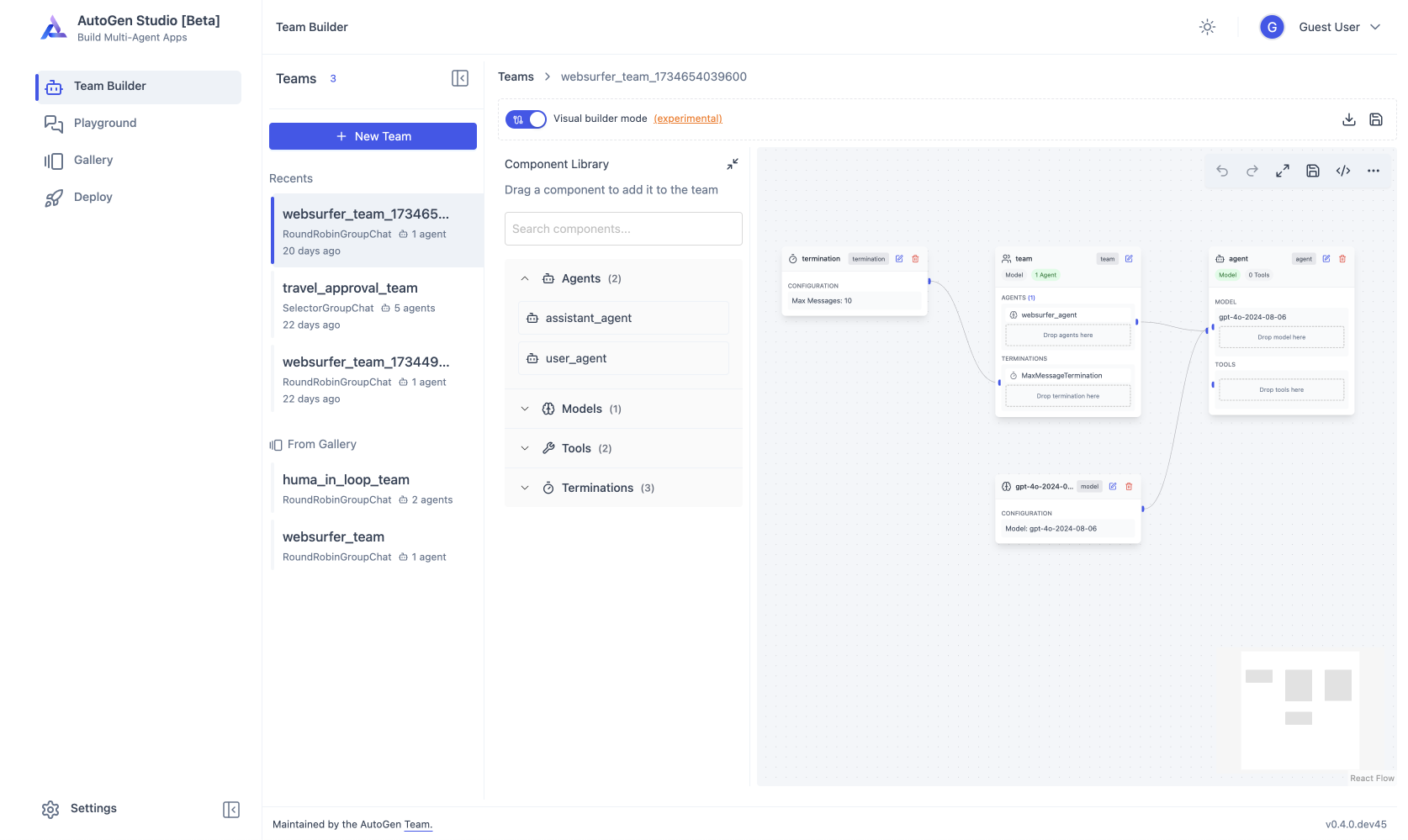
About Hosting AutoGen Studio
This template turns hosting AutoGen Studio into a seamless, one-click experience. It handles the complete Python environment setup and automatically configures a persistent Volume, ensuring your agent workflows, skills, and database are saved and never lost during restarts.
Crucially, this deployment solves the lack of built-in security by automatically adding an authentication layer. The template pre-configures a lightweight Nginx proxy that password-protects your interface immediately upon launch, securing your agents and API usage from public access without any manual configuration required.
Common Use Cases
- Multi-Agent Research: Orchestrate a "Group Chat" where one agent browses the web for information, another summarizes the findings, and a third drafts a final report or blog post.
- Code Generation & Analysis: detailed workflows where agents can write, execute, and debug Python code to visualize data, solve mathematical problems, or generate software components.
- Rapid Agent Prototyping: visually test and refine agent system messages and skills (Python functions) before exporting them for use in production applications.
Dependencies for AutoGen Studio Hosting
- LLM Provider API Key: You must provide an API Key in the Settings of the application for the agents to generate responses.
- Persistent Storage: A Railway Volume is mounted to
/app/datais required to save your work.
Deployment Dependencies
Implementation Details
This template uses a custom Dockerfile to add security to the default AutoGen Studio installation. It runs an Nginx reverse proxy in front of the application to handle Basic Authentication.
You can configure the login credentials in the Railway Service Variables:
AUTH_USERChoose a username to login withAUTH_PASSChoose a password to login with
Why Deploy AutoGen Studio on Railway?
Railway is a singular platform to deploy your infrastructure stack. Railway will host your infrastructure so you don't have to deal with configuration, while allowing you to vertically and horizontally scale it.
By deploying AutoGen Studio on Railway, you are one step closer to supporting a complete full-stack application with minimal burden. Host your servers, databases, AI agents, and more on Railway.
Template Content
AutoGen Studio
decoge/autogen-studio-railwayAUTH_PASS
Choose a password to login with
AUTH_USER
Choose a username to login with


