
Deploy Couchdb Obsidian Livesync
CouchDB server that syncs your Obsidian notes between devices
Just deployed
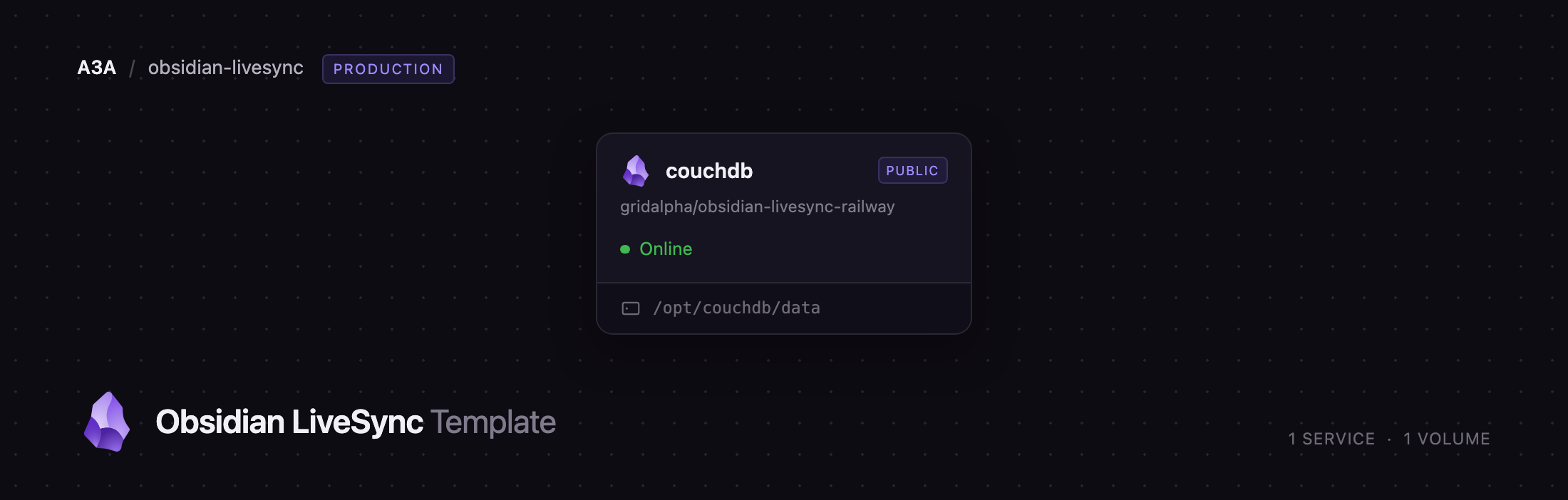
/opt/couchdb/data
Deploy and Host CouchDB for Obsidian LiveSync on Railway
Deploy Apache CouchDB as the sync server for Obsidian's Self-hosted LiveSync plugin. Obsidian and the plugin both run on your own devices — what runs on Railway is the database they replicate into, so your notes live on infrastructure you control instead of behind a paid Obsidian Sync subscription. The plugin splits each note into chunks and syncs only what changed, so two devices editing the same note merge cleanly rather than leaving .sync-conflict copies, and everything is end-to-end encrypted with a passphrase the server never sees.
A stock CouchDB will not do. To self-host Obsidian LiveSync the server needs auth on every request, CORS opened for the Obsidian app origins, a 4 GB request ceiling and a 50 MB document ceiling. This template applies all of that to a single couchdb service on a persistent volume, creates the vault database on first boot, and generates the admin credentials at deploy time. TLS is terminated at Railway's edge, so the reverse proxy and certificate manager you would otherwise run are the platform's job.
Getting Started with CouchDB for Obsidian LiveSync on Railway
Once the deploy is green, open the service's public URL. Every anonymous request is answered with 401 by design, so you will be asked for credentials — use the COUCHDB_USER and COUCHDB_PASSWORD values from the Variables tab. There are no default credentials and no sign-up form; the admin account is generated at deploy time.
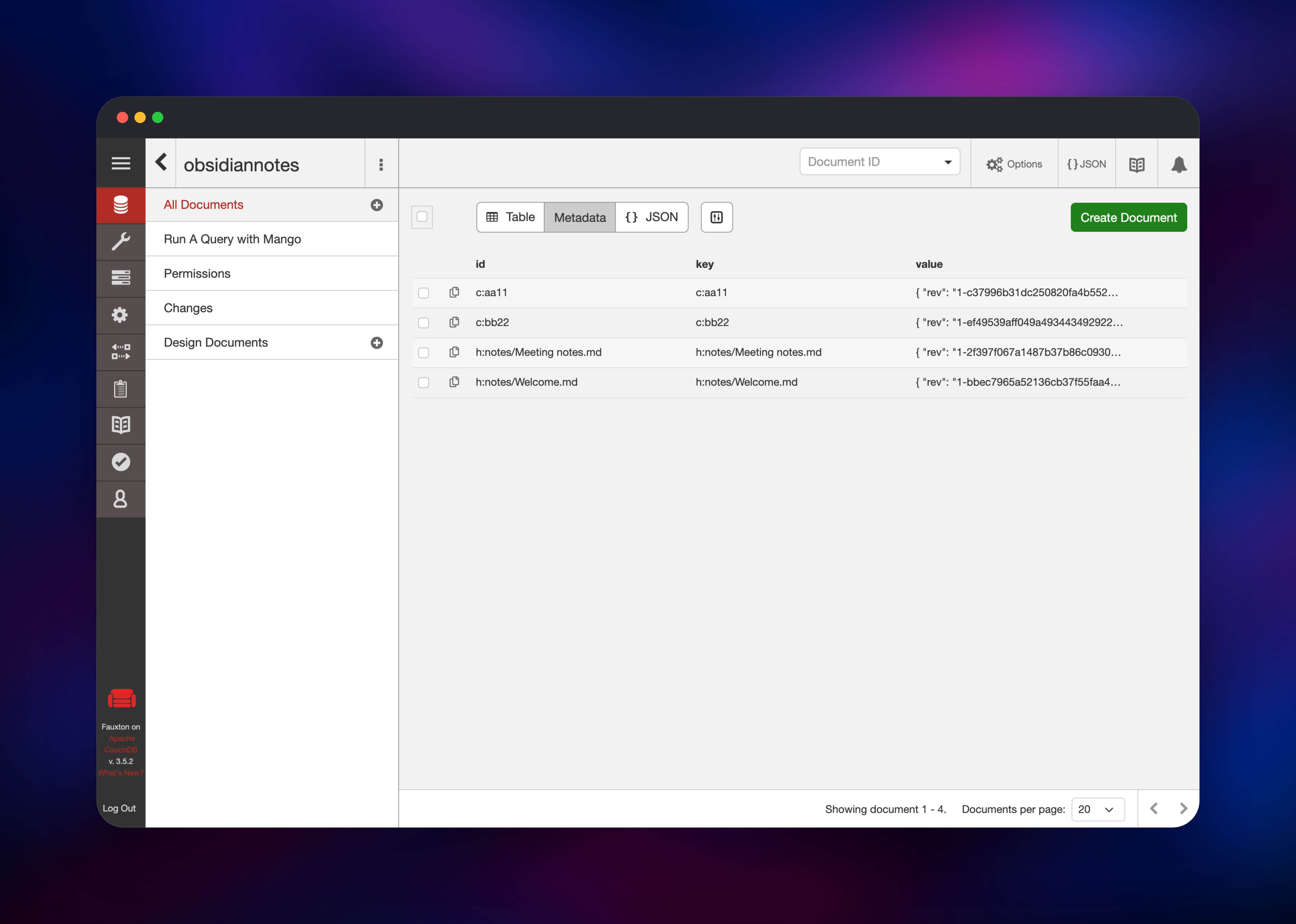
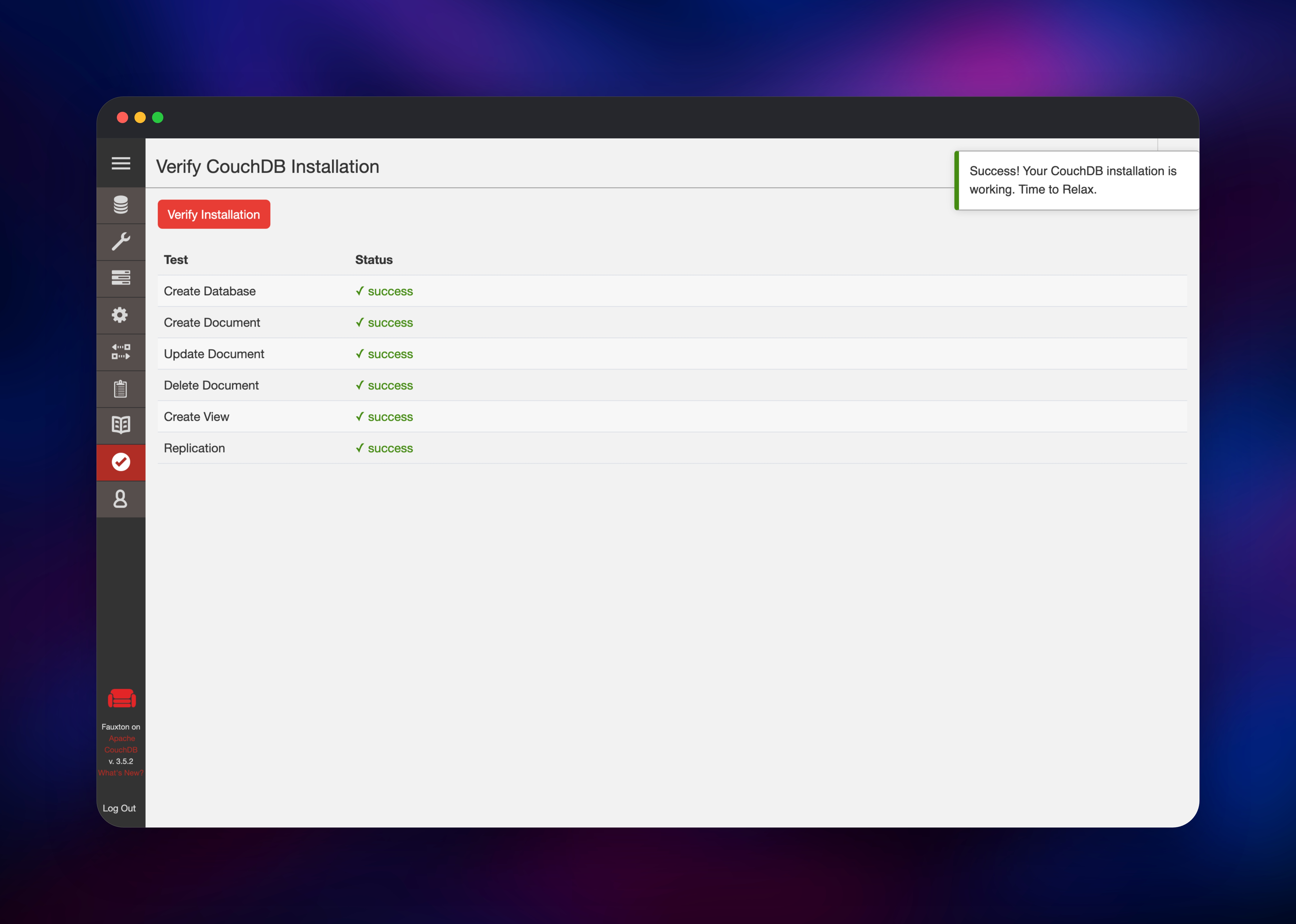
Signing in lands you on Fauxton, CouchDB's admin interface, where the obsidiannotes database is already created and empty. Before touching Obsidian, open Verify in the left rail and press Verify Installation — it runs create, update, delete, view and replication checks, the fastest confirmation the deployment is healthy.
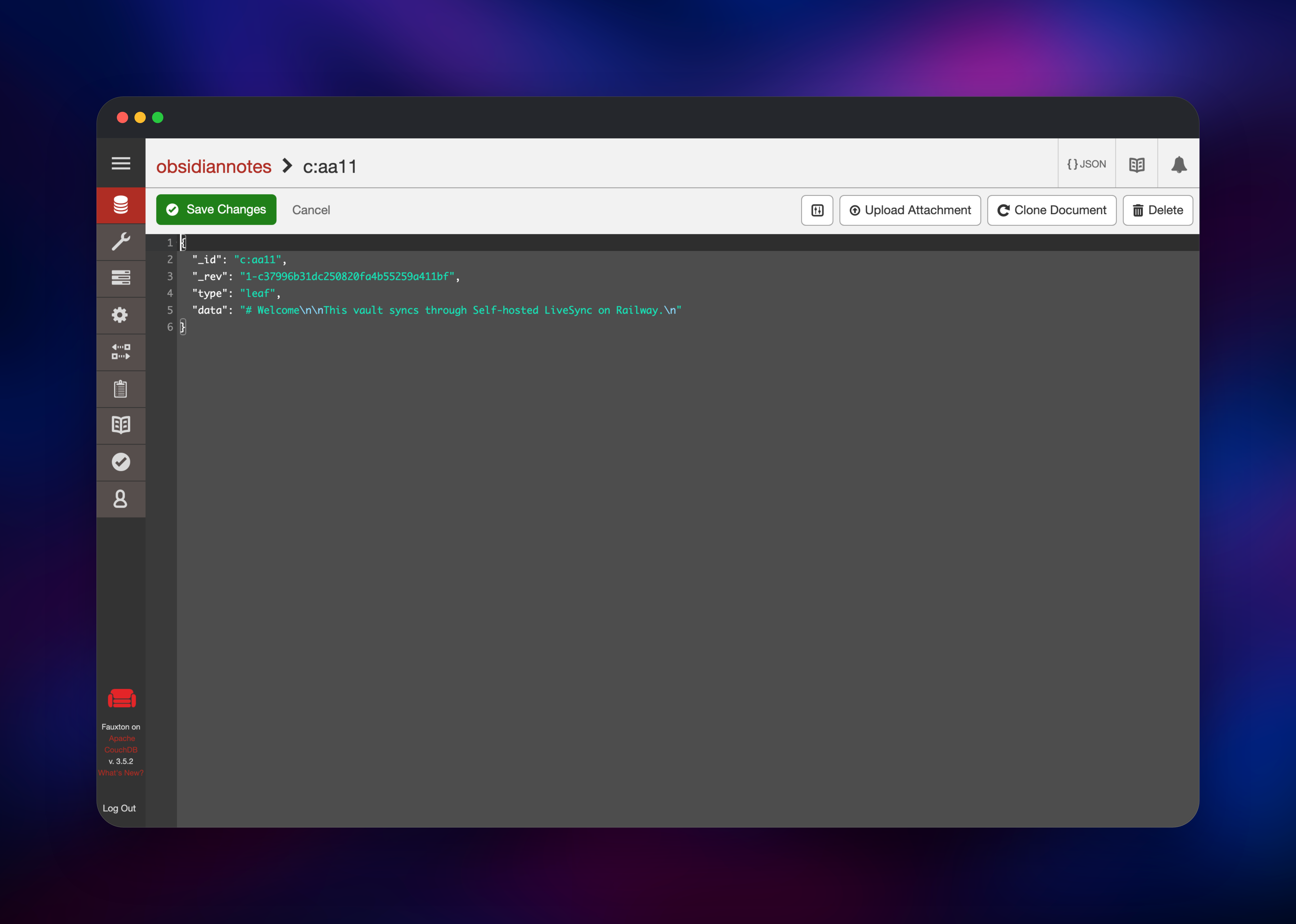
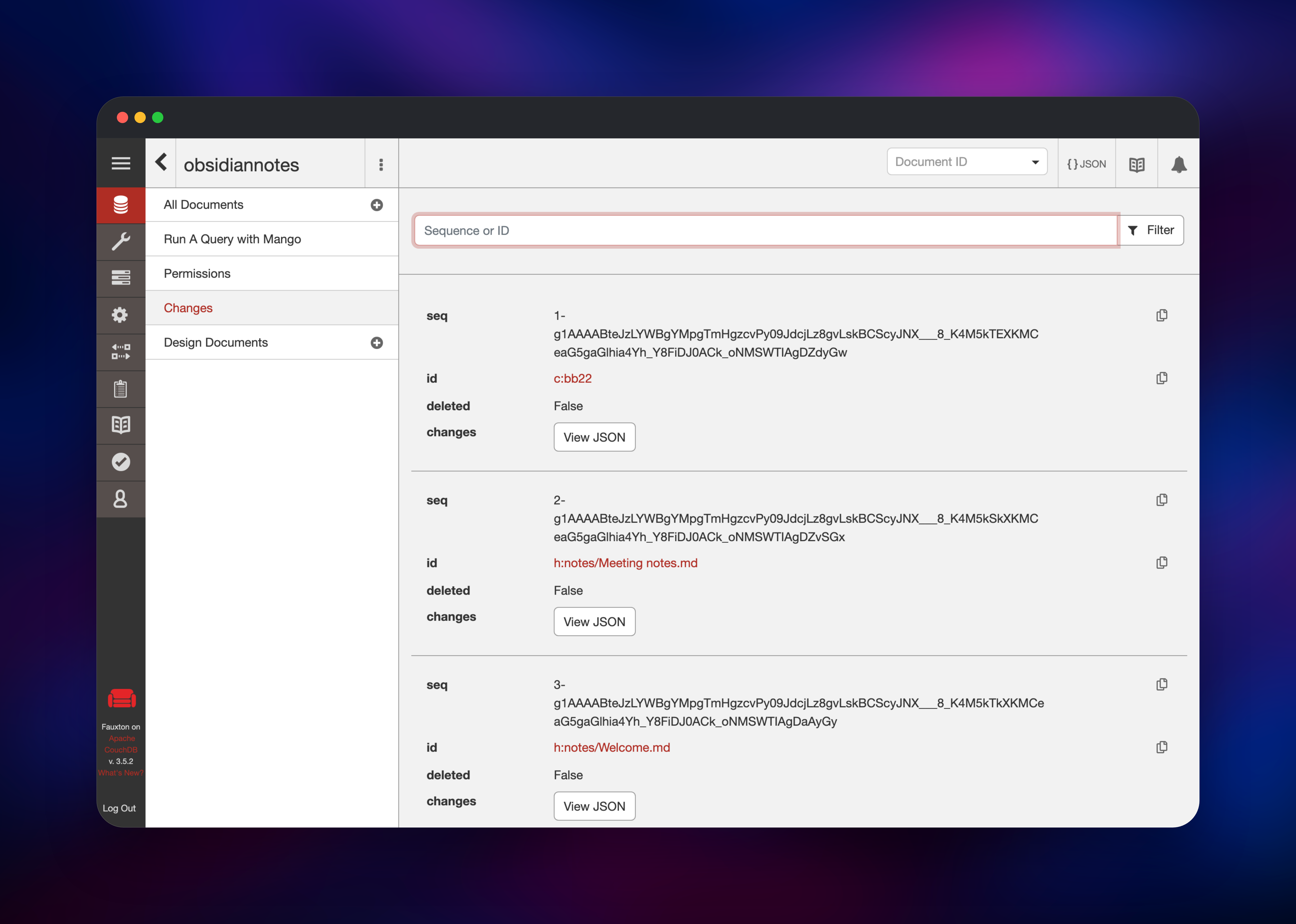
Now connect Obsidian. Install Self-hosted LiveSync from Community Plugins and fill in the remote database section: the URI is your full https:// Railway URL, the username and password are the same two variables, and the database name is obsidiannotes. Set an end-to-end encryption passphrase — it is never stored on the server, so record it safely. Press Check database configuration; every row should come back green. Run the setup wizard on your first device, then generate a Setup URI from it to configure the others — it carries the URL, credentials and passphrase. The document count in Fauxton climbing confirms sync works.
About Hosting CouchDB for Obsidian LiveSync
Obsidian stores notes as Markdown files on disk — excellent for ownership, awkward for synchronisation, since file-level tools resolve a simultaneous edit by keeping both copies for you to merge by hand. LiveSync instead stores content-addressed chunks as CouchDB documents and replicates only what changed, which is why it merges concurrent edits sensibly and stays responsive on a patchy connection. The server is deliberately plain: one CouchDB node, one database, one volume.
Key features:
- Near real-time sync across desktop, iOS and Android through the official plugin
- End-to-end encryption with a passphrase held only on your devices
- Chunk-level merging instead of whole-file conflict copies
- Optional path obfuscation, hidden-file and customisation sync
- Notes stay in a database you control, on infrastructure you own
Architecture: the couchdb service is the whole backend. It stores every chunk on a volume at /opt/couchdb/data, serves the replication API Obsidian talks to, and hosts Fauxton on the same URL. A process in the container applies the LiveSync settings and creates the vault database at boot, so there is no manual step after the click.
Why Deploy This CouchDB Server on Railway
Railway removes the parts of self-hosting CouchDB that have nothing to do with notes:
- HTTPS and certificate renewal happen at the edge — no Caddy, Tailscale or Cloudflare tunnel
- The persistent volume is attached and mounted for you
- Admin credentials are generated at deploy time, not copied from a README
- Server settings are ordinary variables you can edit and redeploy
- Logs, metrics and restarts come with the platform
Common Use Cases
- Replacing a paid Obsidian Sync subscription with a server you own
- Keeping a research vault identical across a laptop, an iPhone and an iPad, edited live on all three
- Giving a small team an encrypted knowledge base with no third-party SaaS
Dependencies for CouchDB and Obsidian LiveSync
- Apache CouchDB 3.5 —
couchdb:3.5, the document database and replication endpoint the plugin talks to. Built from github.com/gridalpha/obsidian-livesync-railway, which layers the LiveSync server configuration and first-boot provisioning onto the official image. - Self-hosted LiveSync plugin — github.com/vrtmrz/obsidian-livesync, installed in Obsidian on each device. It is the client; this template is the server.
- Persistent volume — at
/opt/couchdb/data. Every note chunk lives here, so it is what to back up.
Environment Variables Reference
| Variable | Purpose |
|---|---|
COUCHDB_USER | Admin username, also entered in the plugin |
COUCHDB_PASSWORD | Admin password, also entered in the plugin |
COUCHDB_SECRET | Signs session cookies; keep stable across redeploys |
COUCHDB_DATABASE | Vault database name, created on first boot |
COUCHDB_CORS_ORIGINS | Origins allowed to call the API; defaults cover Obsidian desktop and mobile |
COUCHDB_LOG_LEVEL | Set to debug when troubleshooting |
Deployment Dependencies
- Official image: hub.docker.com/_/couchdb
- Plugin setup guide: Setting up your own server
Hardware Requirements for Self-Hosting CouchDB
| Resource | Minimum | Recommended |
|---|---|---|
| CPU | 0.5 vCPU | 1–2 vCPU |
| RAM | 512 MB | 1–2 GB |
| Storage | 1 GB volume | 5–20 GB, sized to the vault |
| Runtime | CouchDB 3.5 (Erlang/OTP) | CouchDB 3.5 |
LiveSync keeps historical revisions of every chunk, so the database grows faster than the vault on disk. Budget several times the vault size and run the plugin's garbage collection as it grows.
Is Self-Hosted Obsidian LiveSync Free?
The plugin and Apache CouchDB are both open source and free — MIT and Apache 2.0 respectively, with no seat count or feature gate. Running this template costs only Railway infrastructure: one small always-on container plus the volume you size to your vault, against Obsidian's official Sync subscription billed per user per month.
Self-Hosting CouchDB for Obsidian LiveSync
The template builds from a public repository you can inspect or fork:
git clone https://github.com/gridalpha/obsidian-livesync-railway
cd obsidian-livesync-railway
docker build -t livesync-couchdb .
To run CouchDB directly instead, start the official image with a persistent volume:
docker run -d --name livesync-couchdb \
  -e COUCHDB_USER=admin \
  -e COUCHDB_PASSWORD=change_me \
  -v couchdb-data:/opt/couchdb/data \
  -p 5984:5984 couchdb:3.5
You then enable single-node mode, require authenticated users, open CORS to the Obsidian origins, raise the size limits, and create the vault database. Obsidian mobile also requires HTTPS, so a reverse proxy with a valid certificate is mandatory outside Railway.
FAQ
What is Obsidian LiveSync? Self-hosted LiveSync is a community plugin for Obsidian that synchronises a vault across devices through a CouchDB server you control, with end-to-end encryption and chunk-level merging of concurrent edits. The plugin is client software that runs inside Obsidian on each device; this template deploys the CouchDB server it needs.
What does this Railway template deploy? A single Apache CouchDB 3.5 service on a persistent volume, pre-configured with the server settings the plugin requires and with the vault database already created. The Obsidian plugin itself is installed on your devices.
Why does the template include a database instead of file storage? LiveSync's sync model is CouchDB's replication protocol: notes are stored as chunk documents and only changed chunks move between devices, which is what makes near real-time editing and automatic conflict merging possible. The plugin can also use S3-compatible storage, but CouchDB is the backend with full feature support.
Do I need to expose the server to the internet for mobile sync? Yes. Obsidian on iOS and Android needs an HTTPS endpoint it can reach. Railway gives the service a public HTTPS URL, and every request requires the admin credentials, so the surface is authenticated rather than open.
Where are my notes stored, and how do I back them up?
In the CouchDB volume at /opt/couchdb/data. Your Markdown files also remain on every device, so a vault copy is itself a backup; for a server-side copy, replicate the database elsewhere from Fauxton's Replication screen.
Template Content


