
Deploy CryptPad
Encrypted office suite for shared documents and spreadsheets

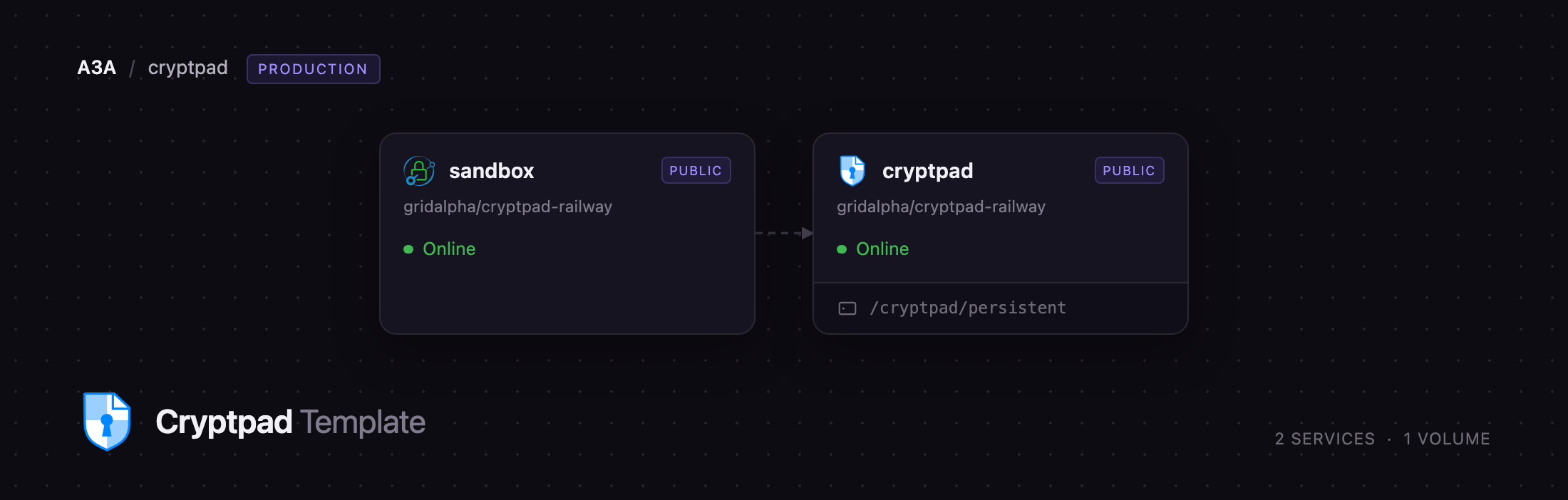
sandbox
Just deployed
cryptpad
Just deployed
/cryptpad/persistent
Deploy and Host CryptPad on Railway
CryptPad is an end-to-end encrypted collaborative office suite: spreadsheets, documents, presentations, rich text, code, kanban boards, whiteboards, forms and diagrams, edited in the browser by several people at once. What separates it from every other online office suite is that the server never holds a key — documents are encrypted and decrypted in the browser, and the decryption key rides in the fragment of the share link, which browsers never send to the server. Journalists, legal teams and schools self-host it in place of Google Docs. It is built by XWiki SAS under the AGPL-3.0.
Deploy CryptPad on Railway and this template pre-configures both services the suite needs. The cryptpad service runs the application from a public source repository layered on the official cryptpad/cryptpad image, with the ONLYOFFICE editors already bundled so spreadsheets, documents and presentations work on the first click, and a persistent volume holding every encrypted document. The sandbox service is a small Caddy proxy providing the second public origin CryptPad requires — editors render in an iframe from a different domain under a strict Content Security Policy, out of reach of the keys on the parent page. Both get a Railway domain and are wired together for you.
Getting Started with CryptPad on Railway
Once both services deploy successfully, open the cryptpad service in Railway and read its deploy logs. On first boot the server prints a one-time installation link shaped like https://your-instance.up.railway.app/install/#. Copy the whole line, everything after the # included, and open it. It is the only way to create the first administrator account and stops working once one exists, so no default password is left behind.
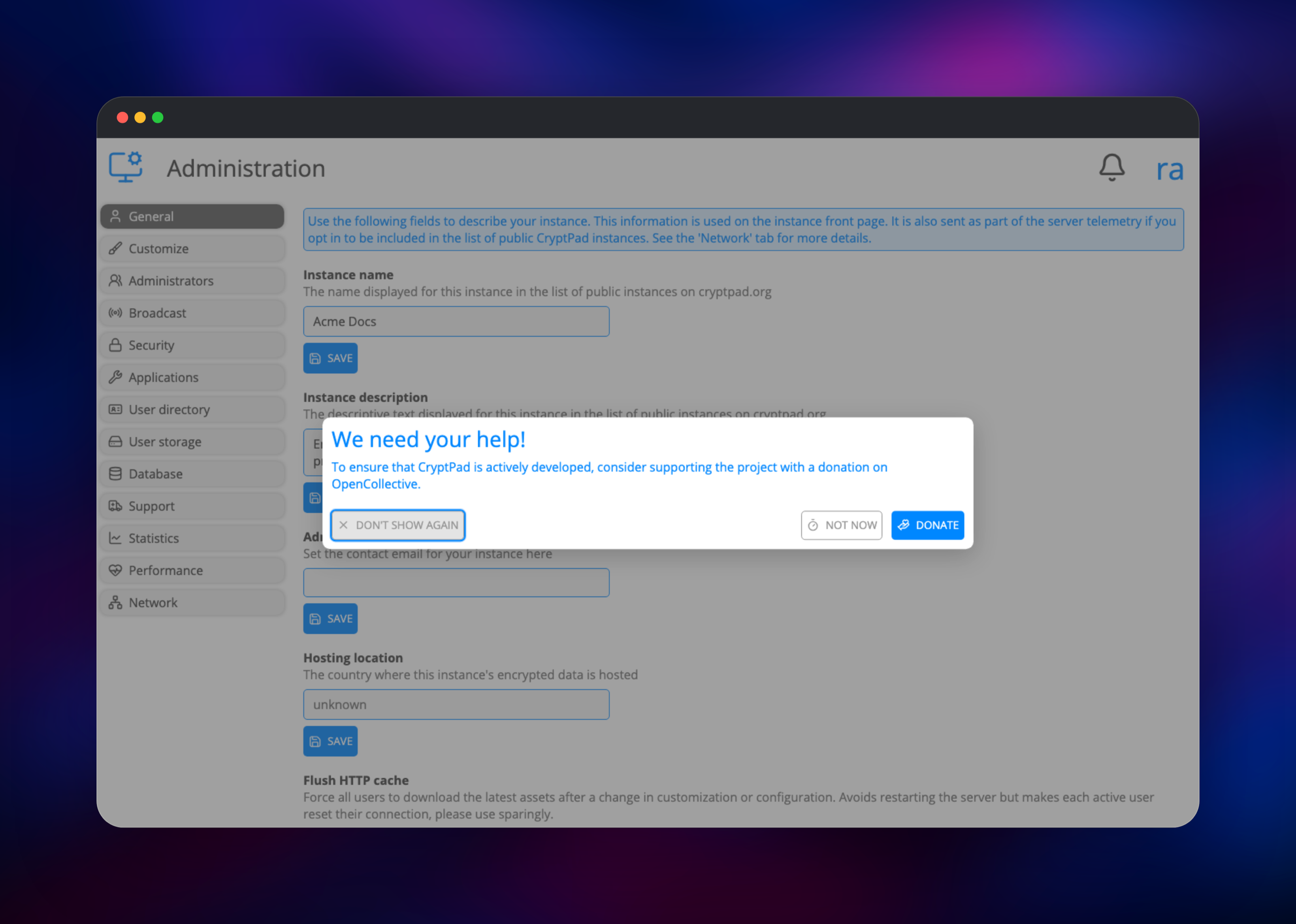
The install page asks for a username and password, then runs a short wizard: a name and description, which of the eleven applications to enable, whether to require two-factor authentication, and whether to close registration so only invited people can sign up. Take that last one seriously — an open instance lets anyone store encrypted files on your volume. All of it is changeable later in the admin panel.
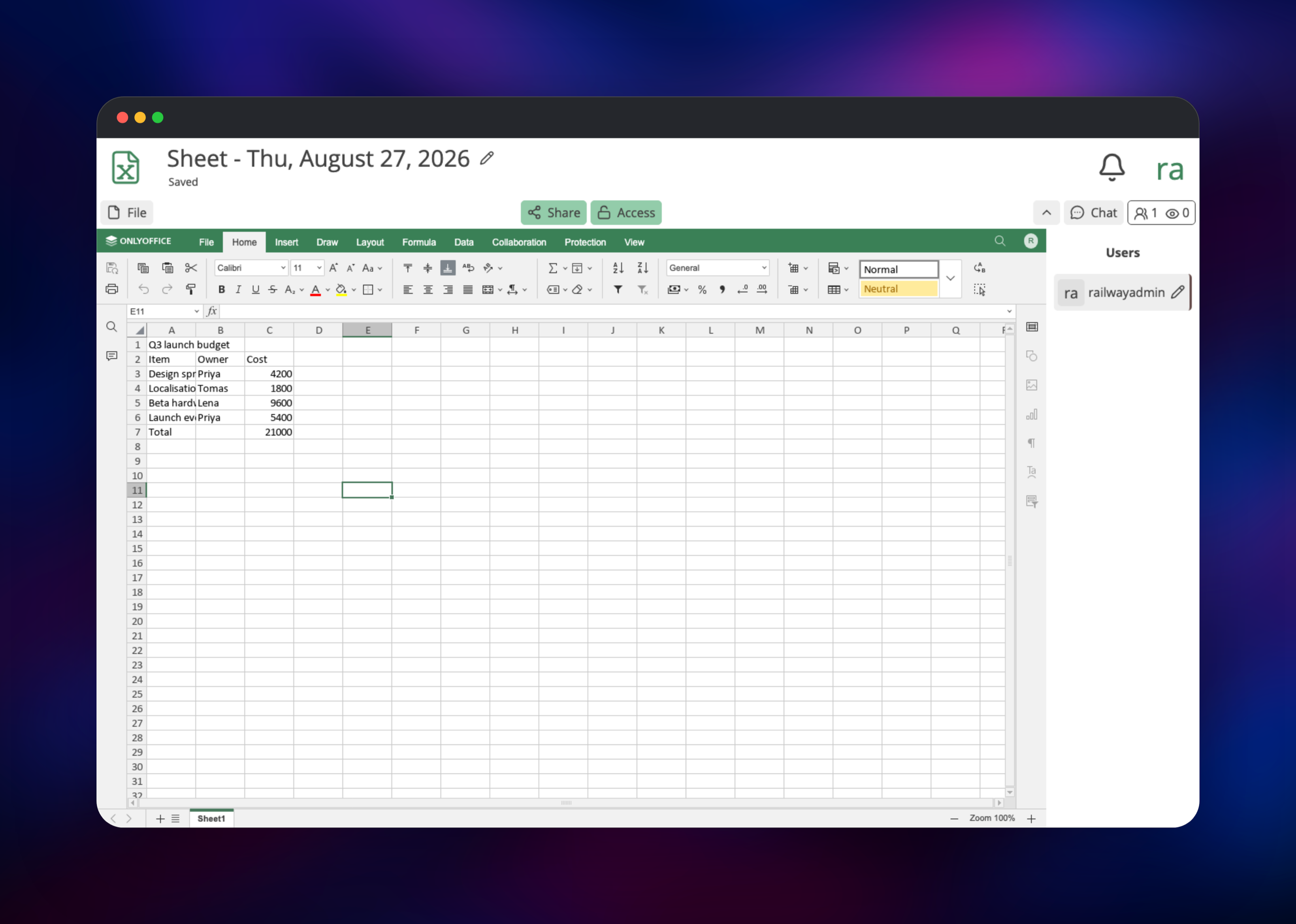
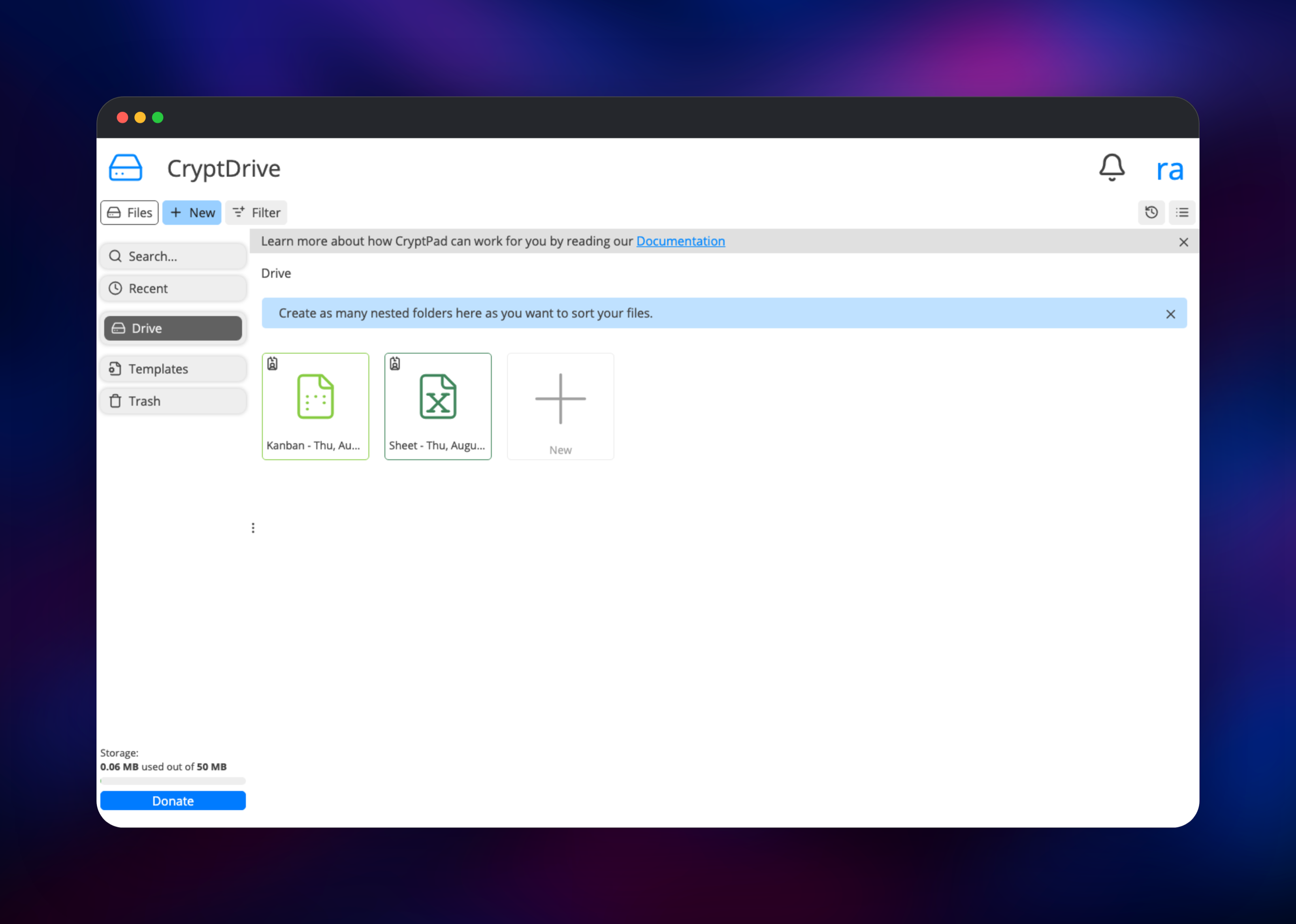
The wizard drops you into CryptDrive. Create a spreadsheet from the New menu, type a few numbers and add a formula; the title bar should switch to Saved in a second or two. That verifies almost everything: the ONLYOFFICE editor is loading from the sandbox origin, the websocket is connected, and the volume is accepting writes. Open the same share link in a second browser to watch edits appear live. Because your password derives your encryption key there is no reset — write it down before closing the tab.
About Hosting CryptPad
Most "private" document tools encrypt in transit and at rest, which still leaves the operator holding the keys. CryptPad removes the operator from that equation: the server stores ciphertext it cannot read and relays edits between clients that decrypt locally. Self-hosting adds the rest — where that ciphertext lives and who may open an account.
- Eleven apps: Sheet, Document, Presentation, Rich Text, Code, Markdown Slides, Kanban, Whiteboard, Form, Poll and Diagram
- CryptDrive with folders, tags, search, sharing and a trash bin
- Teams — shared drives with owner, admin, member and viewer roles
- Anonymous, password-protected and expiring pads
- Real-time co-editing with presence, cursors and chat
- Per-user quotas, retention policies and admin usage statistics
- Import and export of
.xlsx,.docx,.pptxand OpenDocument files
The architecture is deliberately small. cryptpad is the whole application: an HTTP tier serving the client, a websocket tier relaying encrypted edits, and workers handling storage. There is no database, because documents are kept as encrypted files rather than in a table nothing could index. sandbox only publishes a second hostname pointing at that same application, which is what makes the iframe isolation real.
Why Deploy CryptPad on Railway
Railway removes the awkward parts of self-hosting CryptPad:
- Two services, one click — no reverse proxy or TLS certificate to configure
- The second origin the sandbox needs is provisioned and wired automatically
- ONLYOFFICE is already in the image, so spreadsheets work immediately
- A persistent volume keeps documents across every redeploy
- Managed HTTPS on both domains; scale CPU and RAM anytime
Common Use Cases
- Confidential team documents — contracts, incident reports and salary planning that should not sit in readable vendor storage
- Journalism and research — sharing drafts over links carrying their own keys
- Forms and polls — responses encrypted from the moment they are submitted
- Regulated environments — hosting in a chosen jurisdiction, unreadable to the server
Dependencies for CryptPad
- CryptPad — built from gridalpha/cryptpad-railway on the official
cryptpad/cryptpadimage. Serves the app, relays encrypted edits, writes to the volume. - Caddy —
caddy:2-alpine, from that repo'ssandbox/directory. Publishes the second origin over the private network. - Persistent volume — at
/cryptpad/persistent: documents, blobs, accounts and admin settings.
Environment Variables Reference
| Variable | Service | Purpose |
|---|---|---|
CPAD_MAIN_DOMAIN | cryptpad | Public URL users visit |
CPAD_SANDBOX_DOMAIN | cryptpad | Second origin rendering editors |
CPAD_LOGIN_SALT | cryptpad | Mixed into password-derived keys; fixed for good |
CPAD_DEFAULT_STORAGE_MB | cryptpad | Quota per registered account |
CPAD_MAX_UPLOAD_MB | cryptpad | Largest single file upload |
CPAD_UPSTREAM | sandbox | Private address of the app |
Deployment Dependencies
- Source: github.com/cryptpad/cryptpad
- Image: hub.docker.com/r/cryptpad/cryptpad
- Docs: docs.cryptpad.org · Runtime: Node.js LTS on Alpine Linux
Hardware Requirements for Self-Hosting CryptPad
| Resource | Minimum | Recommended |
|---|---|---|
| CPU | 1 vCPU | 2 vCPU |
| RAM | 1 GB | 2 GB |
| Storage | 5 GB volume | 20 GB or more |
| Runtime | Node.js LTS | Node.js LTS |
Self-Hosting CryptPad with Docker
Outside Railway the shortest path is Docker Compose plus a proxy terminating TLS for two hostnames pointing at the same container. A minimal docker-compose.yml:
services:
  cryptpad:
    image: cryptpad/cryptpad:latest
    environment:
      - CPAD_MAIN_DOMAIN=https://pad.example.com
      - CPAD_SANDBOX_DOMAIN=https://pad-sandbox.example.com
      - CPAD_CONF=/cryptpad/config/config.js
    volumes:
      - ./data/blob:/cryptpad/blob
      - ./data/block:/cryptpad/block
      - ./data/data:/cryptpad/data
      - ./data/files:/cryptpad/datastore
      - ./customize:/cryptpad/customize
    ports:
      - "3000:3000"
The published image ships without the ONLYOFFICE editors, so Sheet, Document and Presentation are unavailable until you install them:
./install-onlyoffice.sh --accept-license --trust-repository
Then point the proxy at port 3000 for both hostnames and set httpUnsafeOrigin and httpSafeOrigin in config/config.js. The Railway template does this ahead of time.
Is CryptPad Free to Self-Host?
CryptPad is free and open-source under the AGPL-3.0 — no paid edition, no seat licence, no feature gate, so a self-hosted instance has everything the project ships. The team funds development through subscriptions on its own public instance and European research grants, unrelated to what you run. On Railway you pay only for the compute and volume you use.
FAQ
What is CryptPad? An open-source, end-to-end encrypted office suite for collaborative documents, spreadsheets, presentations, kanban boards and forms. The server holds only data it cannot read.
What does this Railway template deploy? Two services: the CryptPad application with a persistent volume, and a Caddy proxy publishing the sandbox origin. Both get a Railway domain and are wired automatically.
Why does self-hosted CryptPad need a second domain? Editors run in an iframe from a different origin under a restrictive Content Security Policy. That browser-enforced boundary stops a compromised editor reading the keys on the parent page; the project discourages running without it.
Why is there no database in this template? Every document is an encrypted file, so a database would hold only ciphertext it could not index. Everything lives on the volume — the part worth sizing and backing up.
How do I create the first admin account on a self-hosted CryptPad?
Check the cryptpad service's deploy logs for the /install/#… link printed on first boot. Opening it creates the account and starts the wizard; the link expires once an admin exists.
What happens if I lose my CryptPad password? It derives your encryption key, so nobody — the administrator included — can recover the documents. Use a password manager.
Template Content
sandbox
gridalpha/cryptpad-railwaycryptpad
gridalpha/cryptpad-railway

