
Deploy Linkding
Self-hosted bookmark manager with tags, search and a REST API
linkding
Just deployed
/etc/linkding/data
Deploy and Host

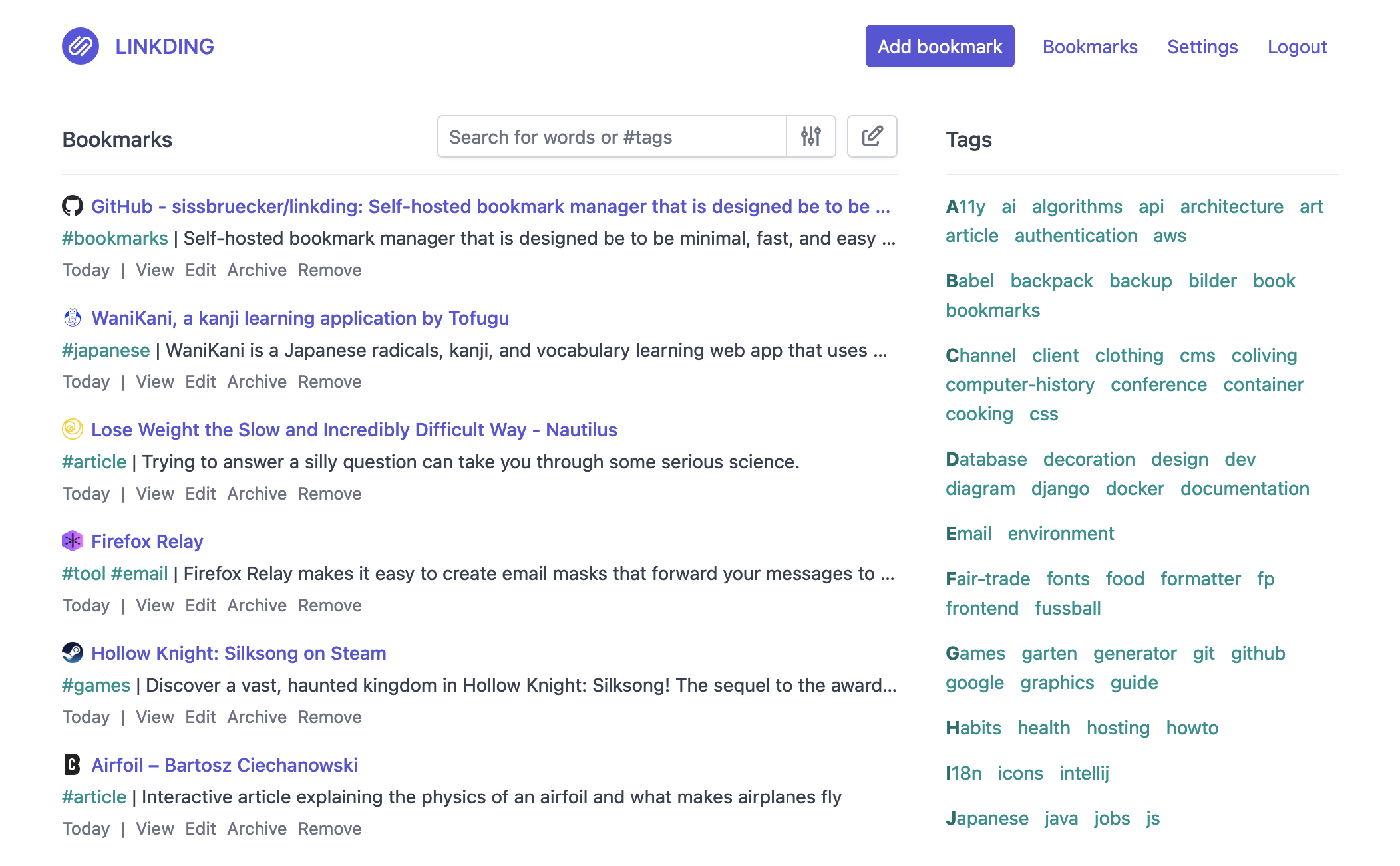
Linkding is a self-hosted bookmark manager that is designed to be minimal, fast, and easy to set up. Deploy it on Railway in one click: the admin user is created automatically, your bookmarks live in SQLite on a persistent volume, and the REST API and browser extensions work out of the box.
About Hosting
Linkding runs as a single lightweight service on Railway.
- What gets deployed: one Linkding service (Django + uwsgi, Python 3.13) with a background task worker for fetching bookmark metadata.
- Database: embedded SQLite — no companion database service needed.
- Persistence: one Railway volume at
/etc/linkding/dataholds the database, secret key, favicons and previews, so bookmarks survive redeploys. - First login: user
adminwith the generated password from the deploy form. No email step, no setup wizard.
Why Deploy
Your links live on your own server instead of a third-party bookmark service. Save a link and linkding fetches its title, description and favicon for you; tag it, add a note, mark it read-it-later, and find it again with full-text search. Share bookmarks with other users or guests, import and export Netscape HTML, and automate everything through the REST API, RSS feeds, or the Firefox and Chrome extensions.
Common Use Cases
- Personal read-it-later list with tags instead of a pile of open tabs
- Shared team link collection with per-user accounts
- Research bookmark archive with full-text search
- Backend for the linkding browser extension and mobile apps
Dependencies for Linkding
| Setting | Value |
|---|---|
| Runtime | Python 3.13 / Django, single service |
| Plan | Hobby or above |
| Port | Railway-injected PORT (mapped to LD_SERVER_PORT on boot) |
| Persistence | One volume at /etc/linkding/data |
| Healthcheck | /health (upstream probe, unauthenticated) |
| Deploy form | One field: admin password (generated) |
Deployment Dependencies
- Upstream: sissbruecker/linkding v1.47.0, MIT, pinned by digest
- Admin account:
admin, auto-created on first boot from the generated deploy-form password - CSRF: trusted origin derived on every boot from the live Railway public domain
- Background tasks: enabled by default (metadata scraping); disable with
LD_DISABLE_BACKGROUND_TASKS=True - Optional: OIDC single sign-on and auth-proxy login via upstream
LD_ENABLE_OIDC/LD_ENABLE_AUTH_PROXYoptions
Template Content
linkding
INAPP-Mobile/linkding

