
Deploy LocalAI | Private OpenAI-Compatible API
Self-host LocalAI on Railway, run LLMs, images, and audio locally
LocalAI
Just deployed
/models

Deploy and Host LocalAI on Railway
Deploy LocalAI on Railway to run a self-hosted, OpenAI-compatible AI inference API on your own infrastructure. LocalAI is a free, open-source engine that runs LLMs, generates images, produces audio, and handles embeddings — all without requiring a GPU. Self-host LocalAI on Railway with a single click to get a private AI API endpoint with persistent model storage and API key authentication.
This Railway template deploys a single LocalAI service backed by a persistent volume for model storage. The CPU-optimized image provides full OpenAI API compatibility out of the box, with a built-in web UI for model management and chat.
Getting Started with LocalAI on Railway
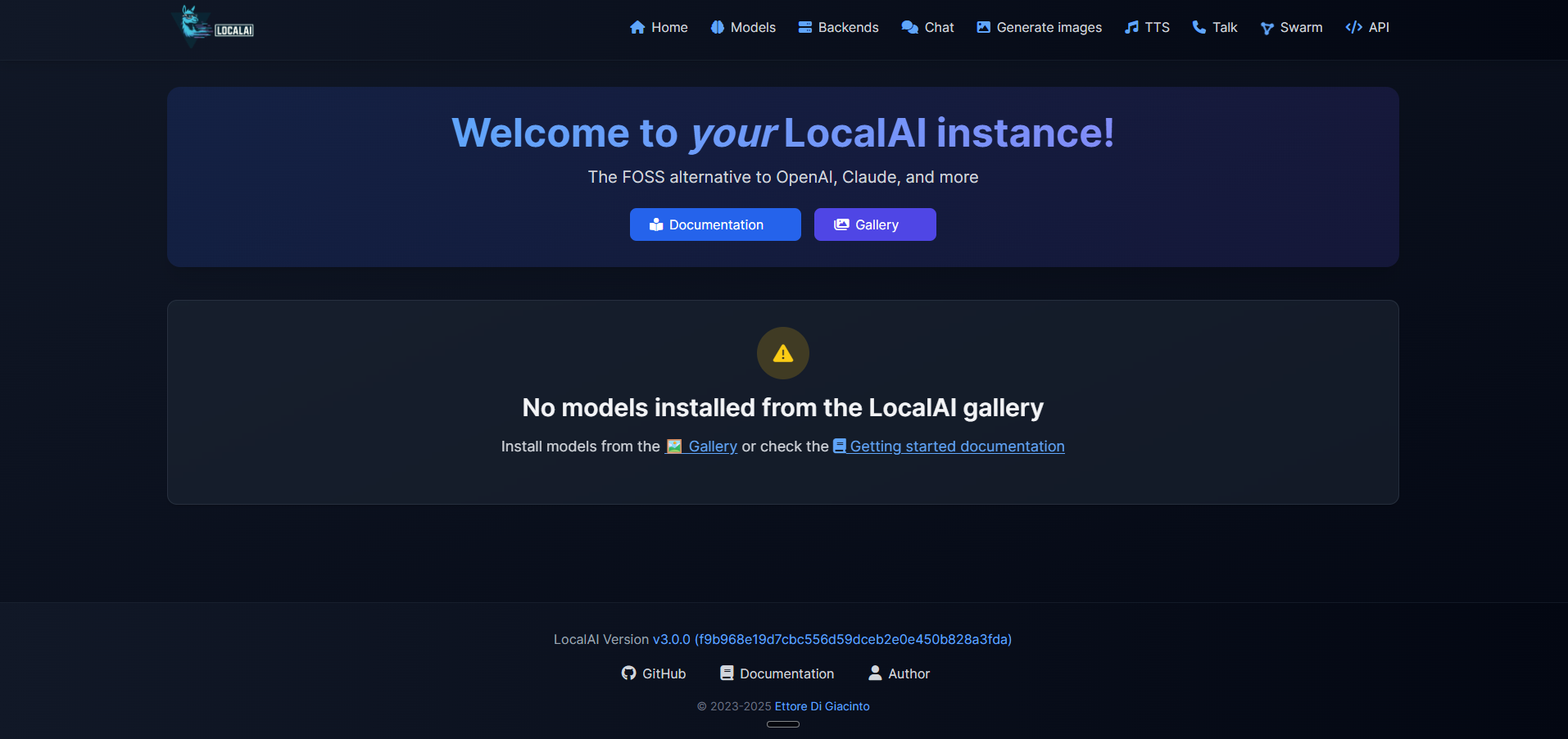
After deployment, open the public URL in your browser. You'll see the LocalAI login screen — enter your API key (found in the Railway dashboard under the LOCALAI_API_KEY variable) to access the web interface.
Navigate to the Models tab to browse and install models directly from the gallery. For an 8GB Railway container, choose models under 4 billion parameters such as Phi-4 Mini (3.8B) or Gemma 3 1B. Click "Install" on any compatible model and LocalAI downloads it to the persistent /models volume.
Once a model is loaded, use the Chat tab for interactive conversations or call the API programmatically:
curl https://your-app.up.railway.app/v1/chat/completions \
  -H "Authorization: Bearer YOUR_API_KEY" \
  -H "Content-Type: application/json" \
  -d '{"model": "phi-4-mini", "messages": [{"role": "user", "content": "Hello"}]}'
About Hosting LocalAI
LocalAI is the open-source AI engine created by Ettore Di Giacinto (mudler). It provides a drop-in replacement for the OpenAI API, enabling developers to run any AI model locally or on their own servers with complete data privacy.
- Full OpenAI API compatibility — works with any SDK or tool that supports the OpenAI API format
- Multi-modal inference — text generation, image creation (Stable Diffusion), text-to-speech, speech-to-text, and embeddings from a single endpoint
- No GPU required — runs efficiently on CPU using optimized backends (llama.cpp, whisper.cpp, stable-diffusion.cpp)
- Built-in model gallery — browse and install models from the web UI without manual file management
- Function calling and tool use — supports the OpenAI tools API for agentic workflows
- MCP server support — acts as a Model Context Protocol server for IDE integrations
Why Deploy LocalAI on Railway
- Zero vendor lock-in — your data never leaves your infrastructure
- OpenAI-compatible API means zero code changes to switch from cloud to self-hosted
- Persistent volume keeps downloaded models across redeploys
- API key authentication secures your endpoint out of the box
- One-click deploy with pre-configured networking and TLS
Common Use Cases for Self-Hosted LocalAI
- Private AI assistant — run chat completions for internal tools without sending data to third-party APIs
- Embedding pipeline — generate vector embeddings for RAG applications using self-hosted models
- AI-powered development — use as a backend for coding assistants, IDE plugins, or MCP-compatible tools
- Cost-effective inference — eliminate per-token API costs for batch processing and high-volume workloads
Dependencies for LocalAI on Railway
- LocalAI —
localai/localai:latest-cpu(CPU-optimized build, ~3.5 GB image)
Environment Variables Reference for LocalAI
| Variable | Description | Default |
|---|---|---|
LOCALAI_API_KEY | API key protecting web UI and API endpoints | Generated secret |
LOCALAI_MODELS_PATH | Directory where models are stored | /models |
THREADS | CPU threads for inference (match available cores) | 2 |
CONTEXT_SIZE | Default context window size for models | 512 |
PORT | HTTP server listening port | 8080 |
DEBUG | Enable verbose logging | false |
PARALLEL_REQUEST | Enable parallel request processing | false |
PRELOAD_MODELS | JSON array of models to load at startup | [] |
Deployment Dependencies
- Runtime: Go + C/C++ backends (llama.cpp, whisper.cpp, stable-diffusion.cpp)
- Docker Hub: localai/localai
- GitHub: mudler/LocalAI
- Docs: localai.io
Hardware Requirements for Self-Hosting LocalAI
| Resource | Minimum | Recommended |
|---|---|---|
| CPU | 2 cores | 4+ cores |
| RAM | 4 GB (tiny models only) | 8 GB+ (supports 3-4B parameter models) |
| Storage | 5 GB (app + 1 small model) | 20 GB+ (multiple models) |
| Runtime | Docker | Docker |
Models under 4B parameters (Phi-4 Mini, Gemma 3 1B, TinyLlama) run well within Railway's 8 GB memory limit. Larger models (7B+) require 16 GB+ RAM and are not feasible on Railway's current plan.
Self-Hosting LocalAI with Docker
Run LocalAI locally with Docker in one command:
docker run -d --name localai \
  -p 8080:8080 \
  -v localai-models:/models \
  -e LOCALAI_API_KEY=your-secret-key \
  -e THREADS=4 \
  localai/localai:latest-cpu
For a docker-compose setup with persistent storage:
services:
  localai:
    image: localai/localai:latest-cpu
    ports:
      - "8080:8080"
    environment:
      - LOCALAI_API_KEY=your-secret-key
      - THREADS=4
      - CONTEXT_SIZE=2048
      - LOCALAI_MODELS_PATH=/models
    volumes:
      - models:/models
volumes:
  models:
How Much Does LocalAI Cost to Self-Host?
LocalAI is completely free and open-source under the MIT license. There are no subscription fees, per-token charges, or usage limits. The only cost is infrastructure — on Railway, you pay for the compute and storage your container uses. Running a small model on Railway's 8 GB container costs approximately $5–10/month depending on usage.
LocalAI vs Ollama for Self-Hosted AI
| Feature | LocalAI | Ollama |
|---|---|---|
| API compatibility | Full OpenAI API | Partial OpenAI API |
| Modalities | Text, image, audio, video, embeddings | Text, vision |
| Function calling | Full OpenAI tools API | Basic tool support |
| Setup complexity | Moderate | Simple |
| Inference speed | Good (CPU-optimized) | ~15-20% faster for LLMs |
| GitHub stars | 35K+ | 160K+ |
| License | MIT | MIT |
LocalAI is the better choice when you need a single endpoint handling multiple modalities with full OpenAI API compatibility. Ollama is simpler for pure LLM chat workloads.
FAQ
What is LocalAI and why self-host it? LocalAI is an open-source AI inference engine that provides an OpenAI-compatible API for running LLMs, image generation, and audio models. Self-hosting gives you complete data privacy — prompts and responses never leave your infrastructure — plus zero per-token API costs.
What does this Railway template deploy for LocalAI?
This template deploys a single LocalAI container using the CPU-optimized Docker image (localai/localai:latest-cpu) with a persistent volume for model storage at /models, API key authentication, and 8 GB memory allocation.
Why does LocalAI need a persistent volume on Railway?
AI models are large files (500 MB – 4 GB each). Without a persistent volume, models would need to be re-downloaded after every redeploy. The volume at /models preserves downloaded models across container restarts and redeployments.
What AI models can I run on LocalAI with Railway's 8 GB RAM? Models under 4 billion parameters work well: Microsoft Phi-4 Mini (3.8B), Google Gemma 3 1B, TinyLlama (1.1B), and quantized versions of larger models. Install them directly from the built-in model gallery in the web UI.
How do I use LocalAI as an OpenAI API replacement in my application?
Point your OpenAI SDK client to your LocalAI Railway URL instead of api.openai.com. Set the API key to your LOCALAI_API_KEY value. No other code changes are needed — LocalAI implements the same /v1/chat/completions, /v1/embeddings, and /v1/images/generations endpoints.
Can I enable GPU acceleration for LocalAI on Railway?
Railway does not currently offer GPU instances. This template uses the CPU-optimized image which runs inference using AVX2/AVX512 CPU instructions. For GPU acceleration, you would need to self-host on a GPU-equipped server using the localai/localai:latest-gpu-nvidia-cuda-12 image.
Template Content
LocalAI
localai/localai:latest-cpu

