
Deploy Nextcloud
Google Drive alternative. File sync, share and collaboration suite

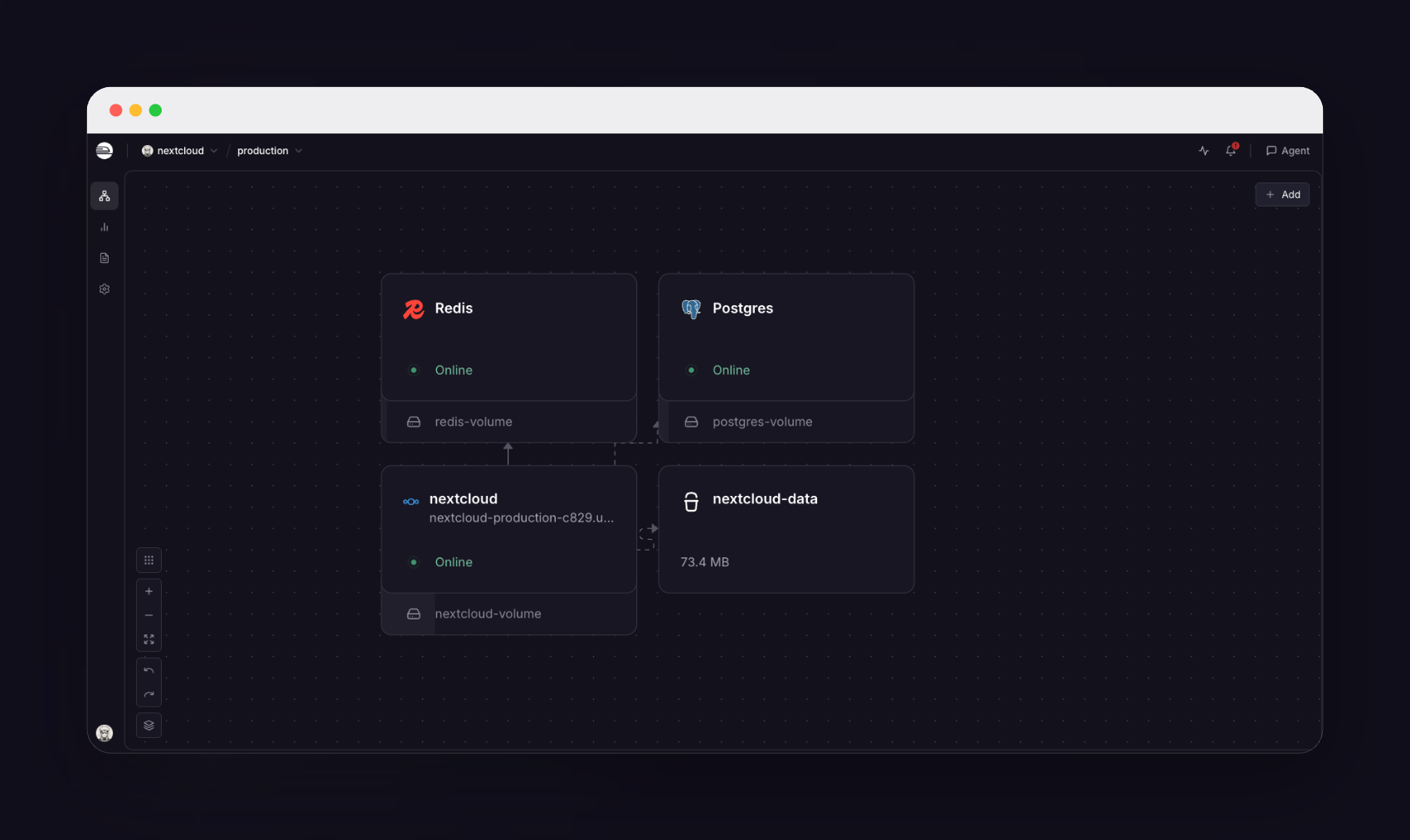
Redis
Just deployed
/data
nextcloud
Just deployed
/var/www/html

Just deployed
/var/lib/postgresql/data
nextcloud-data
Bucket
Just deployed

Deploy and Host Nextcloud on Railway
Nextcloud is the open-source file sync and share platform teams reach for when they want Google Drive without handing their documents to somebody else's cloud. It grew from a Dropbox alternative into a full collaboration suite: files with versioning and granular link sharing, desktop and mobile sync clients, calendars and contacts over CalDAV and CardDAV, collaborative editing, Photos and Talk. Companies and public-sector bodies self-host Nextcloud because the data stays on infrastructure they control, under an AGPL licence with no per-seat fee.
Deploy Nextcloud on Railway and a production install arrives already wired together. The nextcloud service builds on the official nextcloud:34-apache image and serves the web UI, WebDAV and the sync-client API on port 80 behind a Railway HTTPS domain. Managed PostgreSQL holds accounts, file metadata, shares and calendars; managed Redis provides transactional file locking, the distributed cache and PHP sessions. A Railway object-storage bucket is Nextcloud's primary storage, so user files never touch the disk — the volume keeps only the application, custom apps and themes. Apache and Nextcloud's cron share one container under supervisord, because Railway volumes cannot be shared between services, and that keeps background jobs in the recommended Cron mode.
Getting Started with Nextcloud on Railway
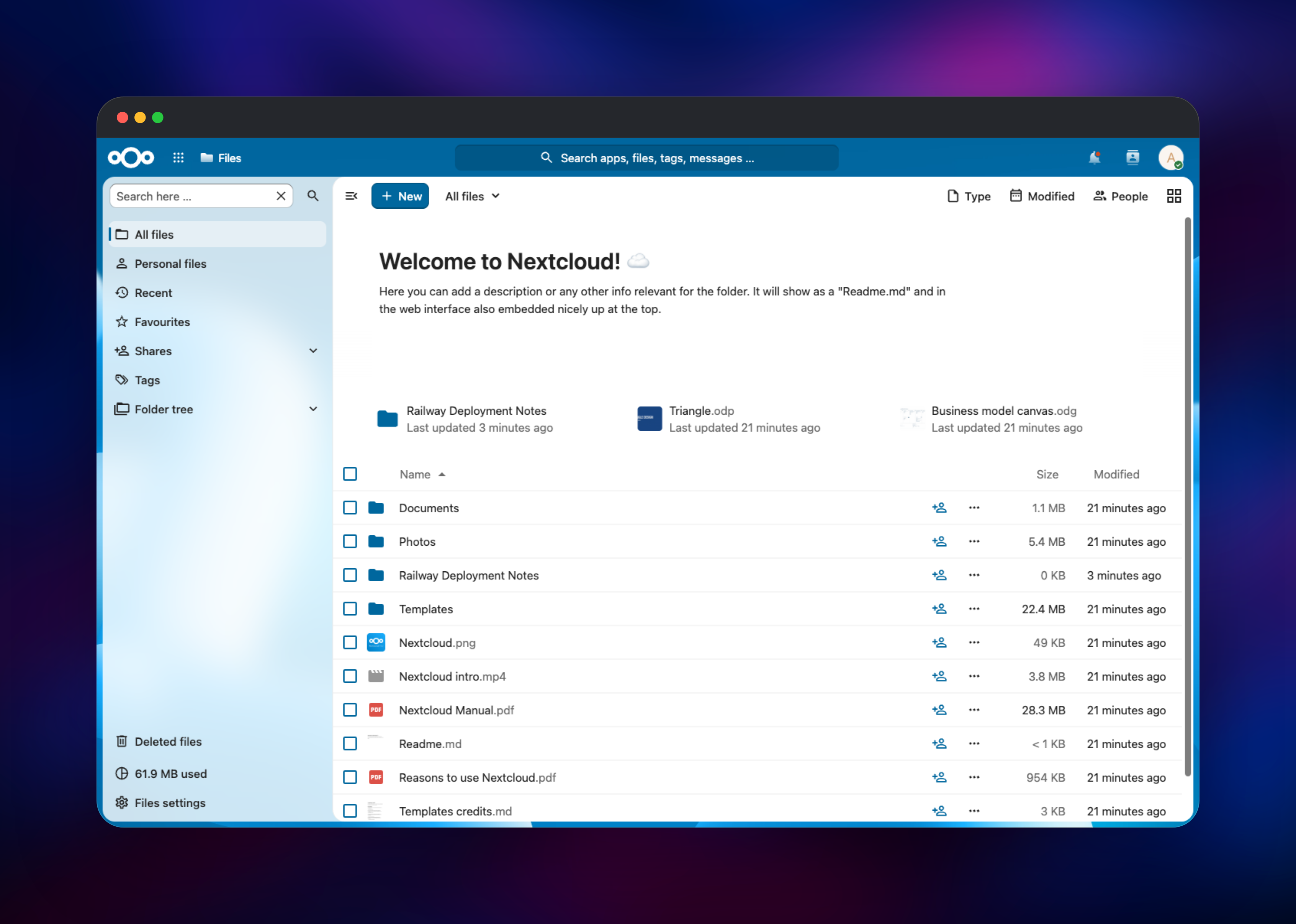
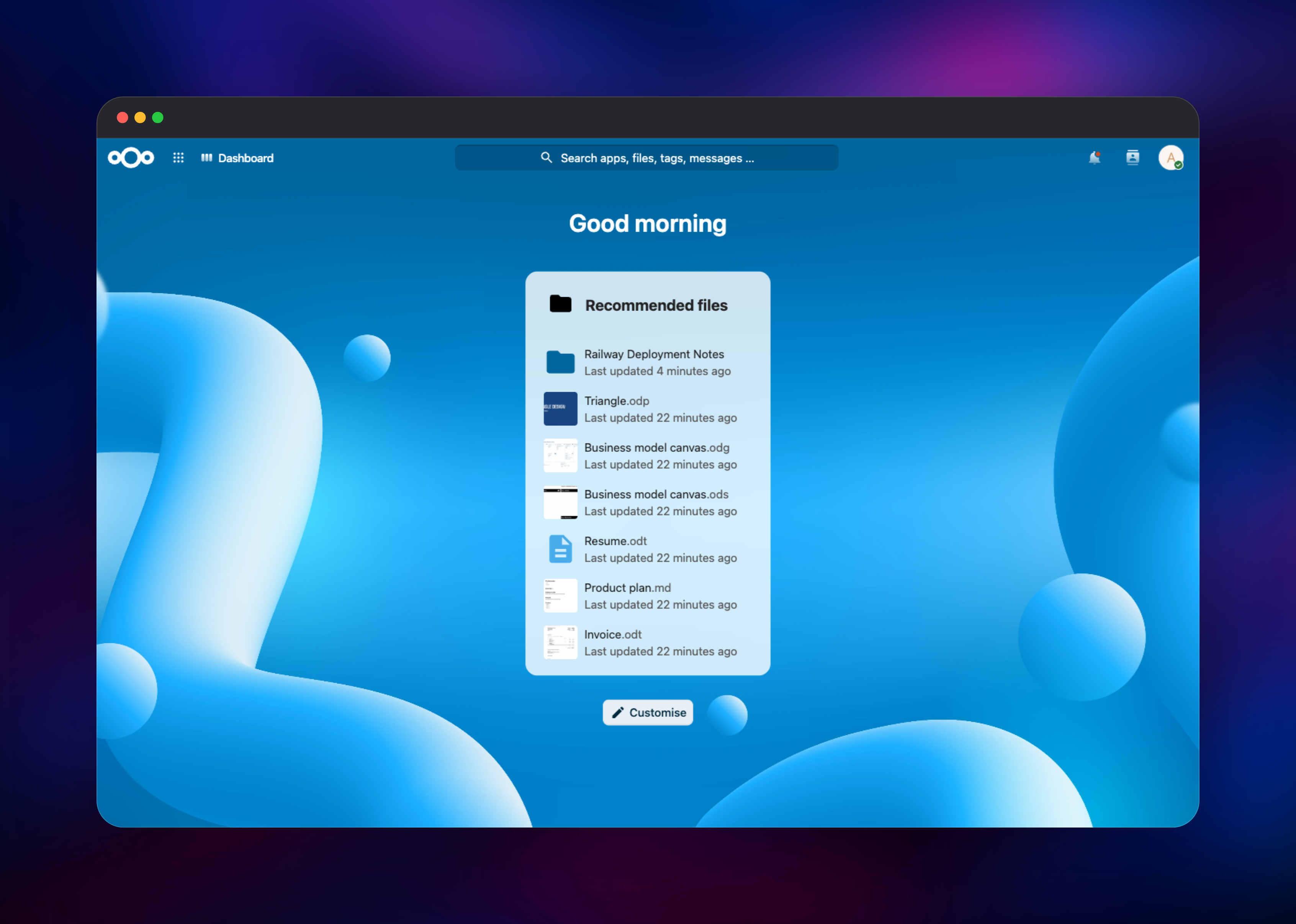
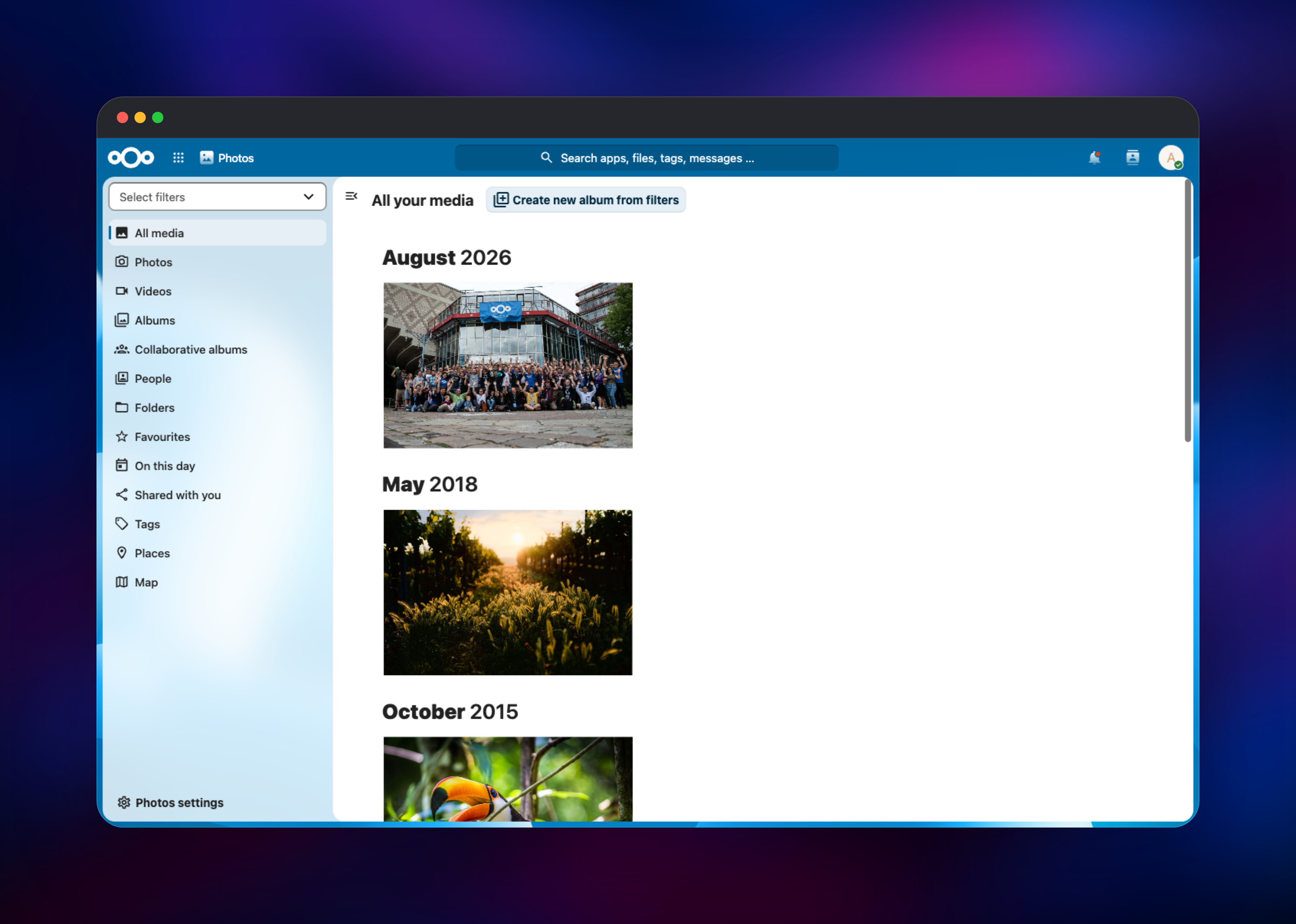
Open the public URL once the deployment is green and you land on the login screen: the first administrator already exists, created at first boot from NEXTCLOUD_ADMIN_USER and NEXTCLOUD_ADMIN_PASSWORD. Both are template variables — copy them from the service's Variables tab, sign in, then change the password under Personal settings → Security. Nextcloud has no public sign-up, so create everyone else under Administration settings → Users. The Files app opens on a starter set of sample documents and photos; drag a file in and create a folder to confirm writes are landing in the bucket. Open Photos and check that thumbnails render, proof that previews are read back from object storage. Point a desktop or mobile client at your domain and it syncs over WebDAV. Finally visit Administration settings → Overview, where background jobs should read Cron.
About Hosting Nextcloud
Nextcloud solves the problem of a team's documents living in an account nobody administers: one server holds the files, the sharing rules, the versions and the record of who touched what, and every client — browser, desktop, phone, WebDAV mount — talks to it. Teams self-host when data residency or retention rules rule out a hosted drive.
- Files — versioning, trash bin, password-protected expiring links, federated sharing
- Sync clients — Windows, macOS, Linux, iOS and Android, with virtual files
- Groupware — calendars, contacts, mail and tasks over open protocols
- Office, Photos and Talk — collaborative editing, media browsing, chat and calls
- App store — hundreds of community apps, from forms to end-to-end encryption
Why Deploy Nextcloud on Railway
Railway removes the server administration a Nextcloud install normally drags in:
- Managed PostgreSQL and Redis, provisioned and connected for you
- Object storage attached as primary file storage, so uploads never fill a disk
- HTTPS, a public domain and renewed certificates out of the box
- Private networking keeps the database, cache and bucket off the internet
- Vertical scaling when uploads or previews get heavy
Common Use Cases
- Replacing a paid Google Drive or Dropbox tenant with a server the company owns
- Sending clients deliverables as password-protected, expiring links instead of attachments
- Meeting data-residency or retention rules with versioning and an activity log per document
- Running a small-team photo archive that syncs automatically from every phone
Dependencies for Nextcloud
- Nextcloud — the official
nextcloud:34-apacheimage, pinned to the 34 major. Apache withmod_phpserves the app; Nextcloud's cron runs beside it under supervisord - PostgreSQL 18 — accounts, file metadata, shares, calendars, activity. The one to back up
- Redis — file locking, distributed cache and PHP session store
- Object storage bucket — primary storage; every user file lives here
Environment Variables Reference
| Variable | Purpose |
|---|---|
NEXTCLOUD_ADMIN_USER, NEXTCLOUD_ADMIN_PASSWORD | First administrator, read on first boot only |
POSTGRES_HOST, POSTGRES_DB, POSTGRES_USER, POSTGRES_PASSWORD | Scoped database role Nextcloud uses |
NEXTCLOUD_DB_BOOTSTRAP_URL | Superuser URL that creates that role; unset to skip |
REDIS_HOST, REDIS_HOST_PORT, REDIS_HOST_PASSWORD | Locking, caching and sessions |
OBJECTSTORE_S3_* | Primary storage; clear the bucket name to use the volume |
NEXTCLOUD_TRUSTED_DOMAINS, OVERWRITE*, TRUSTED_PROXIES | Hostname, absolute links, real client IP |
PHP_UPLOAD_LIMIT, PHP_MEMORY_LIMIT, APACHE_BODY_LIMIT | Upload size ceiling and PHP memory |
SMTP_*, MAIL_FROM_ADDRESS, MAIL_DOMAIN | Optional outbound mail; all seven together |
Deployment Dependencies
- Server source: github.com/nextcloud/server — AGPLv3
- Official image: github.com/nextcloud/docker
- Template source: github.com/gridalpha/nextcloud-railway
- Admin manual: docs.nextcloud.com
Hardware Requirements for Self-Hosting Nextcloud
| Resource | Minimum | Recommended |
|---|---|---|
| CPU | 1 vCPU, a handful of users | 2–4 vCPU for a team; more for previews |
| RAM | 1 GB | 4 GB, or 8 GB with Office and Talk |
| Storage | 10 GB volume for the app | Volume stays small; files grow in the bucket |
| Runtime | PHP 8.5, PostgreSQL 13+, Redis 6+ | PHP 8.5, PostgreSQL 16+, Redis 7 |
Plan storage capacity in the bucket rather than on the volume.
Self-Hosting Nextcloud with Docker
Outside Railway, the shortest install is Compose with PostgreSQL and Redis, saved as docker-compose.yml:
services:
  app:
    image: nextcloud:34-apache
    ports: ["8080:80"]
    environment:
      POSTGRES_HOST: db
      POSTGRES_DB: nextcloud
      POSTGRES_USER: nextcloud
      POSTGRES_PASSWORD: change-me
      REDIS_HOST: cache
      NEXTCLOUD_ADMIN_USER: admin
      NEXTCLOUD_ADMIN_PASSWORD: change-me-too
    volumes: ["nc_html:/var/www/html"]
  db:
    image: postgres:16-alpine
    environment: { POSTGRES_DB: nextcloud, POSTGRES_USER: nextcloud, POSTGRES_PASSWORD: change-me }
    volumes: ["db_data:/var/lib/postgresql/data"]
  cache:
    image: redis:7-alpine
volumes:
  nc_html:
  db_data:
Run docker compose up -d and open http://localhost:8080; installation is automatic because the admin variables are set. Administration runs through occ, Nextcloud's CLI, as the web-server user:
docker compose exec -u www-data app php occ status
docker compose exec -u www-data app php occ user:add --group=users alice
Adding the OBJECTSTORE_S3_* variables moves primary storage to a bucket, as this template does.
How Much Does Nextcloud Cost to Self-Host?
Nextcloud Server is AGPLv3 and free — no user cap, no feature gate, no licence key — so self-hosting costs only infrastructure. On Railway that is the app container, managed PostgreSQL, managed Redis and bucket storage, billed by usage, not per seat. Nextcloud GmbH sells an Enterprise subscription priced per user per year with a 100-user floor, but nothing here needs it.
FAQ
What is Nextcloud?
An open-source, self-hosted content collaboration platform: file sync and share plus calendars, contacts, chat, collaborative editing and an app store — the most widely deployed open-source alternative to Google Drive and Dropbox.
What does this Railway template deploy?
A Nextcloud server built from the official nextcloud:34-apache image with Apache and cron under supervisord, managed PostgreSQL, managed Redis, and an object-storage bucket as primary file storage. Only the app is public.
Why does self-hosted Nextcloud need PostgreSQL, Redis and a storage bucket?
PostgreSQL stores every account, share and piece of file metadata. Redis supplies file locking, the distributed cache and PHP sessions, without which concurrent sync clients can corrupt state. The bucket holds file bytes, so uploads are never limited by disk size.
How do I increase the maximum upload size in self-hosted Nextcloud?
Raise PHP_UPLOAD_LIMIT, which sets both upload_max_filesize and post_max_size, along with APACHE_BODY_LIMIT, then redeploy — and PHP_MEMORY_LIMIT too if large files are previewed.
How do I upgrade Nextcloud safely?
Stay on a pinned major tag. Nextcloud refuses to upgrade across more than one major at a time, so a floating latest can strand an instance left running for a couple of releases. The 34 tag still takes every minor and patch.
Template Content

