
Deploy Nextcloud Mini
Private file sync, sharing and collaboration you host yourself
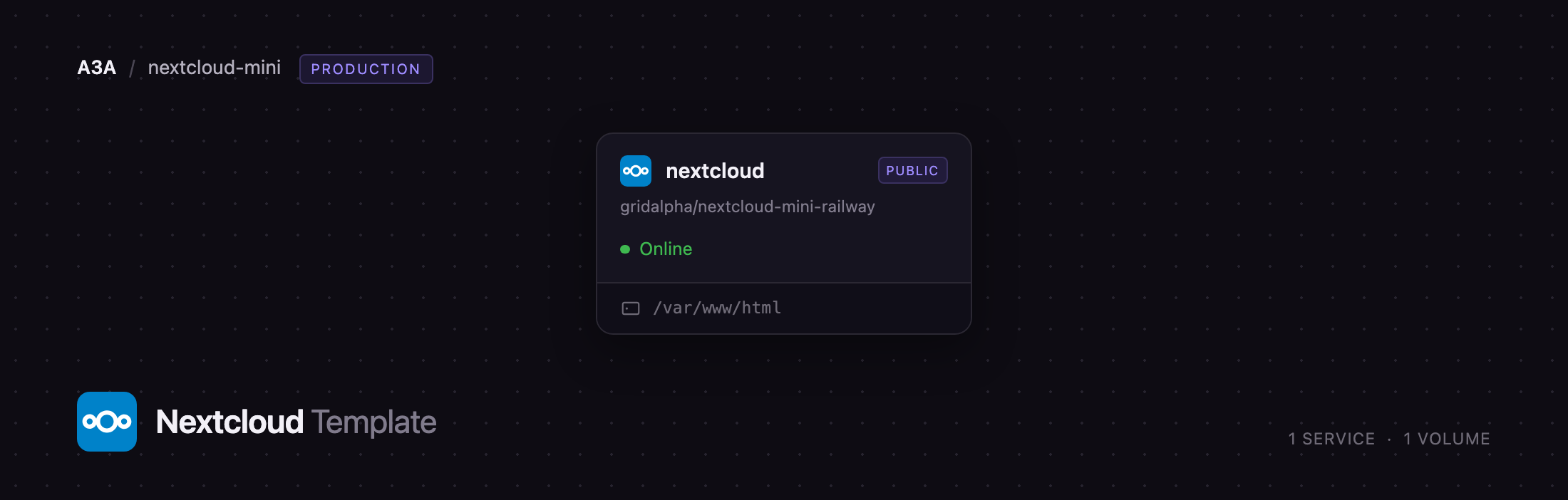
nextcloud
Just deployed
/var/www/html
Deploy and Host Nextcloud Mini on Railway
Nextcloud is the open-source platform behind millions of private clouds: file sync and share, plus calendar, contacts, notes, photos and collaborative editing, all on hardware you control. People run it to get Google Drive behaviour without handing a third party their family photos or client contracts. Nextcloud Mini deploys that software in its smallest honest shape.
Deploy Nextcloud with this template and you get one Railway service, nextcloud, built from the official nextcloud:34-apache image. A single volume at /var/www/html holds the application, your configuration, the user data directory and an SQLite database, so there is no database service to provision or pay for. Apache serves the web interface and WebDAV on port 80 behind Railway's HTTPS edge, and Nextcloud's job runner is supervised in the same container — so file scanning, previews and trash cleanup run in the recommended cron mode rather than the browser-triggered fallback most single-container setups settle for.
Getting Started with Nextcloud on Railway
Deploy the template, wait for the service to go green, then open the public URL. You land on the login screen with an administrator already created — no setup wizard, no database form. Sign in with the NEXTCLOUD_ADMIN_USER and NEXTCLOUD_ADMIN_PASSWORD values on the service's Variables tab, then change that password under Personal settings → Security. A welcome modal covers the interface on the first visit; dismiss it with Skip. There is no public sign-up, so add everyone else under Administration settings → Users.
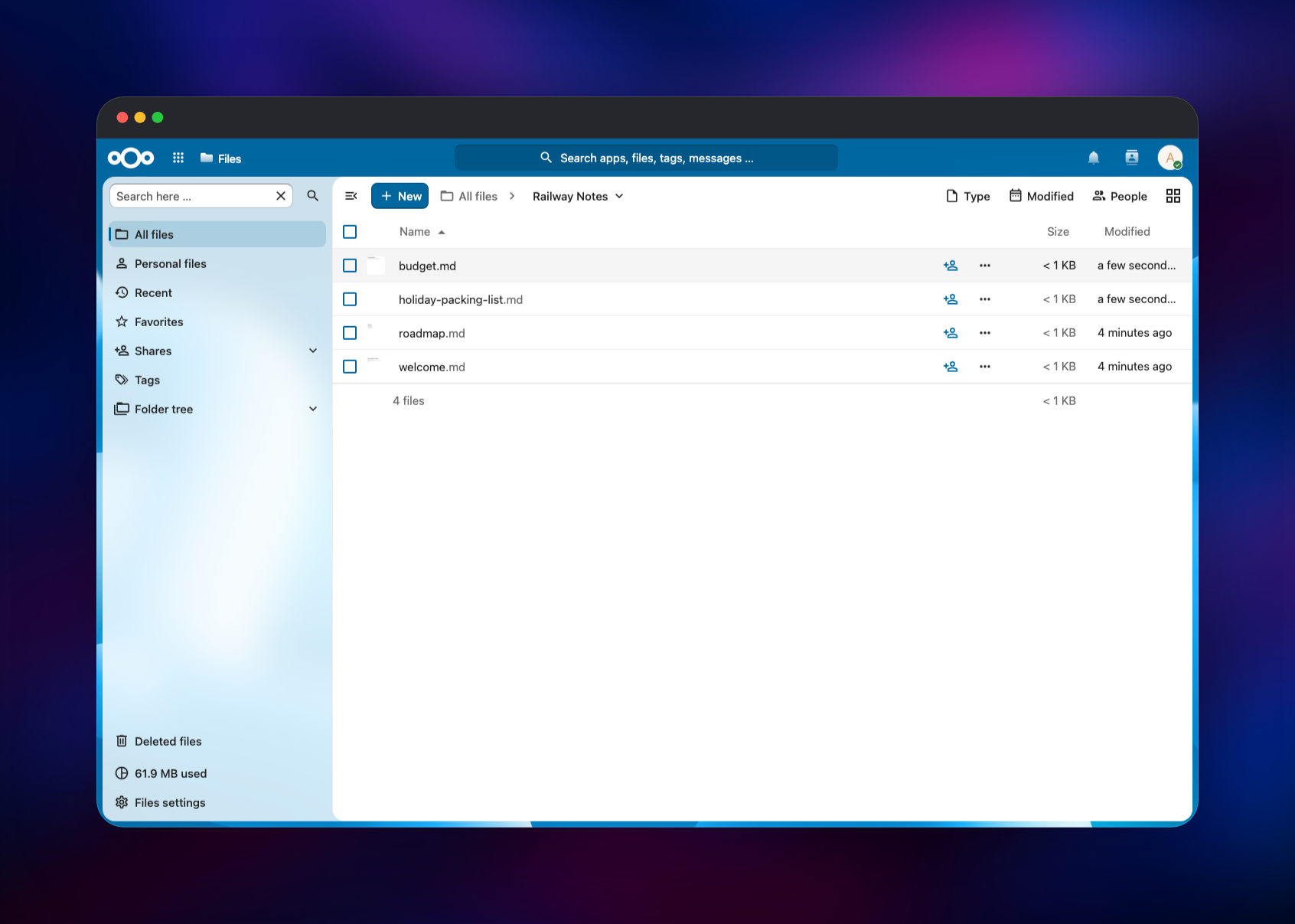
Your first useful action is to open Files, create a folder and drag something into it — an upload that appears in the list confirms the volume is mounted and writable. Point a desktop or mobile client at your domain and it syncs over WebDAV with the same credentials. To confirm the deployment is healthy, open Administration settings → Basic settings: background jobs should read Cron, and the last-run line updates within five minutes of a start.
About Hosting Nextcloud Mini
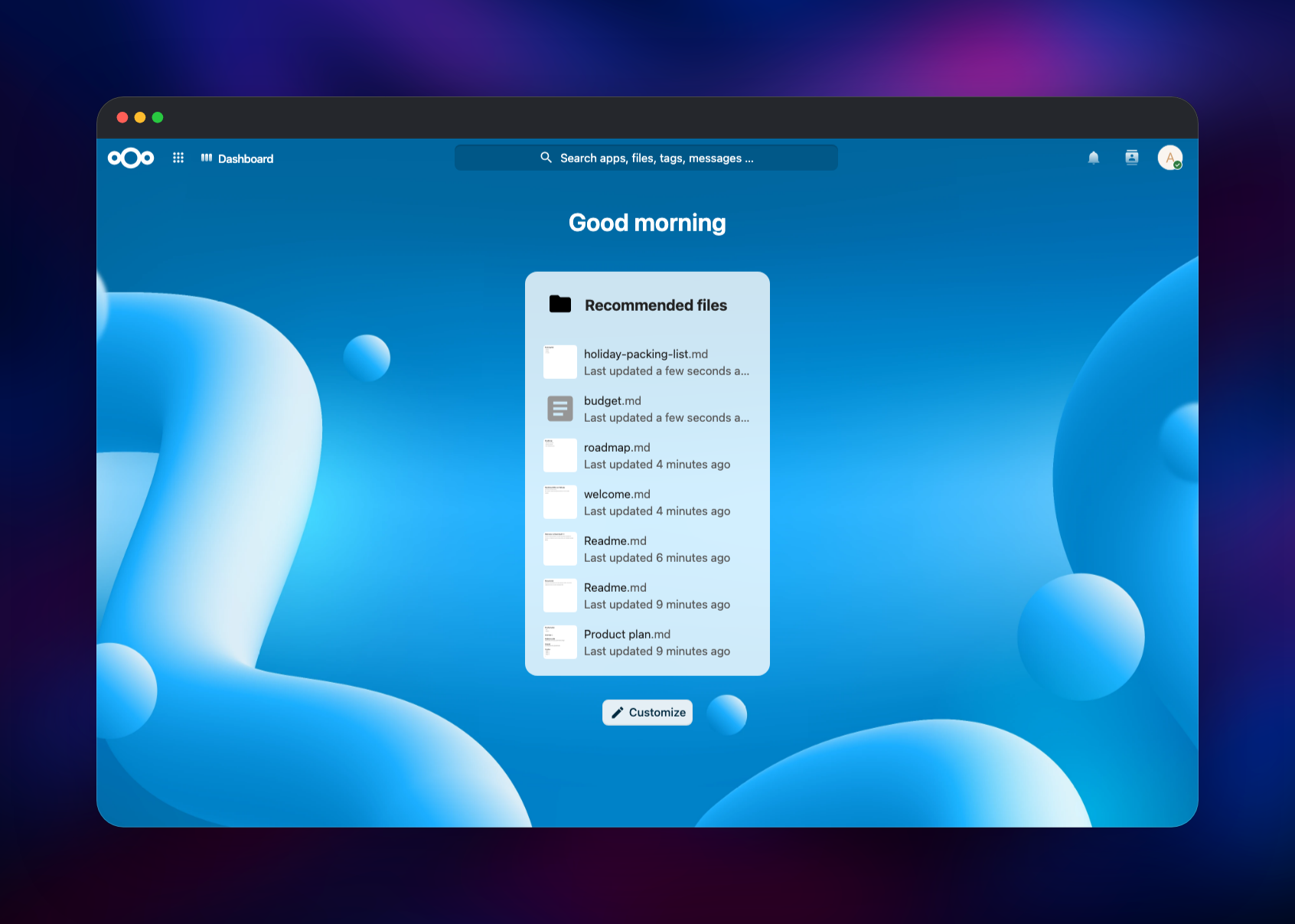
Nextcloud Hub is a productivity suite, not a file locker. Self-hosting makes sense when the data is sensitive, when per-seat storage pricing stops adding up, or when you want the files somewhere you can point at.
Key features:
- File sync and share with versioning, a trash bin, and share links with passwords and expiry dates
- Calendar, contacts and tasks over open CalDAV/CardDAV, so standard clients work
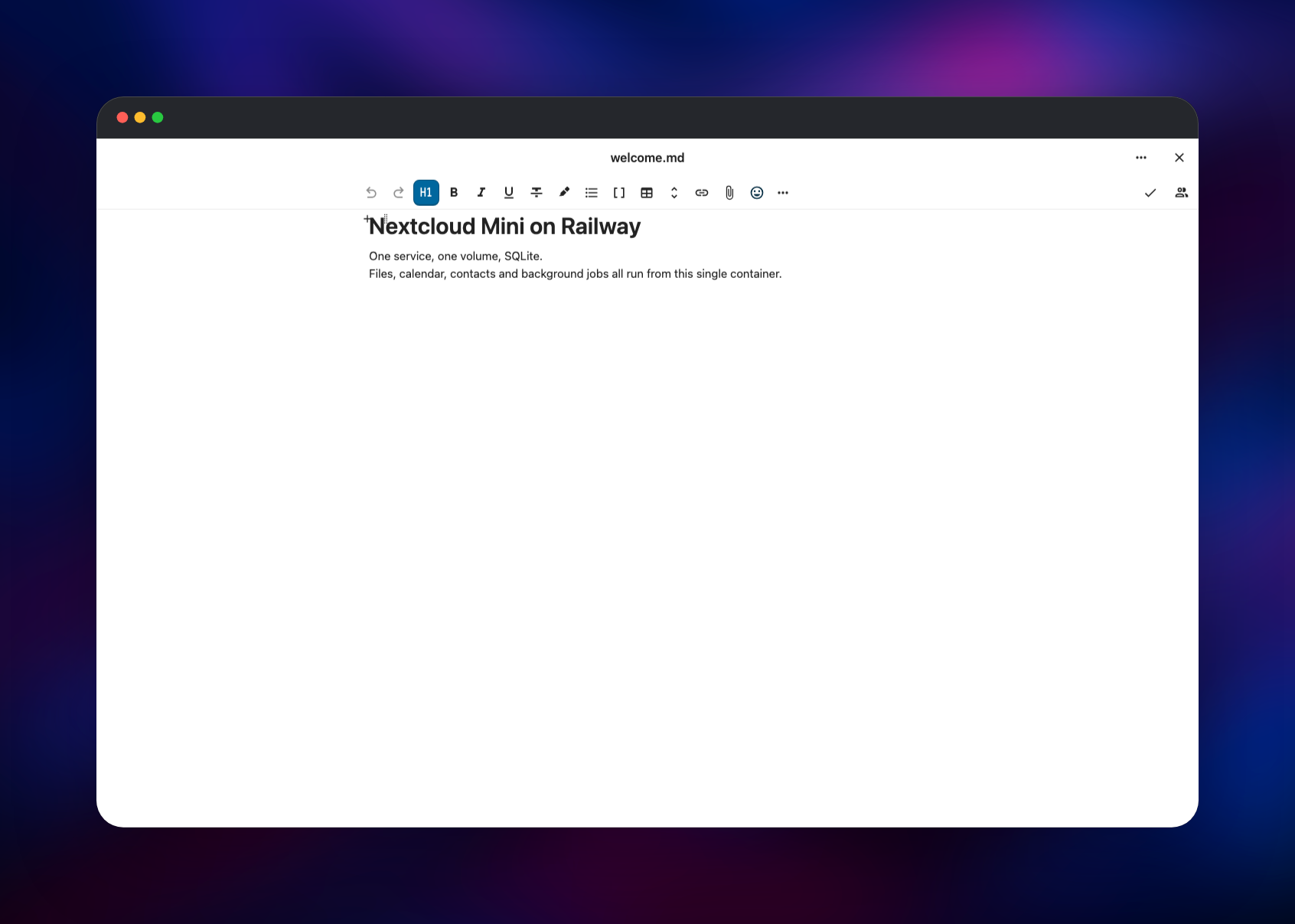
- Collaborative Markdown and rich-text editing in the browser
- Photos, with albums and a timeline built from your uploads
- Server-side encryption, two-factor authentication and per-share permissions
- An app store covering notes, bookmarks, RSS, forms and project boards
The architecture is deliberately flat: one service running Apache with mod_php, the Nextcloud application and a cron daemon under a process supervisor, and one volume holding every piece of mutable state — nothing to keep in version lockstep, nothing that can drift.
Why Deploy Nextcloud on Railway
Railway removes the parts of self-hosting that stall people:
- HTTPS, certificates and a public domain are handled for you
- One service, one volume — no database, cache or proxy to wire up
- Redeploys keep your data; the volume outlives every container
- Scaling up is a slider, not a migration
- Logs and metrics sit in the same dashboard as the app
Common Use Cases for Self-Hosted Nextcloud
- A household cloud replacing Dropbox or Google Drive, synced across laptops and phones
- A document store for a freelancer whose client material should not sit in a consumer cloud
- A calendar and contacts server syncing to iOS, Android, Thunderbird and Outlook
- A small shared workspace with collaborative editing and share links, without per-seat billing
Dependencies for Nextcloud Mini
nextcloud:34-apache— the official image, Apache withmod_php, from hub.docker.com/_/nextcloud- A 5 GB volume at
/var/www/htmlholding the app,config/,custom_apps,themes, user data and the SQLite database - SQLite, embedded in the image — this template has no separate database service
- Source repository: github.com/gridalpha/nextcloud-mini-railway
Environment Variables Reference
| Variable | Purpose |
|---|---|
NEXTCLOUD_ADMIN_USER | Administrator created on first boot |
NEXTCLOUD_ADMIN_PASSWORD | Its password; change it after signing in |
NEXTCLOUD_TRUSTED_DOMAINS | Host Nextcloud answers requests for |
OVERWRITEHOST / OVERWRITEPROTOCOL / OVERWRITECLIURL | Make generated links use your HTTPS domain |
TRUSTED_PROXIES / FORWARDED_FOR_HEADERS | Read the real client IP through Railway's edge |
PHP_UPLOAD_LIMIT | Largest single upload, 10G by default |
PHP_MEMORY_LIMIT | PHP memory ceiling, 512M by default |
NEXTCLOUD_DEFAULT_PHONE_REGION | Region used when parsing phone numbers |
NEXTCLOUD_MAINTENANCE_WINDOW_START | UTC hour for heavy background jobs |
Deployment Dependencies
- Runtime: PHP 8.5 on Apache 2.4, Debian base
- Source: github.com/nextcloud/server
- Images: github.com/nextcloud/docker
- Docs: docs.nextcloud.com
Hardware Requirements for Self-Hosting Nextcloud
| Resource | Minimum | Recommended |
|---|---|---|
| CPU | 1 vCPU | 2 vCPU |
| RAM | 512 MB | 1–2 GB |
| Storage | 5 GB volume | 5 GB, or object storage for larger libraries |
| Runtime | PHP 8.5 / Apache | PHP 8.5 / Apache |
A single user with documents and photos fits in the default volume. Thumbnails and file scanning want the extra RAM.
Self-Hosting Nextcloud with Docker
The image is configured entirely through environment variables. This Compose file is the equivalent of what the template deploys:
services:
  nextcloud:
    image: nextcloud:34-apache
    ports:
      - "8080:80"
    environment:
      SQLITE_DATABASE: nextcloud
      NEXTCLOUD_ADMIN_USER: admin
      NEXTCLOUD_ADMIN_PASSWORD: choose-something-better
      NEXTCLOUD_TRUSTED_DOMAINS: cloud.example.com
    volumes:
      - nextcloud:/var/www/html
volumes:
  nextcloud:
Administration happens through occ, Nextcloud's command line tool inside the container:
php occ status
php occ user:add --display-name="Sam" sam
php occ files:scan --all
How Much Does Nextcloud Cost to Self-Host?
The Nextcloud server is free software under the AGPL, with no per-user licence fee and no feature gating for self-hosted installations — this template ships the full product. Nextcloud GmbH sells Enterprise subscriptions covering support and SLAs, priced per user per year with a large seat minimum and aimed at organisations. Your only cost here is the Railway compute and volume the service uses.
Nextcloud Mini vs a Full Nextcloud Deployment
| Nextcloud Mini | Full deployment | |
|---|---|---|
| Services | 1 | App, PostgreSQL, Redis |
| Database | SQLite on the volume | Managed PostgreSQL |
| File storage | The volume | Object storage |
| Best for | One person or a household | Teams and heavier libraries |
Mini is the right starting point for a personal cloud. The admin panel notes that SQLite is not meant for large installations and that file locking falls back to the database without a cache — both accurate, neither a problem at this size. Moving up means setting POSTGRES_* and REDIS_HOST* on a fresh deployment; the image reads both unchanged.
FAQ
What is Nextcloud?
An open-source, self-hosted content collaboration platform: file sync and share plus calendar, contacts, notes, photos and collaborative editing, on infrastructure you run.
What does this Railway template deploy?
One service built from nextcloud:34-apache, a persistent volume at /var/www/html, and an administrator account created on first boot. Background jobs run on a real cron schedule in the same container.
Why is there no database service in this template?
Nextcloud supports SQLite, which lives as one file on the volume. Dropping the separate database keeps this to a single billable service and removes the commonest source of setup errors, at a concurrency cost a household will not notice.
Can I sync from the desktop and mobile Nextcloud clients?
Yes. Point any official client at your Railway domain and sign in with the administrator credentials or an account you create afterwards. Calendars and contacts sync over CalDAV and CardDAV too.
How do I move from SQLite to PostgreSQL later?
Add Railway's managed PostgreSQL, set POSTGRES_HOST, POSTGRES_DB, POSTGRES_USER and POSTGRES_PASSWORD on a fresh volume, and the image installs against it. To carry existing data across, run occ db:convert-type first.
Does the data survive a redeploy?
Yes. Everything mutable lives on the Railway volume, reattached to each new container, so redeploys and restarts keep your files, accounts and settings.
Template Content
nextcloud
gridalpha/nextcloud-mini-railway

