Deploy Pingvin Share X
Share files by link with expiry, passwords and reverse uploads

clamav
Just deployed
/var/lib/clamav
pingvin-share-x
Just deployed
/opt/app/backend/data
pingvin-files
Bucket
Just deployed
Deploy and Host Pingvin Share X on Railway
Pingvin Share X is an open source file sharing platform for anyone who wants WeTransfer's workflow without its size limits, retention rules or data residency questions. Drop files into the browser, get a link back, and set how long it lives, how many people may open it and whether a password is needed. Reverse shares invert it: send a link and they upload to you. It is the maintained fork of Pingvin Share, archived in May 2026.
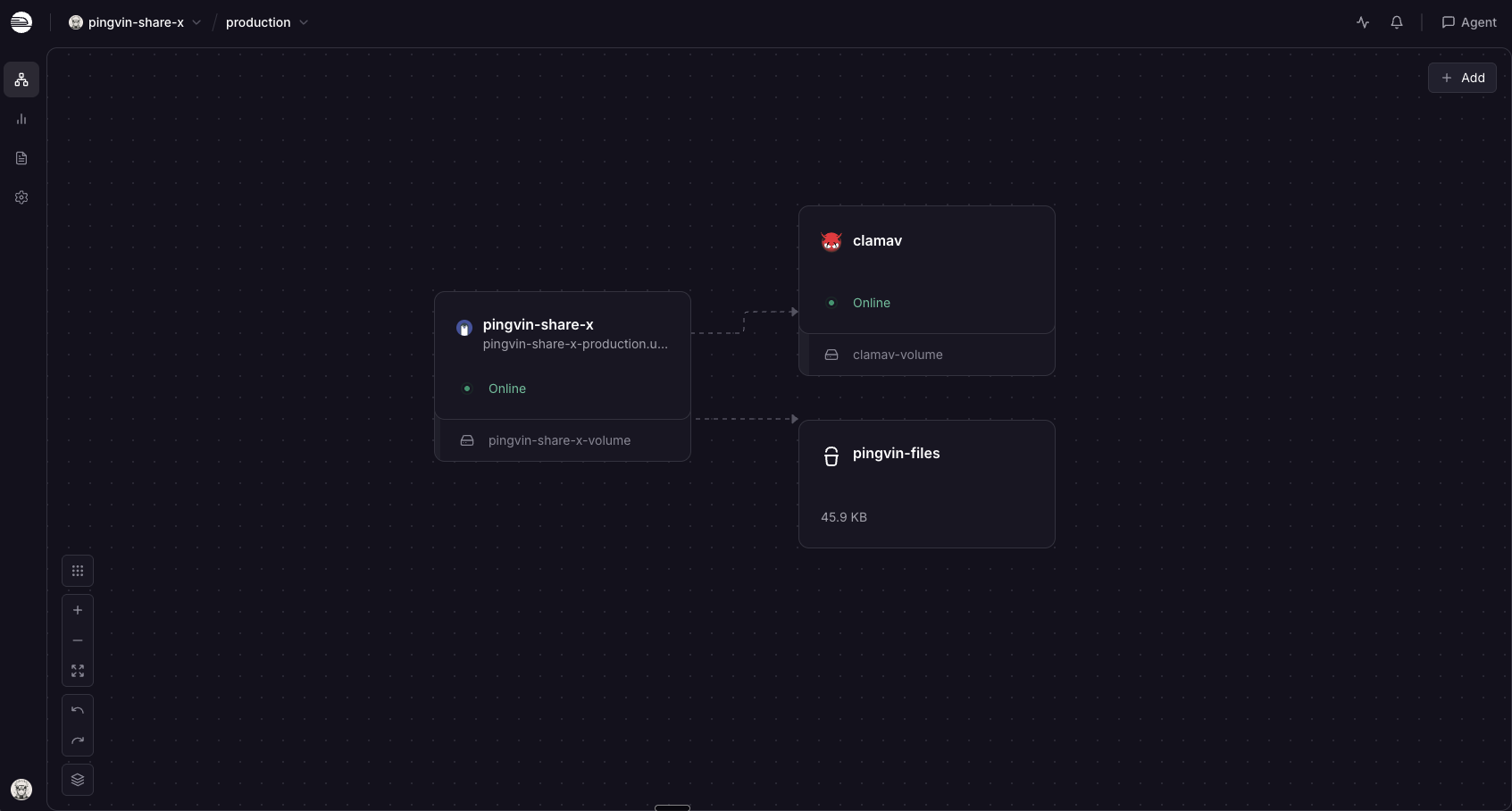
Deploy Pingvin Share X on Railway and the awkward parts of self-hosting it are wired up already. The template runs the official smp46/pingvin-share-x image behind its bundled Caddy front end, points storage at a Railway object storage bucket so shares are not capped by disk size, keeps the database on a persistent volume, and adds a private ClamAV service that scans uploads. An administrator account is created on first boot and registration starts off, so nobody can claim your instance while you read this page.
Getting Started with Pingvin Share X on Railway
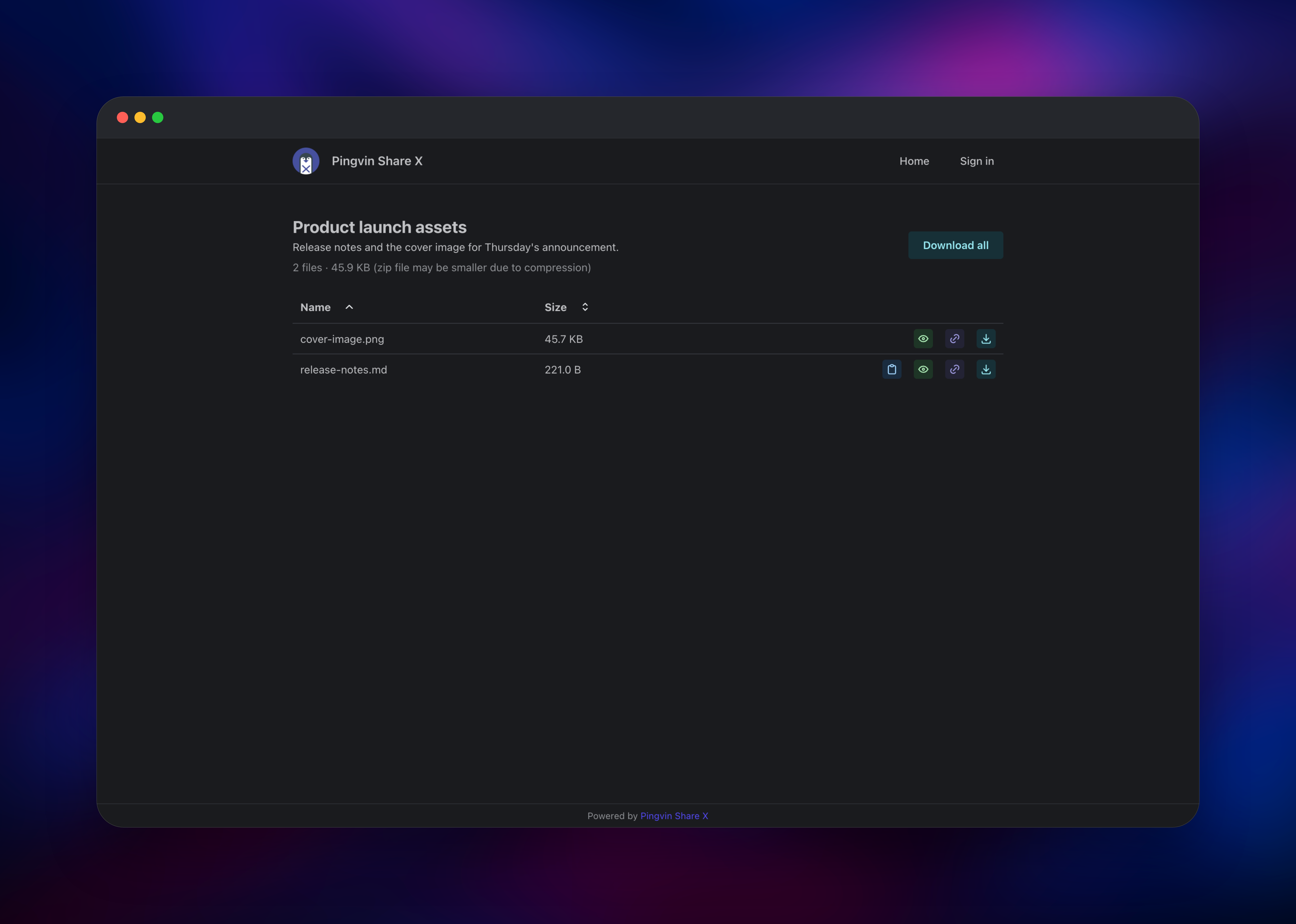
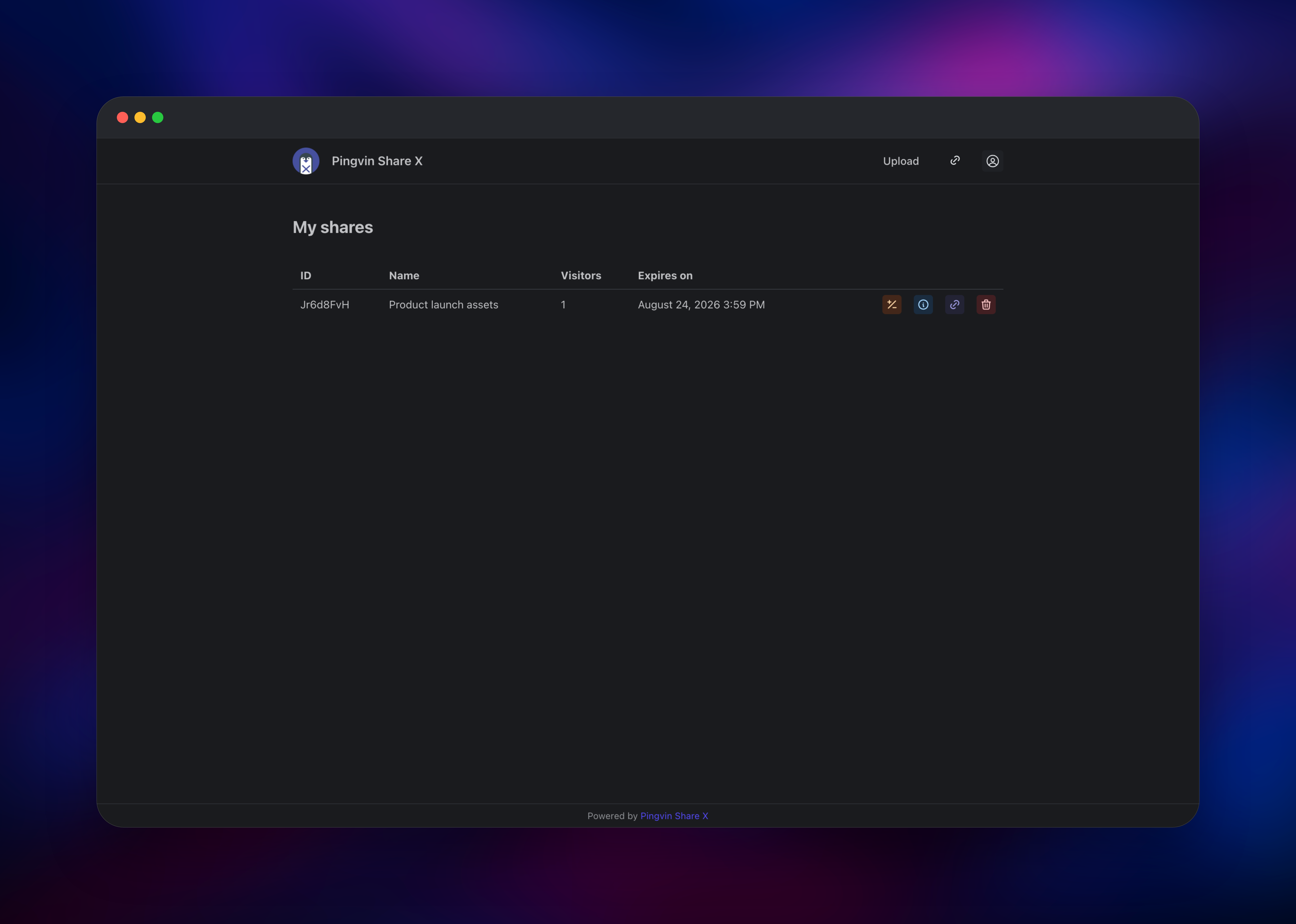
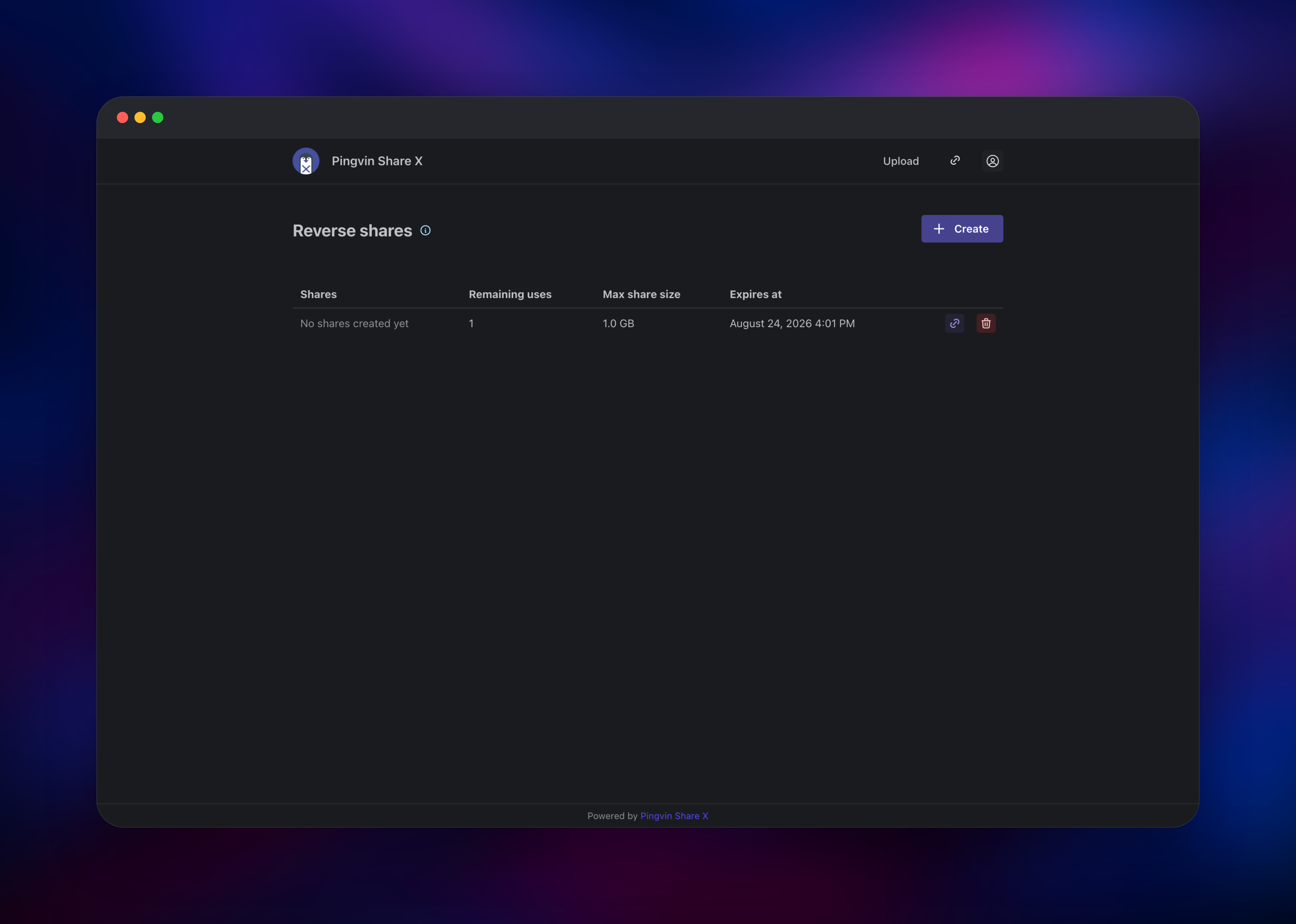
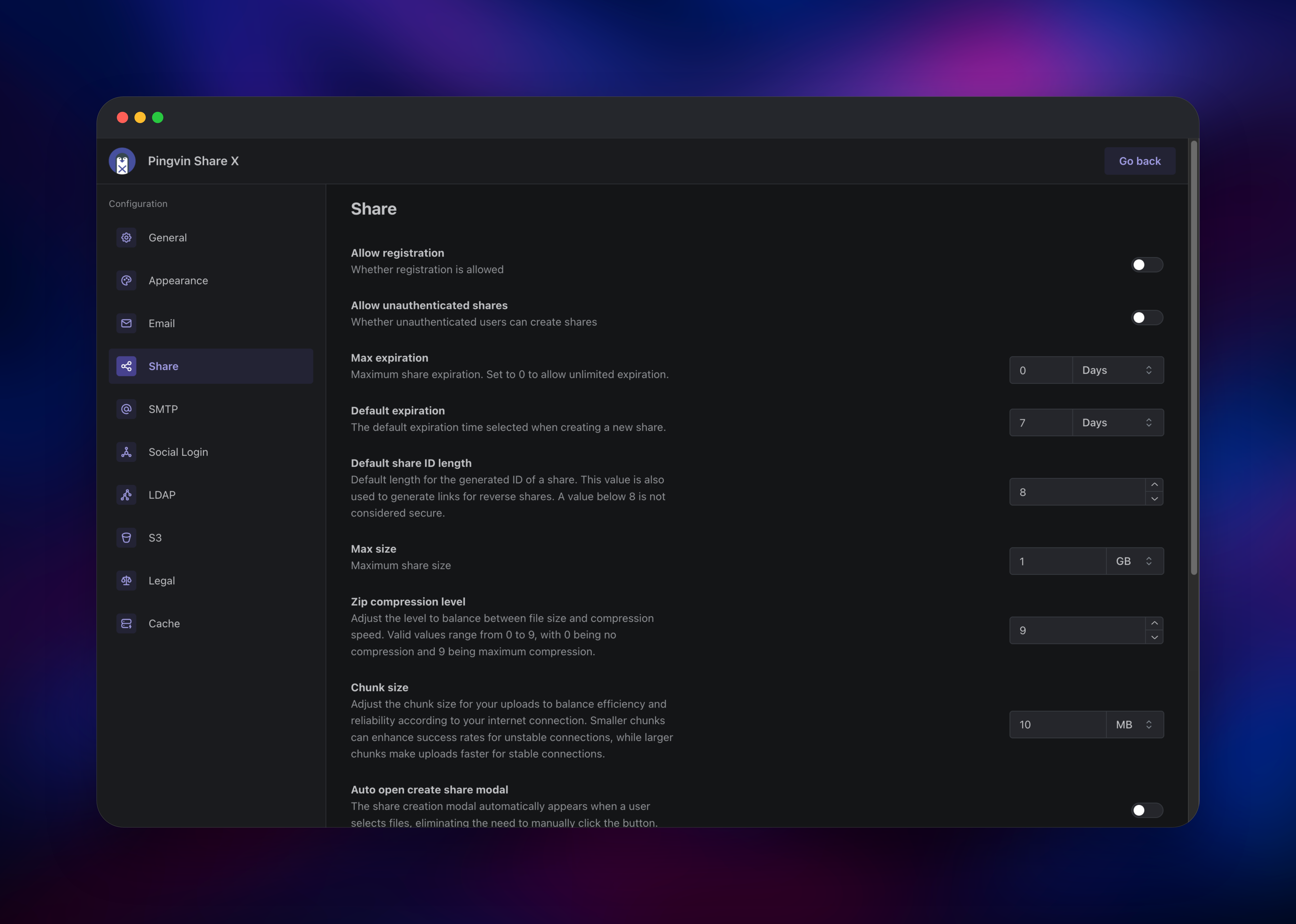
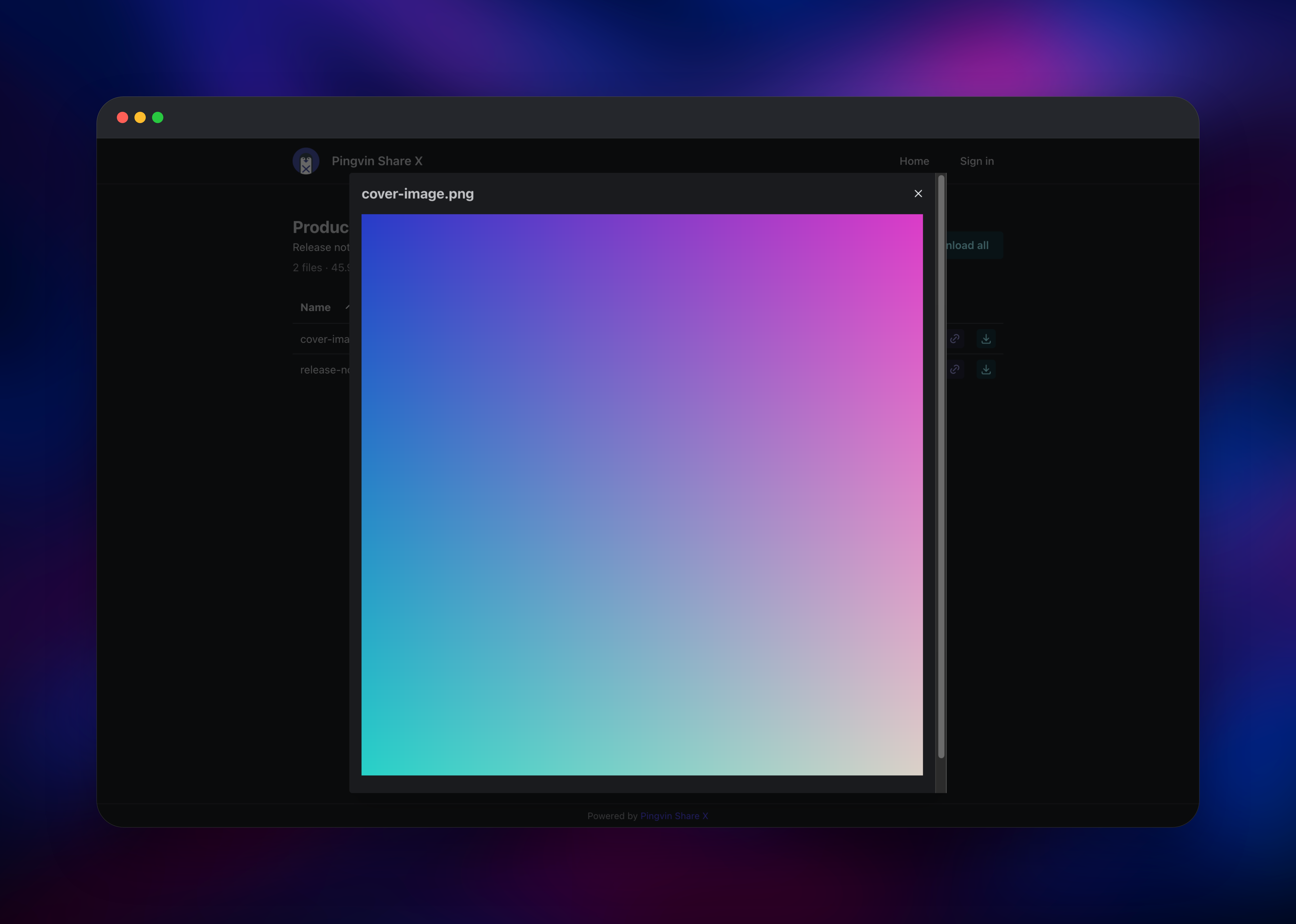
Set ADMIN_EMAIL and ADMIN_PASSWORD when you deploy — they become your administrator account, created before the app accepts its first request. Open the Railway URL, click Sign in, and use admin (or your ADMIN_USERNAME) with that password. You land on the upload screen: drag files in, press Share, and the dialog offers an expiry, a share ID and, under Security options, a password and visitor limit. Open the link in a private window to see what a recipient sees: file list, inline previews and a Download all button that zips the share. My shares tracks visitors and expiry, Reverse shares makes upload links for clients, and Administration holds SMTP, OIDC, LDAP, storage and registration.
About Hosting Pingvin Share X
Self-hosting matters here because the files are the sensitive part: contracts, raw footage, medical scans, build artefacts. A hosted transfer service decides retention and jurisdiction for you; a self-hosted one does not. The app is a Next.js front end and a NestJS API in one container, fronted by Caddy so both answer on one origin. Metadata lives in SQLite on the volume; file bytes go to the bucket.
- Share links with expiry dates, visitor limits and optional passwords
- Reverse shares: recipients upload to you without an account
- Email recipients, so a share is delivered rather than pasted
- OIDC and LDAP sign-in beside local accounts, plus TOTP two-factor
- ClamAV scanning, with infected files removed from the share
- Local disk or S3-compatible storage, switchable in the admin panel
- Per-user quotas, and 32 interface languages
ClamAV talks to the app over Railway's private network and is never exposed publicly. While it restarts or fetches signatures uploads still succeed — scanning is best-effort, not blocking.
Why Deploy Pingvin Share X on Railway
One deploy replaces a VPS, a reverse proxy and a storage plan.
- Object storage wired up — shares are not capped by disk size
- Persistent volume for the database and branding, no manual mounts
- ClamAV runs privately, reachable only by the app
- HTTPS and custom domains handled for you
- Admin account and secure cookies set before first boot
Common Use Cases
- Sending large design, video or CAD files to clients without buying everyone a seat
- Collecting documents from customers through a reverse share link with a size limit
- Distributing signed releases or datasets on a link that expires in a week
- Replacing email attachments where files must stay on your own storage
Dependencies for Pingvin Share X
- Pingvin Share X —
smp46/pingvin-share-x:latest(alsoghcr.io/smp46/pingvin-share-x), from github.com/smp46/pingvin-share-x. UI and API on port 3000, database on the volume. - ClamAV —
clamav/clamav:stable. Private antivirus daemon on port 3310, with a volume for the signatures freshclam refreshes on a schedule. - Object storage bucket — Railway-managed and S3-compatible. Holds every uploaded file, keyed by share.
Environment Variables Reference
| Variable | Description | Required |
|---|---|---|
APP_URL | Public URL share links are built from. Applied every boot. | Yes |
ADMIN_EMAIL | Administrator account created on first boot. | Yes |
ADMIN_PASSWORD | Password for it. Change it after signing in. | Yes |
ADMIN_USERNAME | Username for it. Defaults to admin. | No |
ALLOW_REGISTRATION | Whether strangers can sign up. Seeded once, then owned by the admin panel. | No |
ALLOW_UNAUTHENTICATED_SHARES | Whether anonymous visitors can create shares. | No |
SECURE_COOKIES | Marks session cookies secure. Leave on. | No |
S3_ENABLED | Store files in the bucket instead of the volume. | No |
S3_ENDPOINT, S3_REGION, S3_BUCKET_NAME, S3_KEY, S3_SECRET | Bucket credentials, pre-wired. | No |
S3_USE_CHECKSUM | Keep false for non-AWS endpoints. | No |
CLAMAV_HOST, CLAMAV_PORT | Scanner address. Clear the host to skip scanning. | No |
TRUST_PROXY | Read the client address from X-Forwarded-For. | No |
Deployment Dependencies
- Node.js 24, bundled in the image — nothing to install
- Docker Hub: smp46/pingvin-share-x, clamav/clamav
- Docs: smp46.github.io/pingvin-share-x
Hardware Requirements for Self-Hosting Pingvin Share X
| Resource | Minimum | Recommended |
|---|---|---|
| CPU | 1 vCPU | 2 vCPU |
| RAM (app) | 512 MB | 1 GB |
| RAM (with ClamAV) | 3 GB | 4 GB |
| Storage | 1 GB volume + bucket | 5 GB volume + bucket |
| Runtime | Node.js 24, in the image | Node.js 24, in the image |
ClamAV is the expensive component: roughly 1 GB of signatures in memory and a GB of disk. Drop it if resources are tight — the app runs fine without it. With files in the bucket, the volume holds only the database and branding, so it stays small.
How to Self-Host Pingvin Share X Outside Railway
Upstream ships a Compose file. Files land on the local volume unless you point storage at S3 in the admin panel.
services:
  pingvin-share-x:
    image: smp46/pingvin-share-x
    restart: unless-stopped
    ports:
      - 3000:3000
    environment:
      - TRUST_PROXY=true
    volumes:
      - ./data:/opt/app/backend/data
      - ./data/images:/opt/app/frontend/public/img
Add the scanner as a second service:
  clamav:
    image: clamav/clamav:stable
    restart: unless-stopped
    volumes:
      - ./clamav:/var/lib/clamav
Run docker compose up -d and open http://localhost:3000. The first account registered becomes the administrator, so create it immediately, turn registration off under Administration → Configuration → Share, and put TLS in front.
Is Pingvin Share X Free?
Yes. Pingvin Share X is open source under the BSD 2-Clause licence — no paid tier, seat count, feature gate or upload cap, and no cloud edition to upsell you. On Railway you pay for infrastructure only: container, volume and the storage your shares use.
Pingvin Share X vs WeTransfer
| Pingvin Share X | WeTransfer | |
|---|---|---|
| Open source | Yes, BSD 2-Clause | No |
| Self-hostable | Yes | No |
| Cost | Free, you pay hosting | Free tier, then per seat |
| Upload limit | Your storage | 2 GB free tier |
| Accounts | Local, OIDC, LDAP, TOTP | Paid plans |
| Reverse uploads | Yes | Paid feature |
WeTransfer is easier when files are not sensitive. Pingvin Share X wins when retention, storage location and access control must be yours — and unlike Mozilla's discontinued Send, it is actively developed.
FAQ
What is Pingvin Share X?
An open source, self-hosted file sharing platform: upload files, get a link, set an expiry, password or visitor limit. It is the maintained fork of Pingvin Share.
Why does the template include object storage instead of just a volume?
Because file sharing grows unpredictably. Metadata stays in SQLite on the volume while bytes go to the bucket, so a large share never fills the volume and ZIP downloads stream from storage.
Can I run self-hosted Pingvin Share X in production?
Yes. Enable TOTP on admin accounts, configure SMTP, and set an expiry policy. It runs as a single instance because it uses SQLite, which is fine at team scale; files scale with the bucket.
Does self-hosted Pingvin Share X scan uploads for malware?
Yes, when ClamAV is running: the app streams each file to the scanner and removes infected ones from the share. If the scanner is unavailable, uploads still complete.
How do I use my own domain for self-hosted Pingvin Share X?
Add the custom domain in Railway, then set APP_URL to match — every share and reverse-share link is built from that value.
Template Content


