
Deploy Seafile
Dropbox Alternative. File sync, sharing, versioning & collaborative editing

seafile-proxy
Just deployed
notification-server
Just deployed
Just deployed
/shared
Just deployed
/shared

Redis
Just deployed
/data

mariadb
Just deployed
/var/lib/mysql
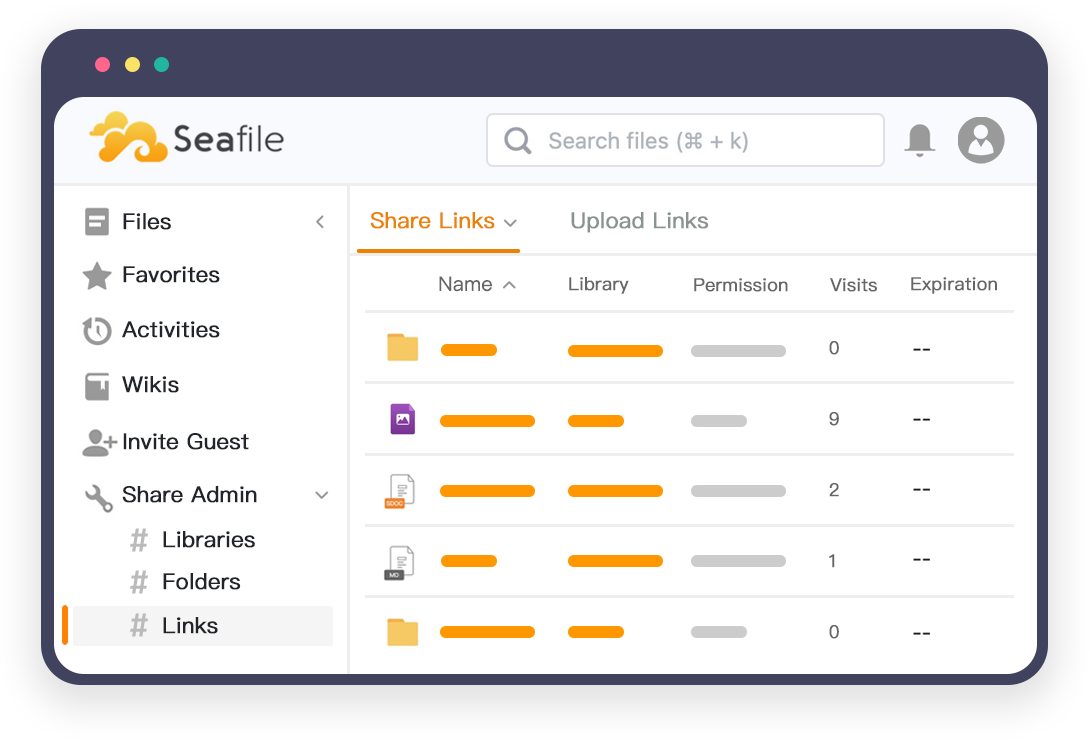
Deploy and Host Seafile on Railway
Seafile is an open-source file sync and share platform — a self-hosted Dropbox alternative developed in the open at github.com/haiwen. It organises storage into libraries: independent, versioned repositories that can be shared by link, synced selectively, or encrypted client-side with a password the server never stores. Files are split into blocks and deduplicated, so editing one slide in a 400 MB deck transfers only the changed chunks.
Deploy Seafile Community Edition 13.0.25 on Railway with six services already wired together: seafile (Seahub, seaf-server and the Go fileserver), seadoc for collaborative documents, notification-server for realtime updates, mariadb, a managed Redis for cache and sessions, and seafile-proxy, a Caddy router holding the only public domain. Seahub's session cookie is SameSite=Lax, so every browser-facing component must answer on one origin, and the proxy path-splits that hostname across the three backends.
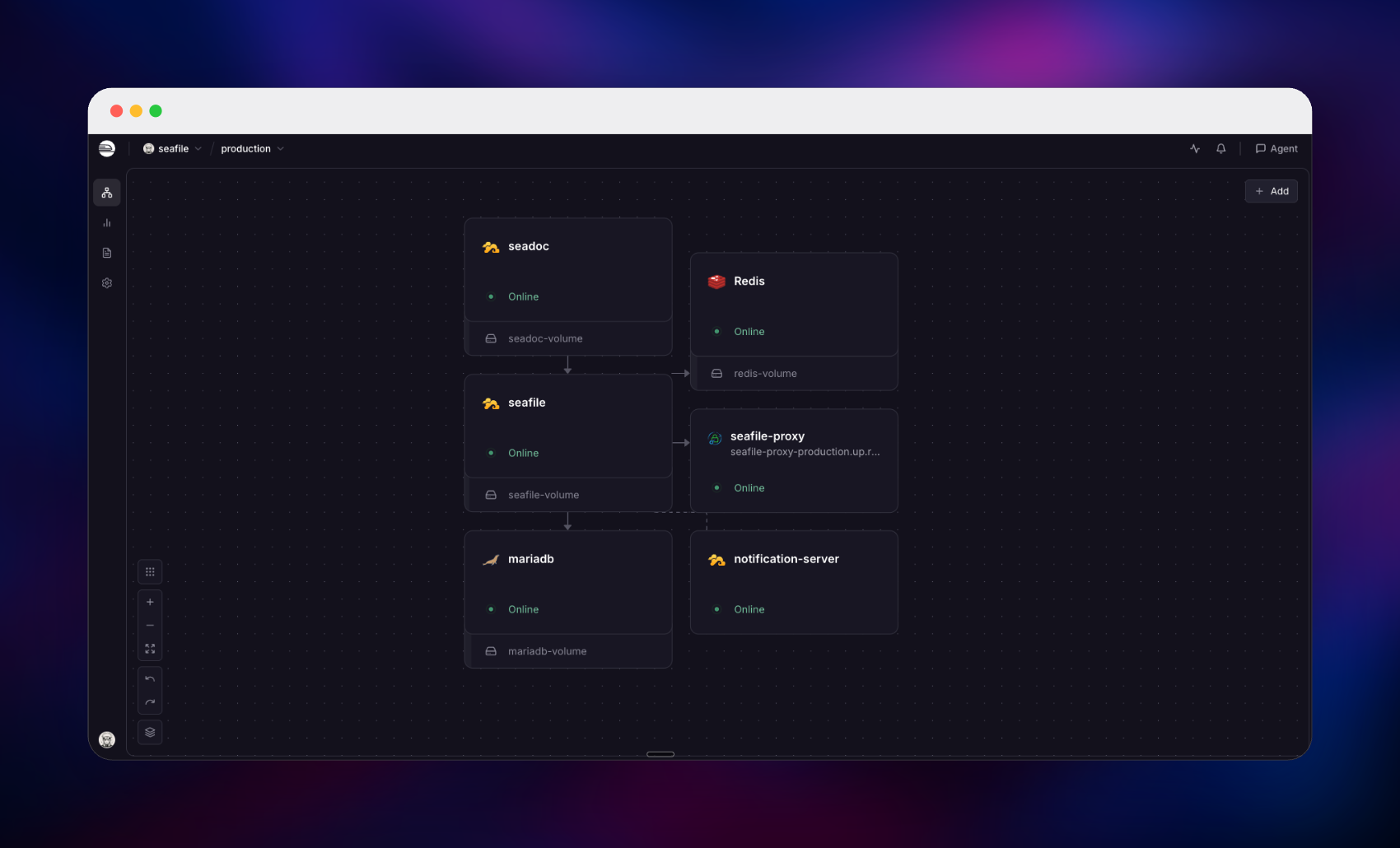
Getting Started with Seafile on Railway
The public URL belongs to seafile-proxy, not to seafile — it looks like https://your-app.up.railway.app. Open it and Seahub's sign-in page loads. First boot creates one administrator from INIT_SEAFILE_ADMIN_EMAIL and INIT_SEAFILE_ADMIN_PASSWORD on the seafile service; both are read only while the user table is empty, so changing them later does nothing. Public registration is off by default, so invite colleagues from System Admin → Users → Add user.
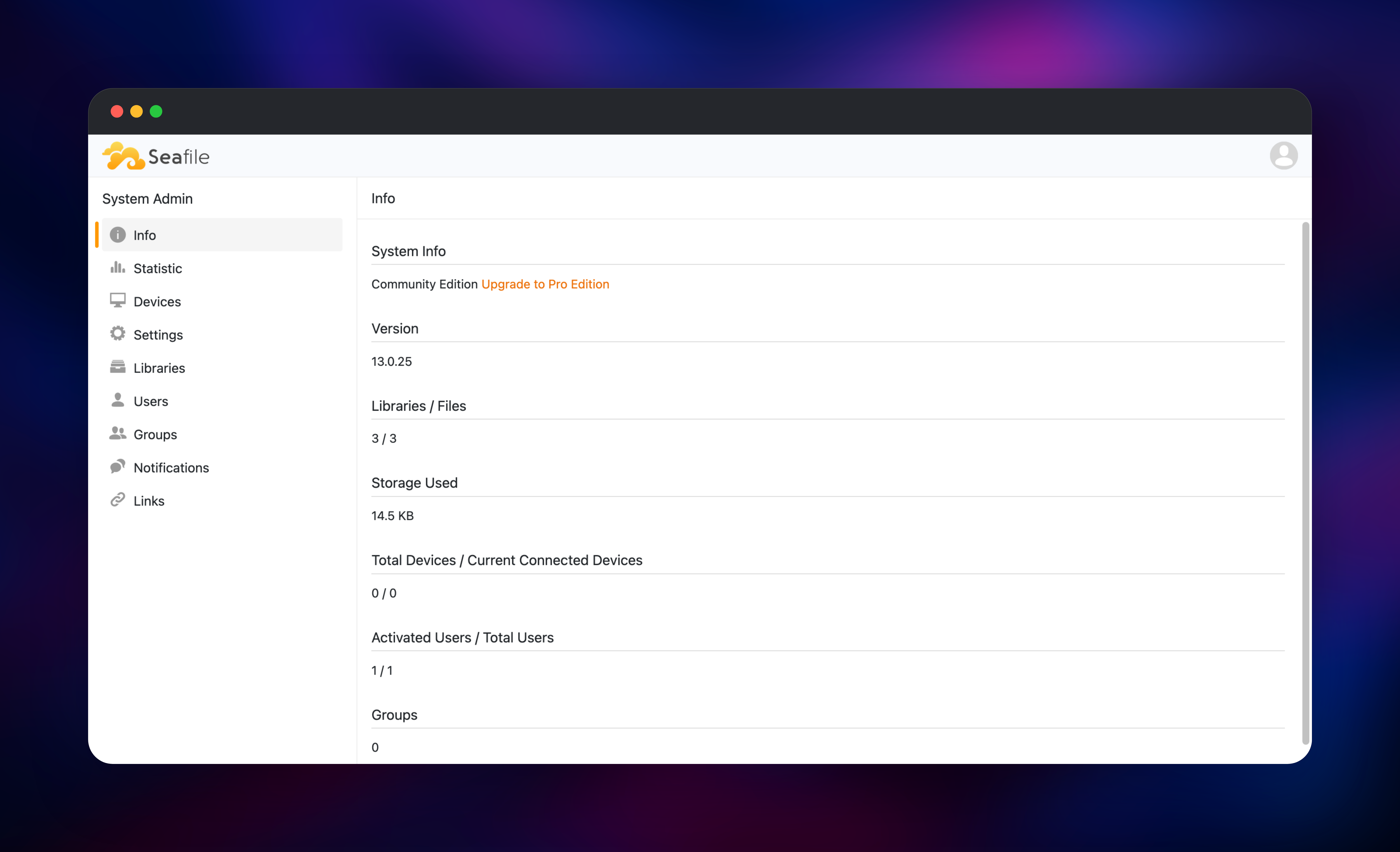
Click New Library, name it, and drag a file in — the upload goes through the Go fileserver at /seafhttp, and downloading it again proves the volume is mounted and writable. Then choose New → SeaDoc and type into the document: the editor loads through /sdoc-server, so content that survives a reload confirms the proxy routing and the shared JWT_PRIVATE_KEY are correct. Finally open /sys/info/, which reports the edition, version and your file counts.
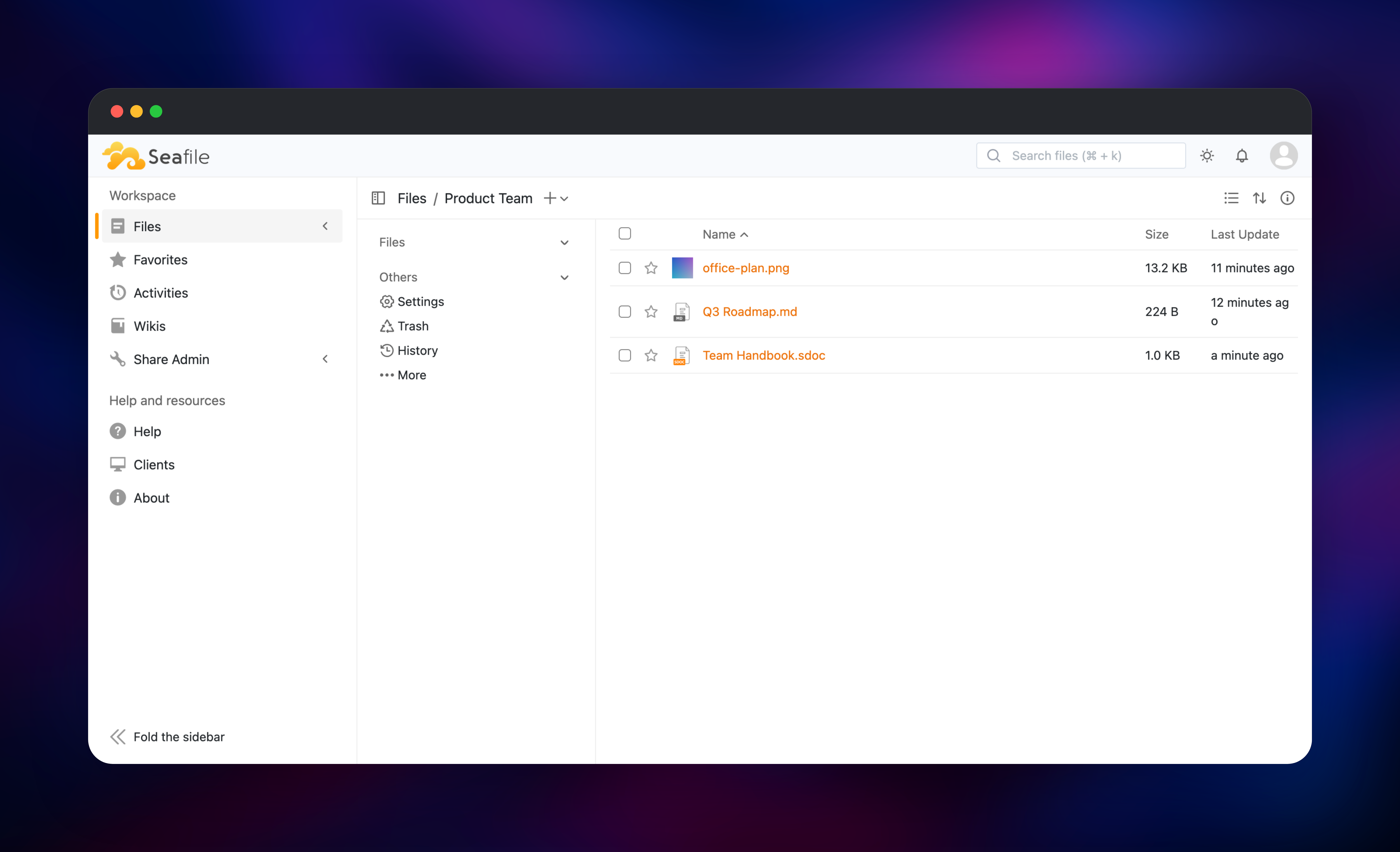
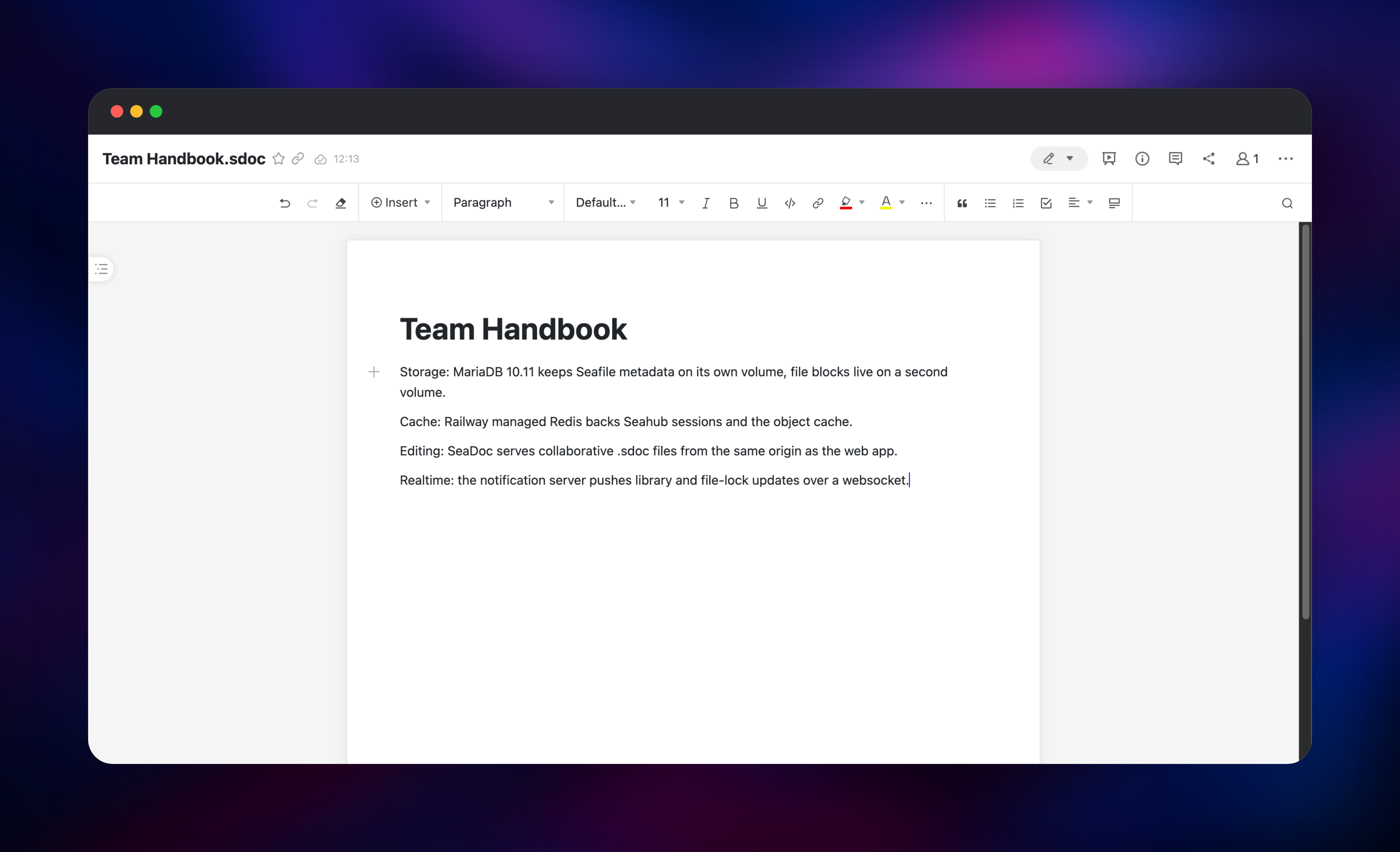
About Hosting Seafile
Teams self-host Seafile when data residency matters, when per-seat pricing stops making sense, or when files are too large for a browser upload widget.
- Libraries instead of folders — each separately shared, versioned and snapshotted, with its own trash
- Block-level sync and deduplication — only changed chunks travel
- Client-side encrypted libraries — the password never reaches the server
- SeaDoc collaborative editing — realtime co-editing with comments for notes and wikis
- Clients everywhere — Windows, macOS, Linux, iOS, Android, SeaDrive and WebDAV
seafile holds all durable state on a /shared volume: file blocks, configuration and logs. mariadb holds seafile_ccnet for users and groups, seafile_core for library metadata and seafile_hub for Seahub's Django tables. Redis backs the cache and sessions, while seadoc and notification-server are stateless helpers reading MariaDB directly with a shared JWT key.
Why Deploy Seafile on Railway
- Six services provisioned and networked together in one deploy
- Persistent volumes for file blocks and the MariaDB data directory
- HTTPS and certificates handled at the edge, with no Let's Encrypt setup
- Private networking between Seahub, SeaDoc, the notification server and the database
- Managed Redis with no separate account to create
- Usage-based pricing, so an idle team library costs very little
Common Use Cases
- Team file server replacement — libraries with per-group permissions, expiring share links and version history
- Large-file research and media work — block-level sync keeps multi-gigabyte datasets and video projects in sync
- Internal knowledge base — SeaDoc documents and Seafile's wiki views cover runbooks and handbooks
- Compliance-sensitive storage — encrypted libraries and self-hosted residency where public cloud is not allowed
Dependencies for Seafile
seafileltd/seafile-mc:13.0-latest— Seafile Community Edition 13.0.25: Seahub,seaf-server, the Go fileserver and nginxseafileltd/sdoc-server:2.0-latest— SeaDoc 2.0.9, the collaborative document backendseafileltd/notification-server:13.0-latest— notification server 13.0.21, websocket pushmariadb:10.11— the relational database behind all three Seafile schemas- Railway-managed
Redis— Seahub cache and session store - gridalpha/seafile-railway — the Caddy edge router, built from
caddy:2-alpine
Tags track a release line rather than plain latest, keeping the server and notification server version-matched while patches still land.
Environment Variables Reference
| Variable | Purpose |
|---|---|
SEAFILE_SERVER_HOSTNAME | Public hostname, taken from the proxy's domain |
CSRF_TRUSTED_ORIGINS | JSON list of trusted origins for POST requests |
INIT_SEAFILE_ADMIN_EMAIL / _PASSWORD | First administrator, created on an empty database only |
JWT_PRIVATE_KEY | Shared signing key, identical on all three Seafile services |
CACHE_PROVIDER | redis — Seahub's cache backend |
ENABLE_SEADOC / SEADOC_SERVER_URL | Turns on the editor and where browsers reach it |
ENABLE_GO_FILESERVER | Uses the faster Go upload and download path |
Deployment Dependencies
- Source: haiwen/seafile-server and haiwen/seahub
- Docker images: hub.docker.com/u/seafileltd
- Documentation: manual.seafile.com
Hardware Requirements for Self-Hosting Seafile
| Resource | Minimum | Recommended |
|---|---|---|
| CPU | 2 cores (> 2 GHz) | 4 cores |
| RAM | 2 GB across all services | 4–8 GB |
| Storage | 5 GB plus your files | Sized to library growth and version history |
| Runtime | Docker | Docker, MariaDB 10.11, Redis |
MariaDB deserves the headroom: its InnoDB buffer pool keeps library listings fast. Version history and trash retain deleted blocks, so provision more disk than your current files need.
Self-Hosting Seafile with Docker
A minimal docker-compose.yml for self-hosting Community Edition 13:
services:
  mariadb:
    image: mariadb:10.11
    environment:
      MARIADB_ROOT_PASSWORD: your-root-password
    volumes: ["/opt/seafile-mysql:/var/lib/mysql"]
  redis:
    image: redis:8.2
  seafile:
    image: seafileltd/seafile-mc:13.0-latest
    ports: ["80:80"]
    volumes: ["/opt/seafile-data:/shared"]
    environment:
      SEAFILE_SERVER_HOSTNAME: files.example.com
      SEAFILE_MYSQL_DB_HOST: mariadb
      SEAFILE_MYSQL_DB_PASSWORD: your-db-password
      INIT_SEAFILE_MYSQL_ROOT_PASSWORD: your-root-password
      JWT_PRIVATE_KEY: at-least-32-random-characters
      CACHE_PROVIDER: redis
      REDIS_HOST: redis
      INIT_SEAFILE_ADMIN_EMAIL: me@example.com
      INIT_SEAFILE_ADMIN_PASSWORD: change-this
Bring it up and reset the administrator later if needed. These are shell commands:
docker compose up -d
docker exec -it seafile /opt/seafile/seafile-server-latest/reset-admin.sh
The installer is not re-entrant, so let one deployment finish initialising before redeploying or editing variables.
How Much Does Seafile Cost to Self-Host?
Seafile Community Edition is free and open source, with no user cap and no licence key. The paid Professional Edition adds full-text search, file locking and S3-style storage, sold per user per year. Self-hosting the Community Edition on Railway costs only what the six services consume — compute, the two volumes and egress — typically a few dollars a month for a small team.
FAQ
What is Seafile? Seafile is an open-source file sync and share server. It stores files as deduplicated blocks inside versioned libraries and syncs them to desktop, mobile, virtual-drive and WebDAV clients — a self-hosted Dropbox alternative.
What does this Railway template deploy? Six services: Seafile Community Edition 13.0.25, SeaDoc 2.0.9, notification-server 13.0.21, MariaDB 10.11, a managed Redis, and a Caddy proxy that owns the public domain and routes by path.
Why does the template include MariaDB and Redis? Seafile keeps users, groups, library metadata and Seahub's Django tables in three MariaDB databases, which SeaDoc and the notification server also read directly. Redis is Seahub's cache and session store, the default cache provider since version 13.
Why does SeaDoc show "Load doc content error"?
Its API is not reachable at /sdoc-server. Check ENABLE_SEADOC is true, SEADOC_SERVER_URL uses the proxy's public domain, and JWT_PRIVATE_KEY is byte-identical on the seafile and seadoc services.
Is the version 13 metadata server included?
No. It reads seafile.conf from the same /shared volume the main service mounts, and Railway volumes attach to exactly one service, so ENABLE_METADATA_MANAGEMENT stays false. SeaDoc, realtime notifications, tags and views are all available.
Template Content
seafile-proxy
gridalpha/seafile-railwaynotification-server
seafileltd/notification-server:13.0-latestRedis
redis:8.2mariadb
mariadb:10.11

