
Deploy SQLite
SQLite (sqlite3) database on a persistent volume with the sqlite-web UI
SQLite3
Just deployed
/data
Deploy and Host SQLite on Railway
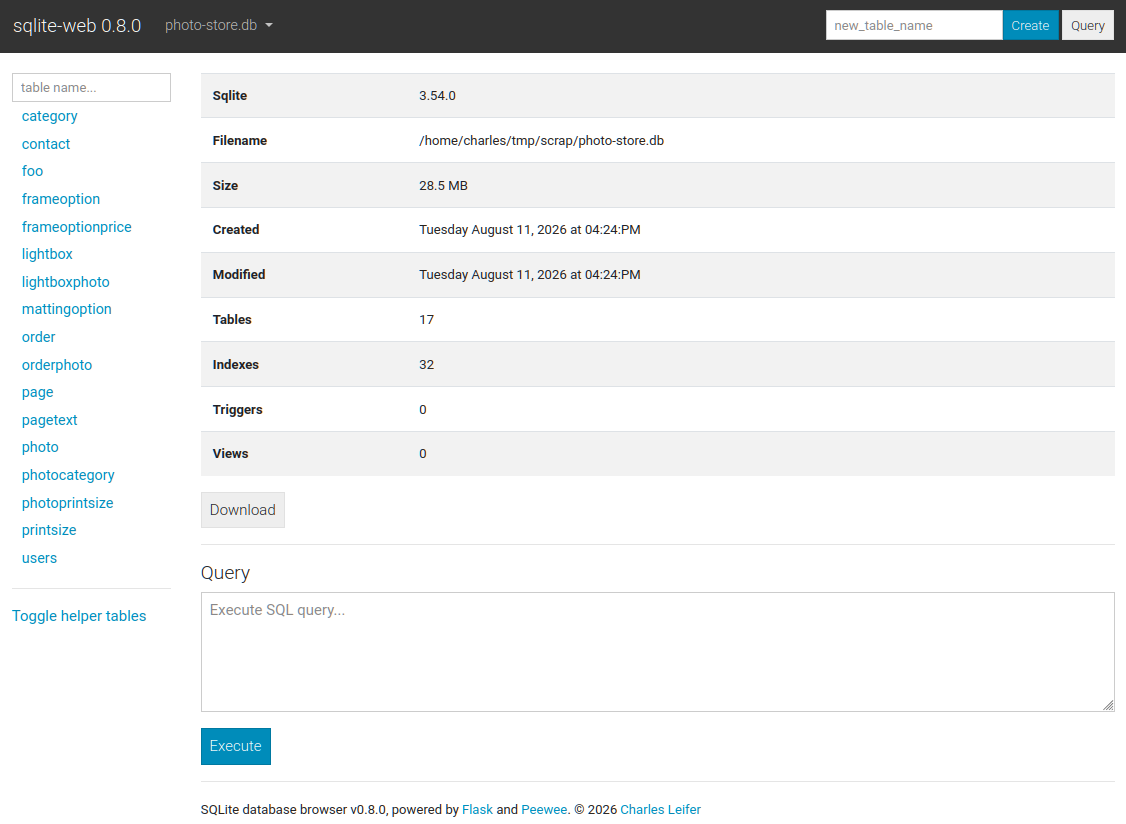
SQLite is a serverless database engine: the whole database is one file, and the application opens it directly. This template gives you that file on a persistent Railway volume, initializes it from an SQL script, and puts the sqlite-web browser interface in front of it, protected by a generated password, so you can inspect tables, run queries and import or export data from any browser.
About Hosting SQLite
The service builds from a small repository: a Python image with sqlite3 and sqlite-web, an init_db.sql that creates the schema and sample data on the first boot, and a seed_db.sql that runs once whenever its contents change. The database file lives at /data/database.db, where the Railway volume is mounted, so it survives redeploys.
SQLITE_WEB_UI_PASSWORD is generated at deploy time; copy it from the service variables to log in to the web UI on the service's public domain. RAILWAY_DEPLOYMENT_OVERLAP_SECONDS is set to 0 so the old deploy is stopped before the new one starts, which matters here: two containers writing the same SQLite file at once would corrupt it.
Common Use Cases
- A database for a small app or prototype where PostgreSQL would be more than you need
- A queryable store for scraped or imported data, edited and exported through the browser UI
- A base image for an application that ships with SQLite: fork the repo, add your service code, keep the volume and the UI
- Learning SQL with a real database and a web interface, seeded with sample tables
Dependencies for SQLite Hosting
sqlite3andsqlite-web(Python) from the template repository- A Railway volume mounted at
/data - A public domain for the web UI
Deployment Dependencies
Implementation Details
The entrypoint, in short:
if /data/database.db is missing:       run init_db.sql against it with sqlite3
if seed_db.sql changed and never ran:  run seed_db.sql against it with sqlite3
python wsgi.py /data/database.db  # sqlite-web on $PORT with SQLITE_WEB_UI_PASSWORD
To use your own schema, eject the service from the template repository in its settings (Railway creates a copy under your GitHub account), edit init_db.sql and seed_db.sql, and push.
Why Deploy SQLite on Railway?
Railway volumes are what make SQLite viable in a hosted container: the file persists, the deploy overlap can be disabled so only one writer exists, and the web UI runs on a real domain with HTTPS. For a database that would otherwise be a file on your laptop, that is the whole hosting problem solved.
Frequently Asked Questions
Can my other Railway service connect to this database?
Not over the network. SQLite has no server; it is a file, and a Railway volume can be attached to one service. If your application needs the data, run the application in this service (fork the repository and add your code), or use PostgreSQL, which is built for connections from other services.
How do I get my data in and out?
The web UI can import and export tables as CSV and JSON and run arbitrary SQL. For bulk loads, put the statements in seed_db.sql in your fork; it runs once each time it changes.
I deployed and it did not create a repository for me. Where is the code?
Railway now deploys directly from the template repository. To get your own copy, open the service settings and use the Eject option under Source; Railway mirrors the repository to your GitHub account and re-points the service at it.
Is the database backed up?
The volume persists across deploys but is not a backup. Export from the web UI, or copy /data/database.db with a scheduled job, and keep the copy somewhere else.
What does it cost?
The service is tiny: tens of megabytes of RAM and a volume that grows with your data at $0.15 per GB per month. On the Hobby plan it fits in the included usage for most small databases.
Template Content
SQLite3
railwayapp-templates/sqlite

