
Deploy Syncthing
Deploy Syncthing on Railway — encrypted peer-to-peer file synchronisation
syncthing
Just deployed
/var/syncthing

Deploy and Host Syncthing on Railway
Syncthing is open-source continuous file synchronisation. It keeps folders identical across your laptop, desktop, phone and servers with no cloud account in the middle: every device holds a full copy, changes travel directly between them over mutually authenticated TLS, and nobody else can read the contents. People reach for it when Dropbox's storage tiers stop making sense, or when an Obsidian vault or photo library needs to be the same everywhere. The catch with a peer-to-peer tool is that your devices are rarely awake at once. Self-host Syncthing on Railway and you get the missing piece: an always-on node every other device syncs against, so your laptop and phone stay in step without ever being online together.
This template runs Syncthing from the official syncthing/syncthing image on one Railway service with a persistent volume at /var/syncthing. That volume holds your files, the file index, and the TLS keypair that is this node's identity, so its Device ID survives every redeploy. Two network paths are configured for you: a public HTTPS domain serves the web interface on port 8384 behind a username and password you pick at deploy time, and a Railway TCP proxy exposes the sync protocol on port 22000 so devices connect directly rather than through a public relay. A health check on Syncthing's anonymous /rest/noauth/health endpoint tells Railway when the node is ready.

Getting Started with Syncthing on Railway
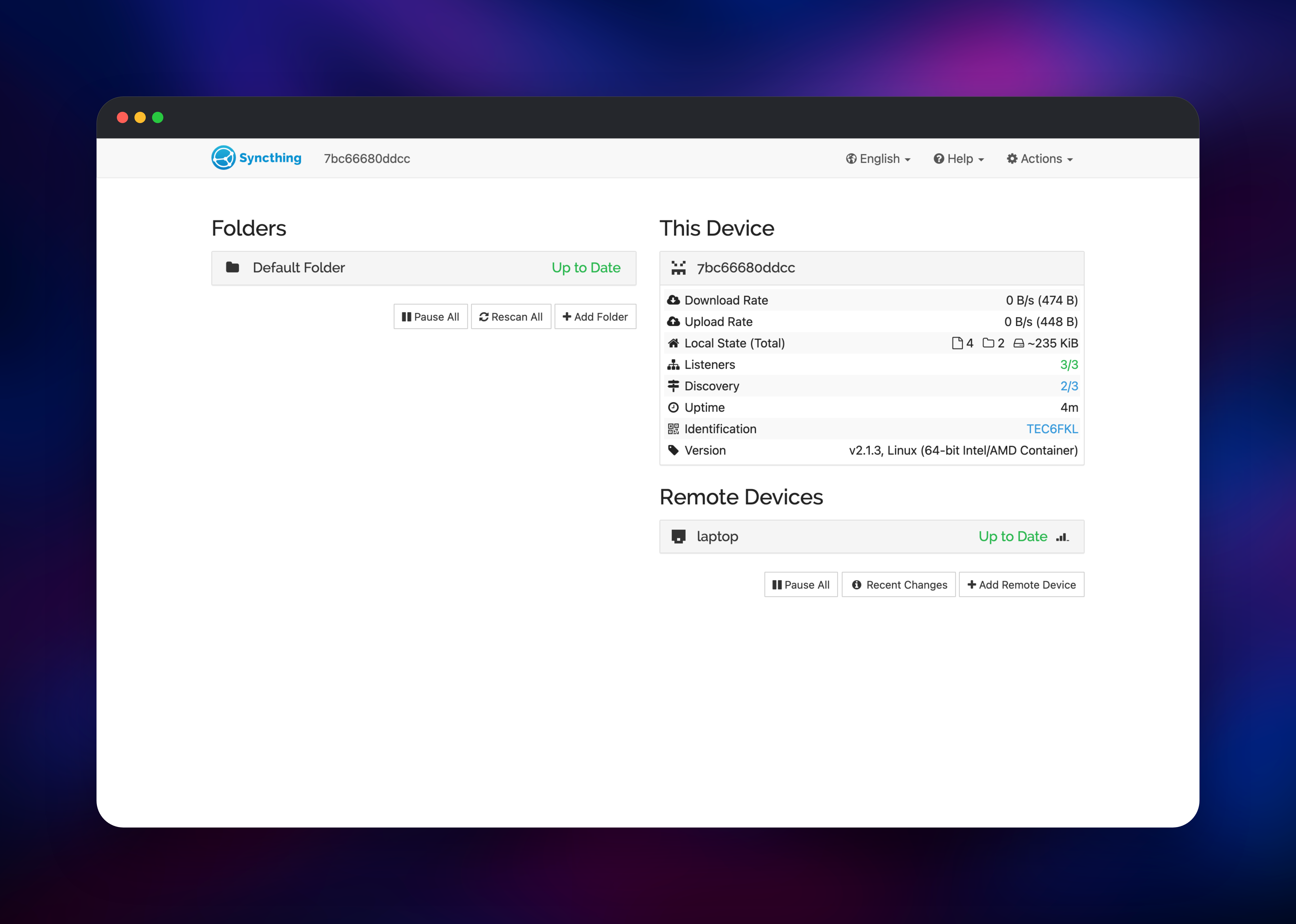
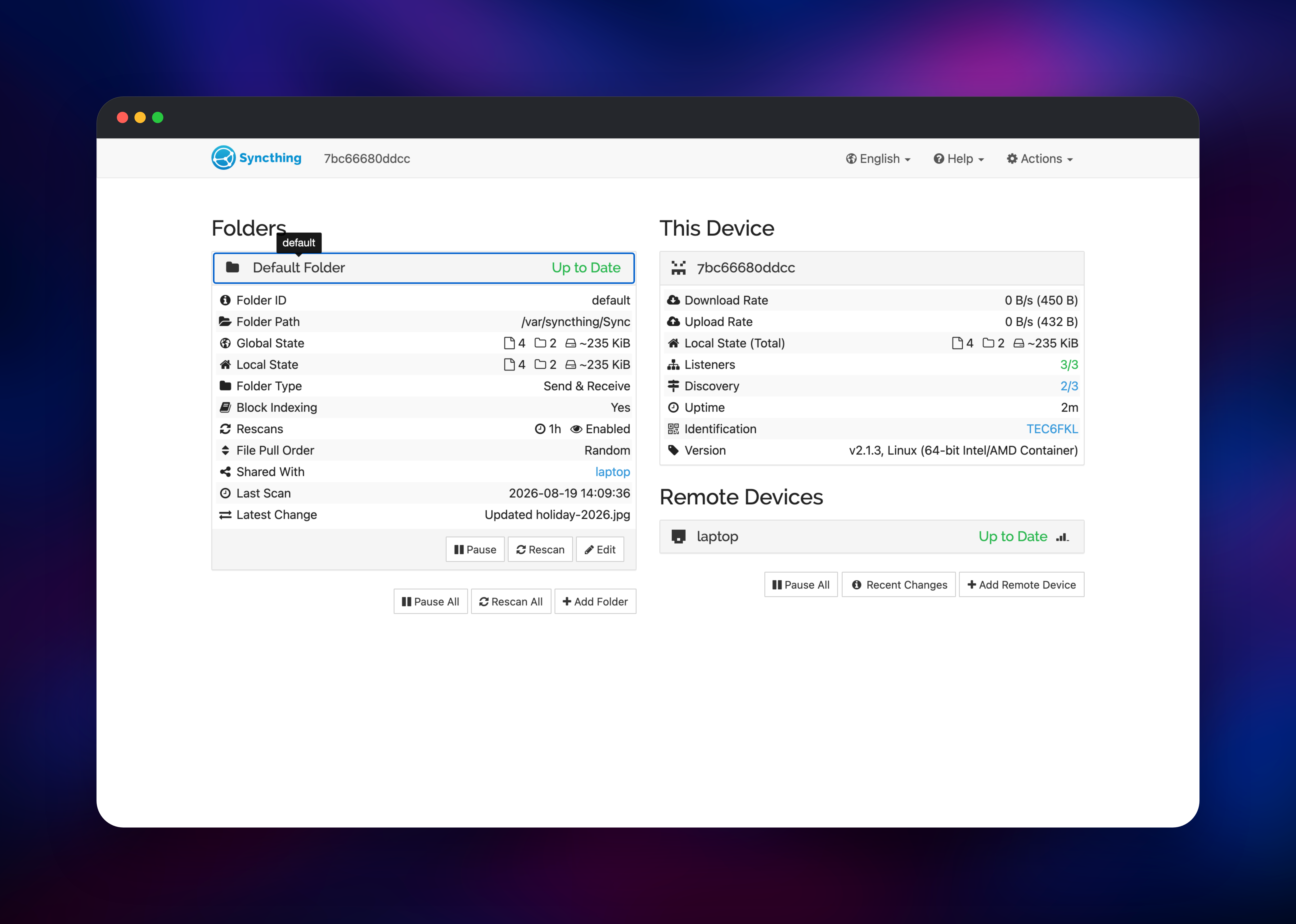
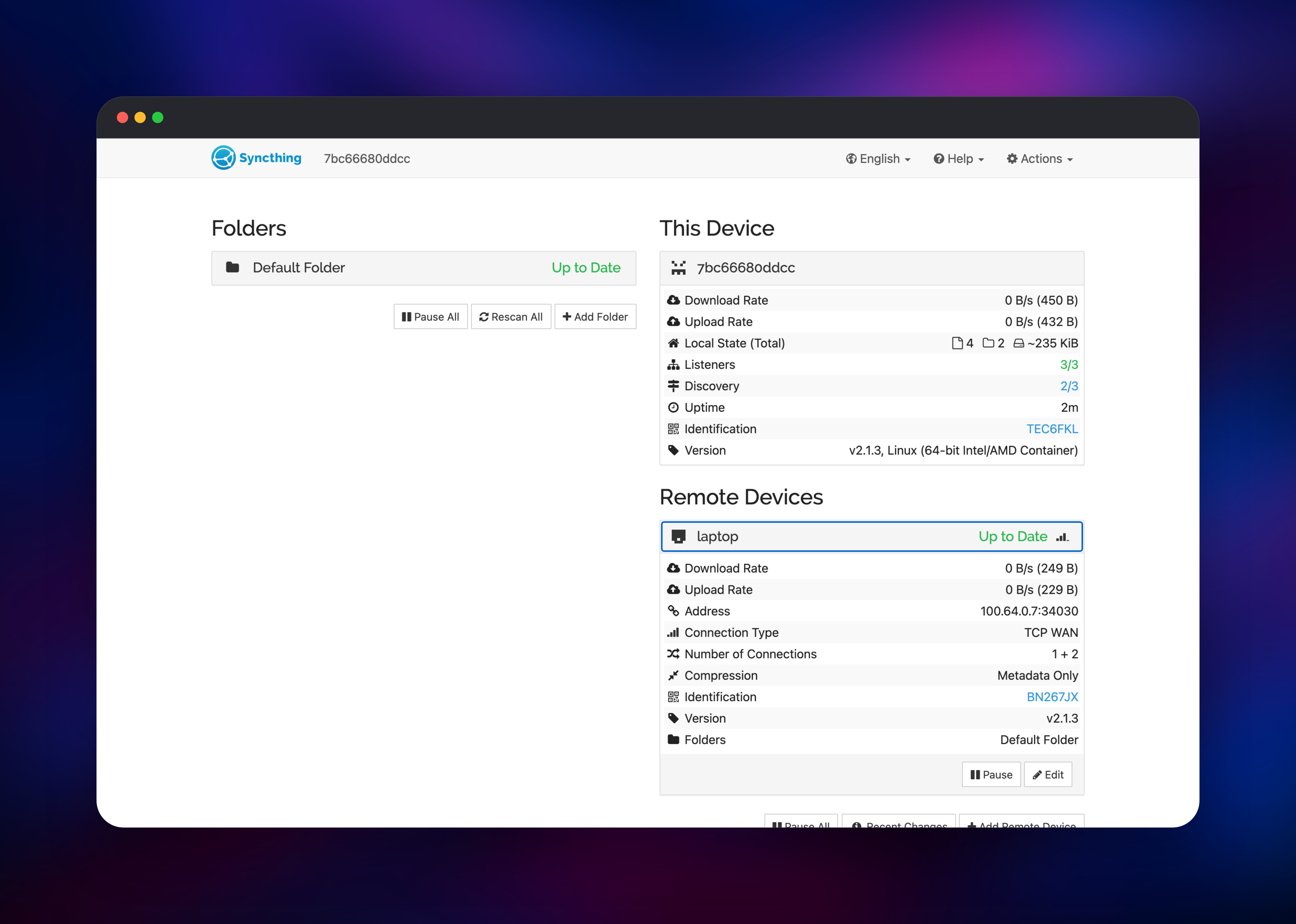
There are no default credentials to change: you set SYNCTHING_GUI_PASSWORD at deploy time, and the container refuses to start without one rather than briefly exposing an open admin panel. Open the generated Railway URL and sign in as admin. The dashboard shows a Default Folder at /var/syncthing/Sync, already inside the volume. Now copy this node's Device ID from Actions → Show ID. Install Syncthing on your laptop or phone, add a remote device, paste that ID, and — the step that makes transfers fast — set its address to tcp:// followed by the TCP proxy domain and port from your service's Settings → Networking page. Approve the pairing in the hosted interface, share the Default Folder, and drop in a file: within seconds both sides should read Up to Date with matching file counts. One rule to remember — any folder you add later must live under /var/syncthing, the volume. A folder created elsewhere disappears on the next redeploy.
About Hosting Syncthing
Syncthing is not cloud storage with a sync client bolted on — it is a protocol between equals. Each device is identified by a certificate, and a folder is shared only with devices you authorise on both ends. There is no account and no server that must be trusted. Hosting a node yourself adds the one thing that model lacks: a machine always reachable.
- Direct encrypted transfers using TLS 1.3 and per-device certificates
- File versioning: trash can, simple, staggered, or external
- Send-only, receive-only and send-receive folders, plus ignore patterns
- Untrusted devices, which store a copy they cannot decrypt
- Native clients for Windows, macOS, Linux, BSD and Android
- A full REST API for automation
The Railway architecture stays small: one container, one volume carrying everything durable. The image starts as root only long enough to prepare that volume, then drops to an unprivileged user. No database service is needed — Syncthing keeps its index on the same volume.
Why Deploy Syncthing on Railway
Railway removes the fiddly parts of running an always-on sync node:
- Persistent volume attached and mounted before first boot
- HTTPS and certificates handled at the edge
- A TCP proxy for the sync port, so peers connect directly not via relays
- Health checks and restarts on the node's readiness endpoint
- Redeploys with the device identity preserved
Common Use Cases
- Keeping an Obsidian vault, notes directory or dotfiles identical on every machine
- Backing up phone photos to a node awake when your desktop is not
- Giving a small team a shared folder with no storage provider involved
- Staging datasets so a workstation and a cloud box match
Dependencies for Syncthing
- Syncthing —
syncthing/syncthing:2, the official image. Pinned to the 2.x major line rather than a floatinglatest, because Syncthing owns an on-disk index database and a major upgrade migrates it irreversibly. Minor and patch releases still arrive on this tag. - Persistent volume — mounted at
/var/syncthing, holdingconfig/(settings, device keypair, index) andSync/(the default shared folder).
No external database, cache or object store is required.
Environment Variables Reference
| Variable | Purpose |
|---|---|
SYNCTHING_GUI_PASSWORD | Web interface password. Required to start. |
SYNCTHING_GUI_USER | Web interface username. Defaults to admin. |
STGUIAPIKEY | REST API key, sent as X-API-Key. |
PORT | Port the web interface listens on. Defaults to 8384. |
STNOUPGRADE | Set to 1 so the image tag sets the version. |
STNOPORTPROBING | Set to 1 to pin the sync port to 22000. |
Deployment Dependencies
- Source repository: github.com/gridalpha/syncthing-railway
- Upstream project: github.com/syncthing/syncthing
- Docker image: hub.docker.com/r/syncthing/syncthing
- Documentation: docs.syncthing.net
Hardware Requirements for Self-Hosting Syncthing
| Resource | Minimum | Recommended |
|---|---|---|
| CPU | 1 vCPU | 2 vCPU |
| RAM | 256 MB | 1 GB |
| Storage | Larger than the folders you sync | Twice that, with versioning on |
| Runtime | Linux container, x86-64 or ARM64 | Same |
Memory scales with the number of files indexed, not their size; CPU is used mainly for hashing during scans, measured at about 1.8 GB/s.
Self-Hosting Syncthing with Docker
The official image runs anywhere Docker does. This starts a node with its data on a named volume, web interface on port 8384:
docker run -d --name syncthing \
  -v syncthing-data:/var/syncthing \
  -p 8384:8384 -p 22000:22000/tcp \
  -e STGUIADDRESS=0.0.0.0:8384 \
  syncthing/syncthing:2
Syncthing has no environment variable for the web interface credentials — the password is stored hashed in its config file. Set it before the server first starts, with the generate subcommand:
docker run --rm -v syncthing-data:/var/syncthing \
  -e STHOMEDIR=/var/syncthing/config \
  syncthing/syncthing:2 \
  /bin/syncthing generate --gui-user=admin --gui-password=CHOOSE_A_PASSWORD
This template's source repository automates both at boot, so a deployment is never reachable without a password.
How Much Does Syncthing Cost to Self-Host?
Syncthing is free and fully open source under the MPL-2.0 licence — no paid tier, no hosted service, no per-device charge, no storage quota. Self-hosting on Railway costs only the infrastructure: one small always-on container plus the volume you size to your data. That usually beats a consumer subscription, since you pay for gigabytes stored rather than a plan tier.
Syncthing vs Dropbox and Resilio Sync
| Syncthing | Dropbox | Resilio Sync | |
|---|---|---|---|
| Licence | Open source (MPL-2.0) | Proprietary | Proprietary |
| Storage cost | Your own disk | Per-plan quota | Your own disk |
| Data visible to vendor | No | Yes | No |
| Needs a central server | No | Yes | No |
| Price | Free | Subscription | Free tier, paid Pro |
FAQ
What is Syncthing? An open-source program that continuously synchronises files between two or more devices, replacing cloud sync services by connecting them directly — traffic encrypted, no central server holding your data.
What does this Railway template deploy?
A single Syncthing node from the official syncthing/syncthing:2 image, with a persistent volume at /var/syncthing, a password-protected web interface on a public HTTPS domain, and a TCP proxy on port 22000 for syncing.
Why does this template need a volume? Everything durable lives on it: your files, the index, and the TLS keypair that defines this node's Device ID. Without it the node would take a new identity on every redeploy and every paired device would stop recognising it.
How do I connect my laptop or phone to the node?
Install Syncthing locally, add a remote device using the Device ID from Actions → Show ID, and give it the address tcp://<your-tcp-proxy-domain>:<port> from your service's networking settings. Then approve the request on the hosted node.
Where should I put new folders I want to sync?
Anywhere under /var/syncthing, the mounted volume. A folder created outside that path is written to the container filesystem and lost on the next redeploy.
Can I change the web interface password after deploying?
Yes. Change it in Syncthing's settings and it persists across redeploys. Updating the SYNCTHING_GUI_PASSWORD variable also works and wins at the next start, which is how you recover access if you forget it.
Template Content
syncthing
gridalpha/syncthing-railway

