
Deploy Wallabag | Open Source Pocket Alternative
Self Host Wallabag. Your Read-It-Later App. Save web articles & more
DBs

Just deployed
/var/lib/postgresql/data

Redis
Just deployed
/data
Wallabag
Just deployed
/var/www/wallabag/web/assets/images
Deploy and Host Wallabag on Railway
Deploy Wallabag on Railway to run your own read-it-later service with full control over your data. Wallabag is an open-source alternative to Pocket and Instapaper that lets you save web articles, strip away clutter, and read them later in a clean interface — from any device.
This Railway template pre-configures Wallabag (wallabag/wallabag:latest) with a PostgreSQL database for persistent article storage and Redis for caching. Public domain, environment variables, and volume mounts are wired up so you can self-host Wallabag and start saving articles within minutes.
Getting Started with Wallabag on Railway
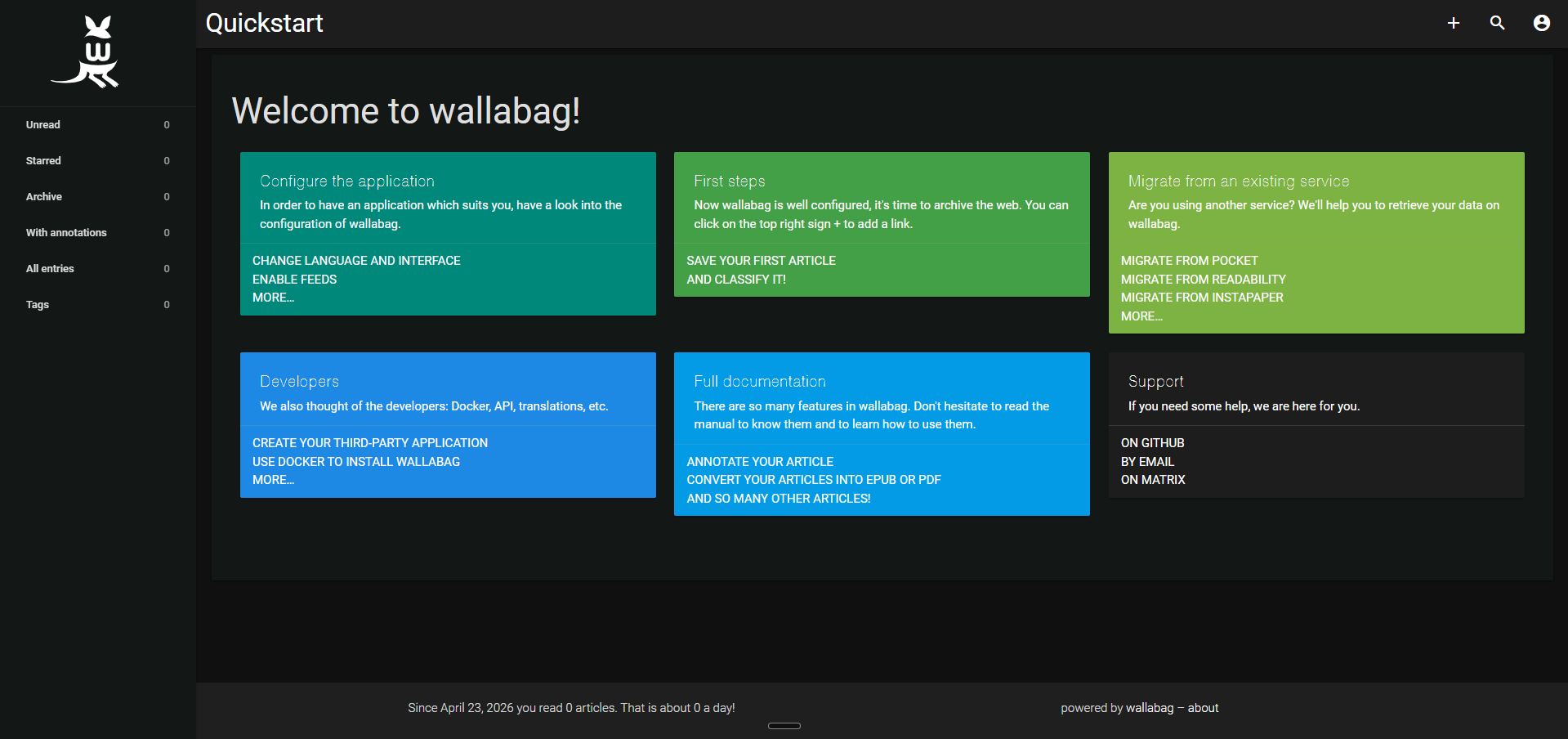
After deployment completes, open your Railway-generated public URL. You will land on the Wallabag login page. Sign in with the default credentials: username wallabag, password wallabag. Change this password immediately via Settings > User Information > Password.
Install the browser extension (Firefox, Chrome) and point it at your instance URL. From there, save any article with one click. Configure tagging rules, enable two-factor authentication, and import existing bookmarks from Pocket or Instapaper via the Import section.
About Hosting Wallabag
Wallabag is a self-hostable PHP application built on the Symfony framework. It saves full article content — not just bookmarks — so articles remain readable even if the original site goes down.
- Full-text article extraction — strips ads, navigation, and tracking from saved pages
- Multi-format export — download articles as EPUB, MOBI, PDF, CSV, or plain text
- Tagging and filtering — organize articles with tags, starred favorites, and archive status
- REST API — full API with Pocket-compatible endpoints for easy migration
- Browser extensions — save articles from Firefox, Chrome, Edge, and Safari
- Mobile apps — native Android and iOS clients with offline reading support
- RSS feeds — expose unread, starred, and archived articles as RSS feeds
- Import from Pocket, Instapaper, Pinboard — bulk import your existing reading list
Why Deploy Wallabag on Railway
- Own your data — articles stored in your PostgreSQL database, not a third-party service
- No vendor lock-in — export everything as EPUB, PDF, or via the REST API
- Zero ads, zero tracking — clean reading experience without monetization
- One-click deploy — Railway handles TLS, domains, and database provisioning
- Scales with you — Railway's usage-based pricing means you pay only for what you use
Common Use Cases for Self-Hosted Wallabag
- Personal read-it-later — save long-form articles from news sites, blogs, and documentation to read on your commute or offline
- Research archival — capture web content permanently before it gets paywalled, deleted, or moved
- Pocket/Instapaper replacement — migrate from commercial services while keeping full control of your data and reading history
- EPUB library building — batch-export saved articles to EPUB for e-readers like Kindle or Kobo
Dependencies for Wallabag on Railway
This template deploys three services:
- Wallabag —
wallabag/wallabag:latest— the main PHP application (Symfony + Apache) - PostgreSQL — Railway-managed Postgres instance for article and user storage
- Redis — Railway-managed Redis instance for session and async job caching
Environment Variables Reference for Wallabag
| Variable | Description |
|---|---|
SYMFONY__ENV__DATABASE_DRIVER | Database engine (pdo_pgsql for PostgreSQL) |
SYMFONY__ENV__DOMAIN_NAME | Full public URL with https:// prefix |
SYMFONY__ENV__SECRET | Symfony application secret key |
SYMFONY__ENV__FOSUSER_REGISTRATION | Enable/disable public user registration |
SYMFONY__ENV__REDIS_HOST | Redis hostname for caching |
POPULATE_DATABASE | Trigger first-time schema creation (True/False) |
Deployment Dependencies
- Runtime: PHP 8.4, Apache, Symfony 4.x
- Docker Hub: wallabag/wallabag
- GitHub: wallabag/wallabag (10.7k+ stars)
- Documentation: doc.wallabag.org
Hardware Requirements for Self-Hosting Wallabag
| Resource | Minimum | Recommended |
|---|---|---|
| CPU | 1 vCPU | 2 vCPU |
| RAM | 512 MB | 2 GB |
| Storage | 1 GB | 5 GB+ (scales with saved articles and images) |
| Runtime | PHP 8.1+ | PHP 8.4 |
For large article libraries (4,000+ articles), allocate at least 4 GB RAM to avoid memory issues during imports.
Self-Hosting Wallabag with Docker
Pull and run the official Docker image with PostgreSQL:
docker run -d \
  --name wallabag \
  -p 8080:80 \
  -e SYMFONY__ENV__DATABASE_DRIVER=pdo_pgsql \
  -e SYMFONY__ENV__DATABASE_HOST=db \
  -e SYMFONY__ENV__DATABASE_PORT=5432 \
  -e SYMFONY__ENV__DATABASE_NAME=wallabag \
  -e SYMFONY__ENV__DATABASE_USER=wallabag \
  -e SYMFONY__ENV__DATABASE_PASSWORD=your_password \
  -e SYMFONY__ENV__DOMAIN_NAME=https://wallabag.example.com \
  -e SYMFONY__ENV__SECRET=$(openssl rand -hex 16) \
  -e POPULATE_DATABASE=True \
  -e POSTGRES_USER=postgres \
  -e POSTGRES_PASSWORD=your_password \
  -v wallabag_images:/var/www/wallabag/web/assets/images \
  wallabag/wallabag:latest
Or with Docker Compose including PostgreSQL and Redis:
services:
  wallabag:
    image: wallabag/wallabag:latest
    ports:
      - "8080:80"
    environment:
      SYMFONY__ENV__DATABASE_DRIVER: pdo_pgsql
      SYMFONY__ENV__DATABASE_HOST: db
      SYMFONY__ENV__DATABASE_PORT: "5432"
      SYMFONY__ENV__DATABASE_NAME: wallabag
      SYMFONY__ENV__DOMAIN_NAME: https://wallabag.example.com
      POPULATE_DATABASE: "True"
    depends_on:
      - db
      - redis
  db:
    image: postgres:16
    environment:
      POSTGRES_DB: wallabag
      POSTGRES_USER: wallabag
      POSTGRES_PASSWORD: changeme
    volumes:
      - pgdata:/var/lib/postgresql/data
  redis:
    image: redis:7-alpine
volumes:
  pgdata:
Is Wallabag Free to Self-Host?
Wallabag is fully open-source under the MIT license — free to self-host with no feature restrictions, no premium tier, and no usage limits. The hosted service at wallabag.it costs 11 EUR/year for those who prefer managed hosting. On Railway, your only cost is infrastructure — typically under $5/month for personal use with Railway's usage-based pricing.
Wallabag vs Pocket: Why Self-Host on Railway?
| Feature | Wallabag (Self-Hosted) | |
|---|---|---|
| Pricing | Free (open-source) | Free tier + Premium ($4.99/mo) |
| Data ownership | Full — your database, your server | Mozilla-controlled |
| Export formats | EPUB, MOBI, PDF, CSV, TXT | HTML only |
| API | REST + Pocket-compatible | Proprietary |
| Browser extensions | Firefox, Chrome, Edge, Safari | Firefox, Chrome |
| Mobile apps | Android, iOS | Android, iOS |
| Self-hosted | Yes | No |
| Ads | None | Free tier shows sponsored content |
Wallabag gives you Pocket's core functionality with full data ownership, richer export options, and zero vendor lock-in.
FAQ
What is Wallabag and why should I self-host it? Wallabag is an open-source read-it-later application that saves full copies of web articles for distraction-free reading. Self-hosting gives you complete control over your data — no third-party tracking, no vendor lock-in, and no risk of the service shutting down (as happened with Pocket's announced sunset by Mozilla).
What does this Railway template deploy for Wallabag? This template deploys three services: the Wallabag PHP application, a PostgreSQL database for storing articles and user accounts, and a Redis instance for caching and background job processing. All services are pre-configured with secure defaults and Railway reference variables.
Why does Wallabag on Railway need PostgreSQL and Redis? PostgreSQL stores all articles, user accounts, tags, and reading progress. Redis handles session caching and asynchronous job processing (like bulk article imports). While Wallabag supports SQLite, PostgreSQL is recommended for production deployments handling concurrent users.
How do I import my Pocket or Instapaper bookmarks into self-hosted Wallabag?
After logging in, navigate to Import in the sidebar. Wallabag supports direct import from Pocket (via OAuth), Instapaper, Pinboard, Firefox bookmarks, Chrome bookmarks, and generic HTML bookmark exports. For large imports (1,000+ articles), increase PHP_MEMORY_LIMIT to 256M or higher.
How do I change the default admin password in Wallabag on Railway?
Log in with the default credentials (wallabag / wallabag), then go to Config > User Information > Password. Change it immediately — the service is publicly accessible and the default credentials are well-known.
Can I enable public registration on my self-hosted Wallabag instance?
Yes, set SYMFONY__ENV__FOSUSER_REGISTRATION=true to allow anyone to create an account. By default, registration is disabled for security. You can also enable email confirmation by setting SYMFONY__ENV__FOSUSER_CONFIRMATION=true.
Template Content
Redis
redis:8.2.1Wallabag
wallabag/wallabag:latest

