
Deploy Plandex | Open Source AI Coding Agent for Large Codebases
Self Host Plandex. AI coding, plan versioning, multi-file edits, & more

Just deployed
/var/lib/postgresql/data

Plandex Server
Just deployed
/plandex-server
Deploy and Host Plandex on Railway
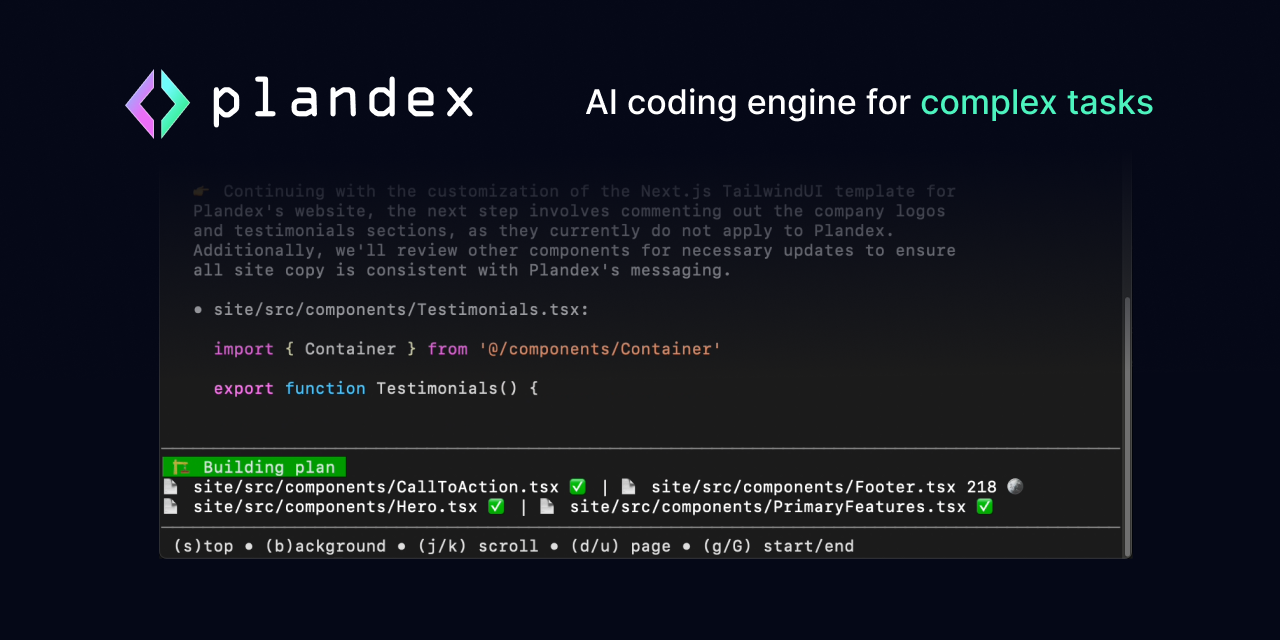
Plandex is an open-source, terminal-based AI coding agent built for large projects and real-world development tasks. It plans multi-step changes across dozens of files, applies them in a sandboxed diff review, and supports version control and rollback for every AI-generated plan.
Deploy Plandex on Railway with a pre-configured PostgreSQL database, persistent volume for plan storage, and an embedded LiteLLM proxy that routes requests to 11+ LLM providers. Self-host Plandex to keep your code and API keys on your own infrastructure while your team collaborates on AI-assisted development.
Getting Started with Plandex on Railway
After deployment completes, install the Plandex CLI on your local machine. The following script installs the CLI for your platform:
curl -sL https://plandex.ai/install.sh | bash
Set your Plandex server URL and sign in:
export PLANDEX_API_URL=https://your-railway-domain.up.railway.app
plandex sign-in
Create a new account when prompted — in development mode with LOCAL_MODE enabled, email verification is skipped. Navigate to your project directory, run plandex new to start a plan, then plandex tell "implement feature X" to begin coding with AI. Set your LLM API key locally with export OPENAI_API_KEY=sk-... or export ANTHROPIC_API_KEY=sk-ant-... before starting.
About Hosting Plandex
Plandex is a client-server AI coding agent where the CLI runs on developer machines and connects to a central server. The server manages plans, file context, conversation history, and model routing through an embedded LiteLLM proxy.
- Plans changes across 50+ files with cumulative diff review before applying
- Built-in version control — branch, rewind, and diff any plan state
- Supports Anthropic, OpenAI, Google, xAI, OpenRouter, Ollama, DeepSeek, and more
- Tree-sitter powered project maps for 30+ languages (up to 2M tokens of context)
- Automated debugging for terminal commands and browser applications
- BYO API keys — LLM credentials stay on developer machines, never stored server-side
The template deploys a Go-based API server with an embedded Python LiteLLM proxy subprocess, backed by PostgreSQL for metadata and a persistent volume for plan file storage.
Why Deploy Plandex on Railway
- One-click deploy with PostgreSQL and persistent storage pre-configured
- No Docker or server management — Railway handles scaling and TLS
- Keep your source code and API keys off third-party cloud services
- Team collaboration on AI plans with a shared self-hosted server
- Plandex Cloud is winding down — self-hosting is the primary path forward
Common Use Cases for Self-Hosted Plandex
- Large-scale refactoring — plan and execute changes spanning dozens of files across big codebases with AI assistance
- Full-feature development — build entire features or applications from scratch with AI planning, implementation, and automated debugging
- Codebase exploration — project-aware chat mode for asking questions and understanding unfamiliar codebases
- Team AI coding server — shared self-hosted instance where multiple developers collaborate on AI-assisted plans
Dependencies for Plandex on Railway
- plandex-server —
plandexai/plandex-server:latest(Go API server + embedded LiteLLM Python proxy) - PostgreSQL — Railway-managed database for metadata, migrations, and user data
Environment Variables Reference for Plandex
| Variable | Description | Default |
|---|---|---|
DATABASE_URL | PostgreSQL connection string | Required |
GOENV | Server mode (development or production) | development |
LOCAL_MODE | Skip email verification when 1 | 1 |
PLANDEX_BASE_DIR | Plan file storage directory | /plandex-server |
PORT | HTTP server listening port | 8099 |
API_HOST | Public URL (required in production mode) | — |
Deployment Dependencies
- Runtime: Go 1.23+ server, Python 3.x venv (LiteLLM)
- Docker Hub: plandexai/plandex-server
- GitHub: plandex-ai/plandex
- Docs: docs.plandex.ai
Hardware Requirements for Self-Hosting Plandex
| Resource | Minimum | Recommended |
|---|---|---|
| CPU | 1 vCPU | 2 vCPU |
| RAM | 512 MB | 1 GB |
| Storage | 1 GB (server + plans) | 5 GB+ |
| Database | PostgreSQL 14+ | PostgreSQL 16 |
The Go server is lightweight. Resource usage scales with the number of active plans and users. LLM inference is offloaded to external providers — the server only routes API calls.
Self-Hosting Plandex with Docker
Clone the repository and run with Docker Compose:
git clone https://github.com/plandex-ai/plandex.git
cd plandex/app
docker-compose up -d
Or run the server image directly:
docker run -d \
  -p 8099:8099 \
  -e DATABASE_URL="postgres://user:pass@db:5432/plandex?sslmode=disable" \
  -e GOENV=development \
  -e LOCAL_MODE=1 \
  -e PLANDEX_BASE_DIR=/plandex-server \
  -v plandex-data:/plandex-server \
  plandexai/plandex-server:latest
For production mode with email verification, set GOENV=production and configure SMTP variables (SMTP_HOST, SMTP_PORT, SMTP_USER, SMTP_PASSWORD).
How Much Does Plandex Cost to Self-Host?
Plandex is fully open-source under the MIT License. There are no license fees, usage limits, or paid tiers for the self-hosted server. Plandex Cloud (the hosted option) is winding down and no longer accepts new users — self-hosting is the recommended path.
Your only costs are Railway infrastructure (typically $5–10/month for light usage) and LLM API fees from your chosen provider (OpenAI, Anthropic, etc.). Users bring their own API keys — the server never stores them.
Plandex vs Aider vs Cursor
| Feature | Plandex | Aider | Cursor |
|---|---|---|---|
| Interface | Terminal CLI | Terminal CLI | GUI IDE |
| Multi-file changes | Yes (50+ files) | Yes | Yes |
| Plan versioning | Built-in branches/rollback | Git-based | No |
| Self-hosted server | Yes | No (local only) | No |
| Open source | MIT | Apache 2.0 | Proprietary |
| LLM providers | 11+ via LiteLLM | OpenAI, Anthropic, others | Built-in |
| Team collaboration | Yes (shared server) | No | Limited |
Plandex stands out with its server-based architecture enabling team collaboration and its built-in plan versioning system for reviewing and rolling back AI changes.
FAQ
What is Plandex and why self-host it? Plandex is an open-source AI coding agent that plans and executes multi-step development tasks across large codebases. Self-hosting keeps your source code, conversation history, and API routing on your own infrastructure instead of third-party servers.
What does this Railway template deploy for Plandex? The template deploys a Plandex API server (Go + embedded LiteLLM Python proxy) with a Railway-managed PostgreSQL database and a persistent volume for plan file storage. The server listens on port 8099.
Why does the Plandex Railway template include PostgreSQL? PostgreSQL stores user accounts, organization data, plan metadata, and handles database migrations. It is required — the server will not start without a valid database connection.
How do I connect the Plandex CLI to my self-hosted Railway server?
Install the CLI with curl -sL https://plandex.ai/install.sh | bash, then set export PLANDEX_API_URL=https://your-domain.up.railway.app and run plandex sign-in to create an account or log in.
How do I enable production mode with email authentication on self-hosted Plandex?
Change GOENV to production, remove LOCAL_MODE, set API_HOST to your Railway public URL, and configure SMTP variables (SMTP_HOST, SMTP_PORT, SMTP_USER, SMTP_PASSWORD). Users will receive PIN codes via email to verify their accounts.
Can I use local LLMs like Ollama with self-hosted Plandex on Railway?
The server supports Ollama via the OLLAMA_BASE_URL environment variable, but the Ollama instance must be network-accessible from Railway. You would need to host Ollama separately with a public endpoint or use Railway's private networking if both services are in the same project.
Template Content
Plandex Server
plandexai/plandex-server:latest