Deploy GitHub Readme Stats
Get dynamically generated GitHub stats on your READMEs!
github-readme-stats-selfhosted
Just deployed
Deploy and Host GitHub Readme Stats on Railway
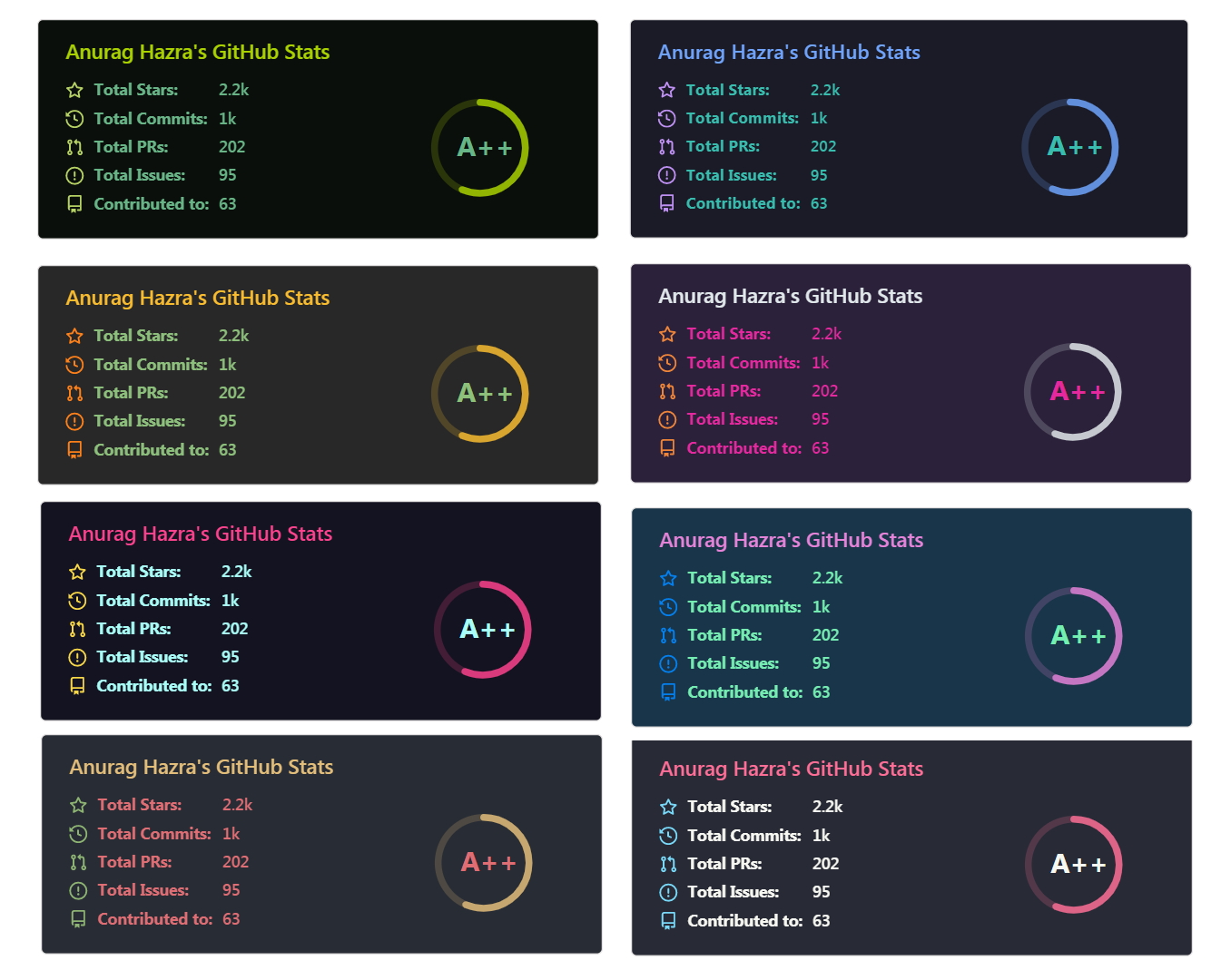
GitHub Readme Stats is a popular open-source tool that dynamically generates customizable SVG cards displaying your GitHub profile statistics, such as total stars, commits, pull requests, contributions, top languages, and more. Embed these eye-catching cards directly into your README for an impressive, always-up-to-date profile showcase.
About Hosting GitHub Readme Stats
This Railway template deploys a self-hosted instance of GitHub Readme Stats using a lightweight Docker image that automatically fetches the latest code from the original repository on startup. The container runs a Node.js server exposing endpoints to generate stats cards via simple URL queries (e.g., /api?username=yourname). To operate reliably, you'll need to provide a GitHub Personal Access Token (PAT) to bypass public API rate limits, and strongly consider whitelisting usernames to prevent abuse on your public endpoint. The setup is stateless by design—no persistent volumes needed on /repo—for smooth deploys and restarts. Once live, access your instance at the Railway-provided domain for private or shared stats generation.
Common Use Cases
- Personal GitHub profile enhancement with custom, up-to-date stats cards in your README
- Private self-hosted stats for organizations or teams avoiding public rate limits
- Embedding dynamic stats in personal websites, portfolios, or documentation
Dependencies for GitHub Readme Stats Hosting
You can configure the container using the following environment variables:
| Variable | Description | Default |
|---|---|---|
| PAT_1 | Required. Your GitHub Personal Access Token. You can add PAT_2, PAT_3, etc., to increase your rate limit. | None |
| WHITELIST | Strongly Recommended. Comma-separated list of usernames allowed to use the instance. Set this to your own username to prevent abuse. | null (Open to everyone) |
| GITHUB_README_STATS_REPO | The git repository URL to clone. | https://github.com/anuraghazra/github-readme-stats.git |
| GITHUB_README_STATS_REF | The branch, tag, or commit hash to use. | master |
| FIX_AUDIT | Run npm audit fix before starting the server. | true |
| PORT | The internal port the Node server listens on. | 9000 |
Creating a Personal Access Token (PAT)
For deploying your own instance of GitHub Readme Stats, you will need to create a GitHub Personal Access Token (PAT). Below are the steps to create one and the scopes you need to select for both classic and fine-grained tokens.
Selecting the right scopes for your token is important in case you want to display private contributions on your cards.
Classic token
- Go to Account -> Settings -> Developer Settings -> Personal access tokens -> Tokens (classic) .
- Click on Generate new token -> Generate new token (classic) .
- Scopes to select:
- repo
- read:user
- Click on Generate token and copy it.
Fine-grained token
- Go to Account -> Settings -> Developer Settings -> Personal access tokens -> Fine-grained tokens .
- Click on Generate new token -> Generate new token .
- Select an expiration date
- Select All repositories
- Scopes to select in Repository permissions:
- Commit statuses: read-only
- Contents: read-only
- Issues: read-only
- Metadata: read-only
- Pull requests: read-only
- Click on Generate token and copy it.
- Strongly recommended: Username whitelist to restrict access and prevent abuse
Deployment Dependencies
- Docker image: ghcr.io/utkuozdemir/github-readme-stats-selfhosted
- Original project: anuraghazra/github-readme-stats
Implementation Details
In Railway, after deploying the template:
- Add environment variable
PAT_1with your GitHub PAT (created following the steps above) - Add
WHITELISTwith comma-separated usernames (e.g., your GitHub username) - Optional: Set
GITHUB_README_STATS_REFto a specific tag (e.g.,v6.0.0) for stability instead ofmaster - Railway automatically sets
PORT, so the app will listen on it—no need to override unless custom - Test: Visit
https://your-service.up.railway.app/api?username=anuraghazra
Why Deploy GitHub Readme Stats on Railway?
Railway is a singular platform to deploy your infrastructure stack. Railway will host your infrastructure so you don't have to deal with configuration, while allowing you to vertically and horizontally scale it.
By deploying GitHub Readme Stats on Railway, you are one step closer to supporting a complete full-stack application with minimal burden. Host your servers, databases, AI agents, and more on Railway.
Template Content
github-readme-stats-selfhosted
ghcr.io/utkuozdemir/github-readme-stats-selfhosted:latestPAT_1
Github Classic Token with 'repo' and 'read:user' scopes


